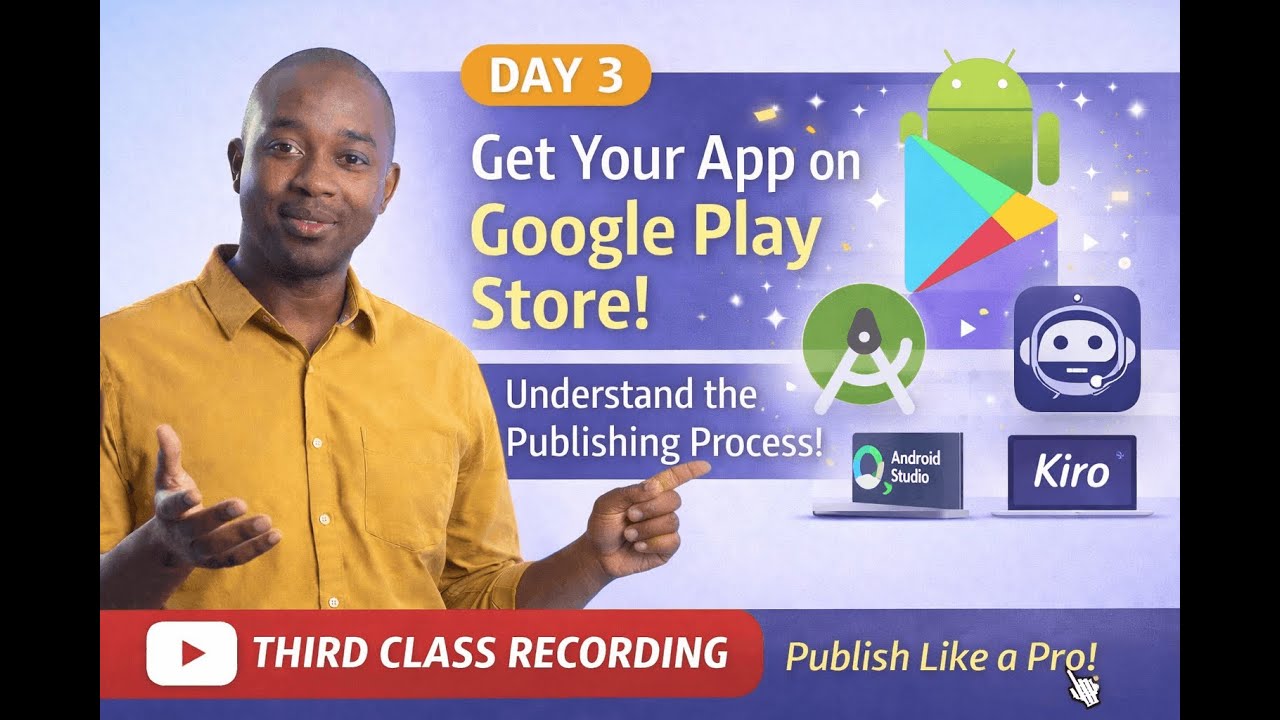
Session 3 - How Apps Get to the Play Store (Android Studio + Kiro)
Автор: Cyber Sasa Systems
Загружено: 2026-01-14
Просмотров: 59
Session 3 - How Apps Get to the Play Store (Android Studio + Kiro)
This session focused on helping beginners understand what really happens between having an app idea and seeing that app published on the Google Play Store.
We began by installing **Android Studio**, the primary tool used to build Android apps. The class covered system requirements, why Android Studio is resource-intensive, and what to expect if you are using a lower-spec computer. Real installation issues were handled live, including slow downloads, SDK errors, and component setup problems.
While Android Studio was installing, we broke down the **full lifecycle of an Android app**, including:
How app ideas are generated using AI
Traditional development steps versus AI-assisted workflows
How apps are tested on emulators and real devices
Why most Android apps are distributed through the Play Store
The session then moved into a detailed walkthrough of the **Google Play Console**, explaining:
The mandatory one-time $25 developer fee
How apps are created and managed inside the console
The difference between internal testing, closed testing, and production
Why closed testing is now required and how it slows down many developers
Common reasons apps get stuck in testing for weeks or months
A live demonstration showed how to:
Create a new app entry in the Play Console
Name the app and configure its availability
Set up closed testing with testers, countries, and timelines
We also introduced *Kiro* as the AI-powered environment used in this course, explaining how it fits into the development process and how AI accelerates app creation. Using a shared screen, participants saw how app projects are created, how credits work, and how AI-generated code can later be moved to a local computer.
To support complete beginners, the class included a simple explanation and demonstration of:
Creating folders and files on a computer
Understanding the difference between folders and files
Saving files correctly and organizing project structures
Finally, we covered important setup concepts in Android Studio, including:
Creating a new project using templates
App naming and package names
Minimum SDK selection and device compatibility
Monitoring background setup processes
Preventing system security tools from interfering with app projects
This session is ideal for anyone who has never used Android Studio before and wants a clear, honest understanding of how apps actually reach the Play Store, without hype or shortcuts.
Доступные форматы для скачивания:
Скачать видео mp4
-
Информация по загрузке: