How To Import an SVG or DXF File in Fusion 360 and Generate a Toolpath
Автор: Halo Innovations
Загружено: 2024-10-16
Просмотров: 7958
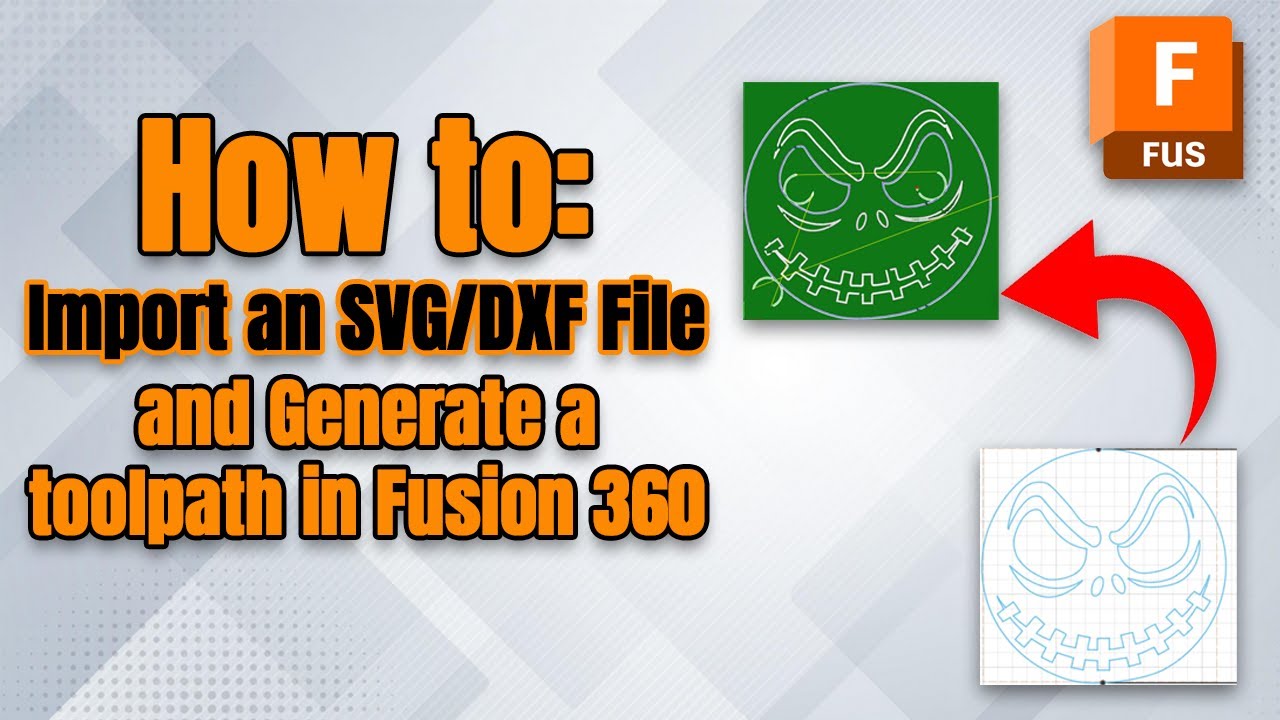
This video covers how to import and resize an SVG or DXF file, and how to generate a toolpath in fusion 360 for use on a CNC Plasma Table.
Correction/Note for when creating the toolpath for your parts. If you want to have the ability to change your Kerf on the table, or you are exporting a file with 0 Kerf, be sure to select the "In Control" compensation type in the "Passes" tab. If you select the "In Computer" compensation type, then the Kerf set in fusion will override any Kerf settings on the table.
Please note that running a CAD/CAM program will require a higher amount of RAM. To be on the safe side, you should aim for 16BG of RAM or higher.
If you need to contact us directly, please visit the website linked here: https://halo-innovations.ca/or email us at sales@halo-innovations.ca
Check out our social pages -
/ haloinnovations
https://www.facebook.com/profile.php?...
Доступные форматы для скачивания:
Скачать видео mp4
-
Информация по загрузке:




![Beginner's Guide to V Carving in Fusion 360 - [2022] CNC V Carve Tutorial](https://imager.clipsaver.ru/ZH5AU21p2xE/max.jpg)
![Beginner's Guide to Importing 2D Assets into Fusion 360 - JPEG, PNG, SVG, DXF [2022]](https://imager.clipsaver.ru/rOOGCaTK9iI/max.jpg)