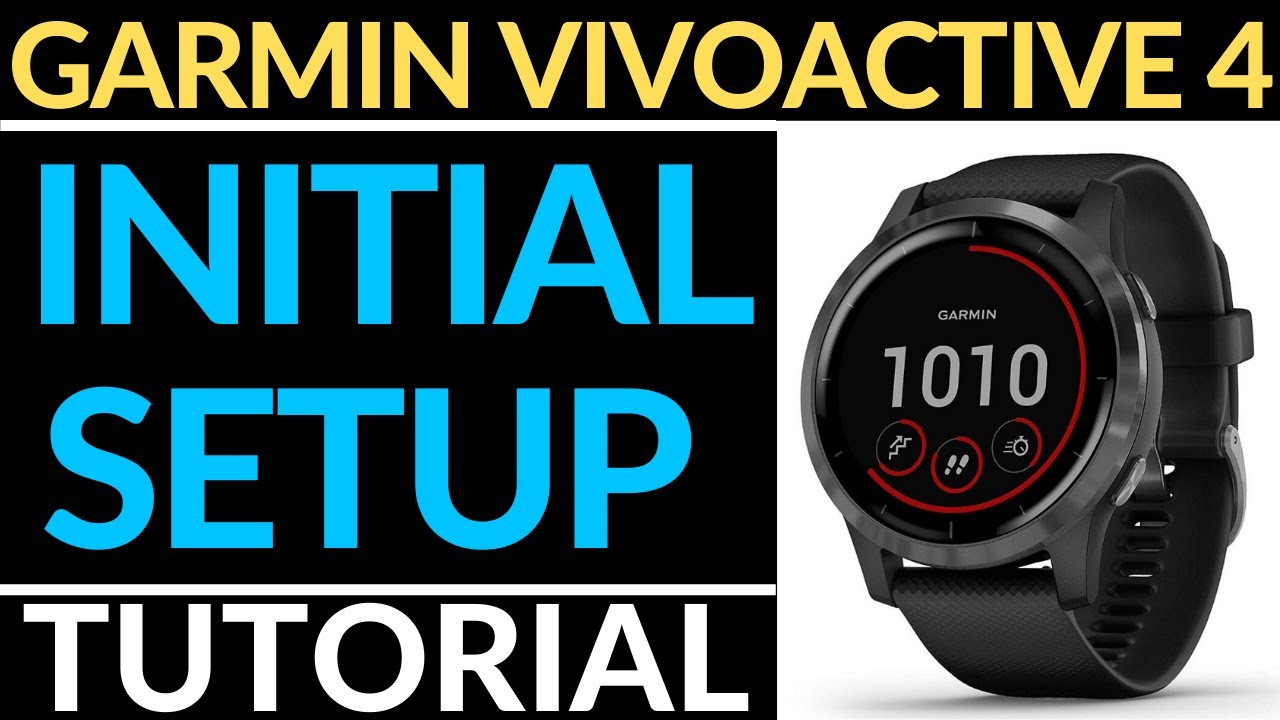
How to Install Watch Faces - Garmin Vivoactive 4 Tutorial
Автор: Gauging Gadgets
Загружено: 2019-11-09
Просмотров: 45070
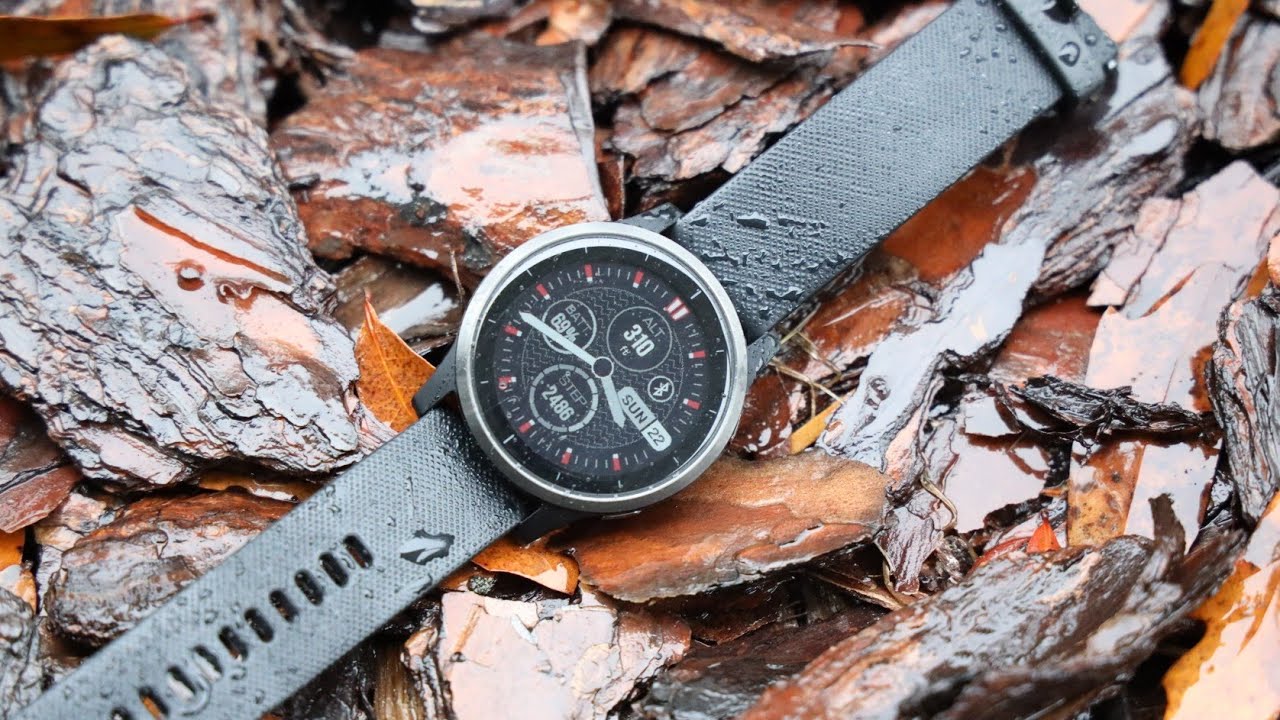
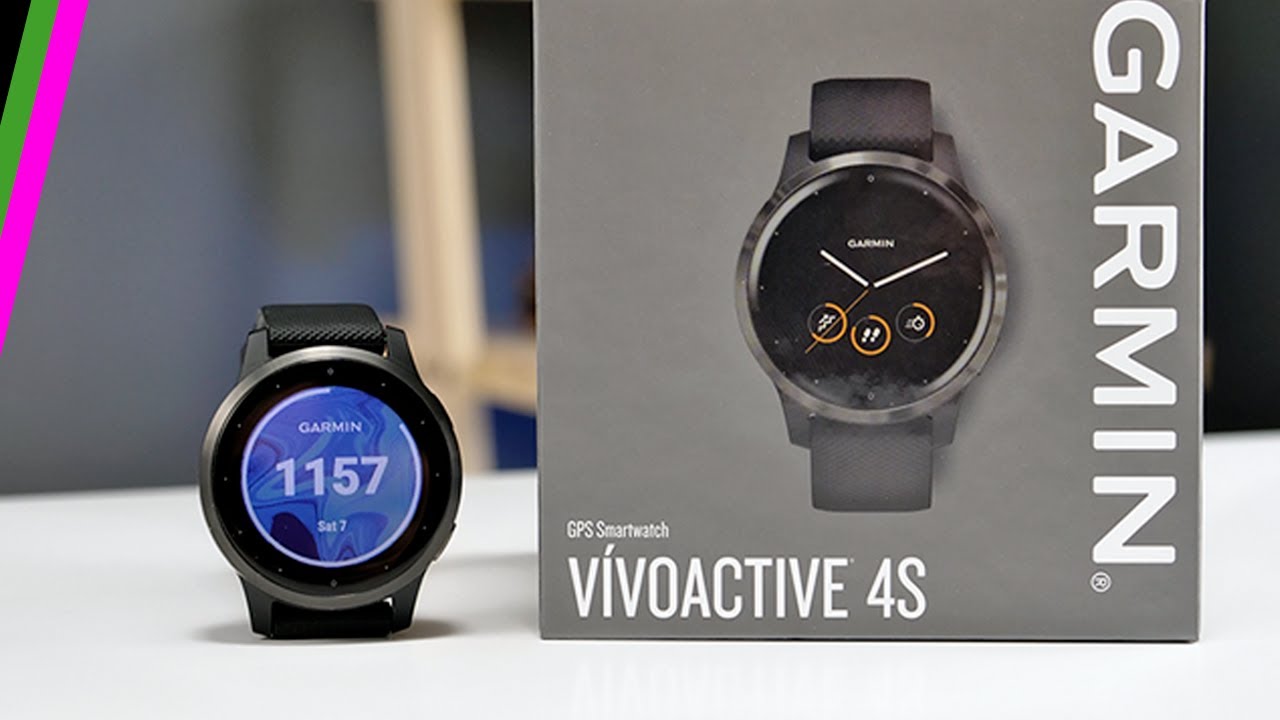
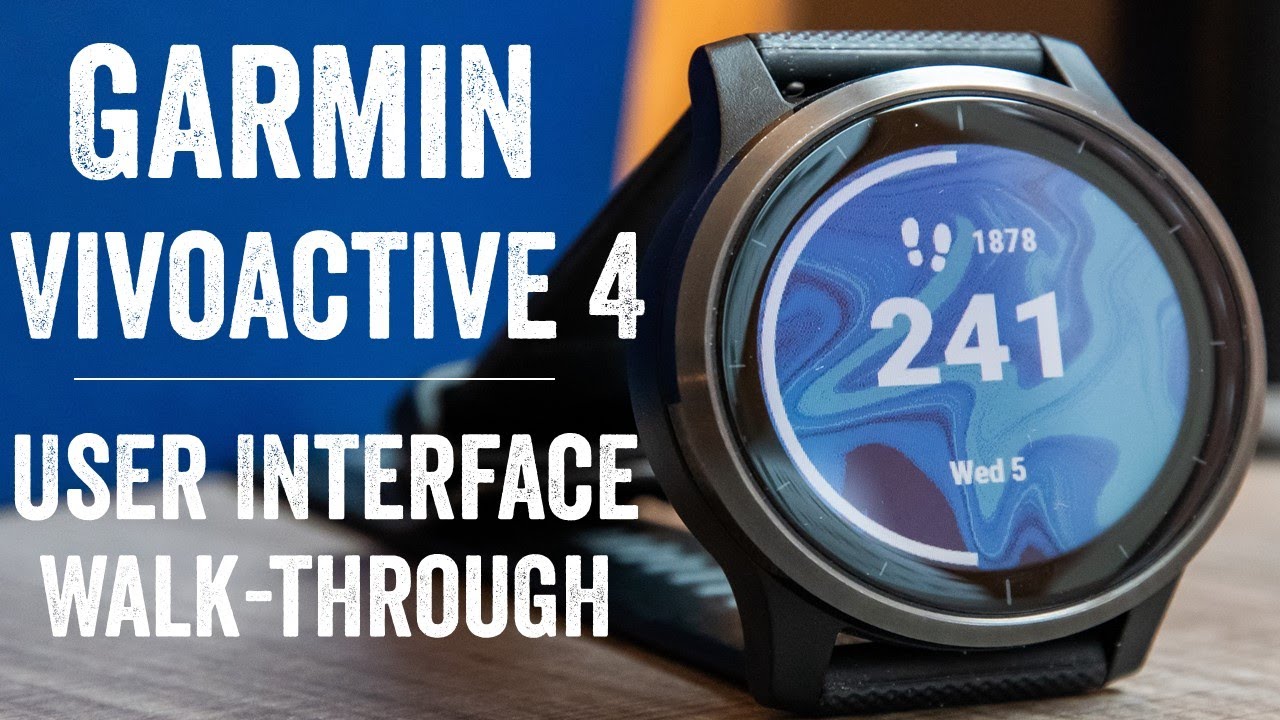
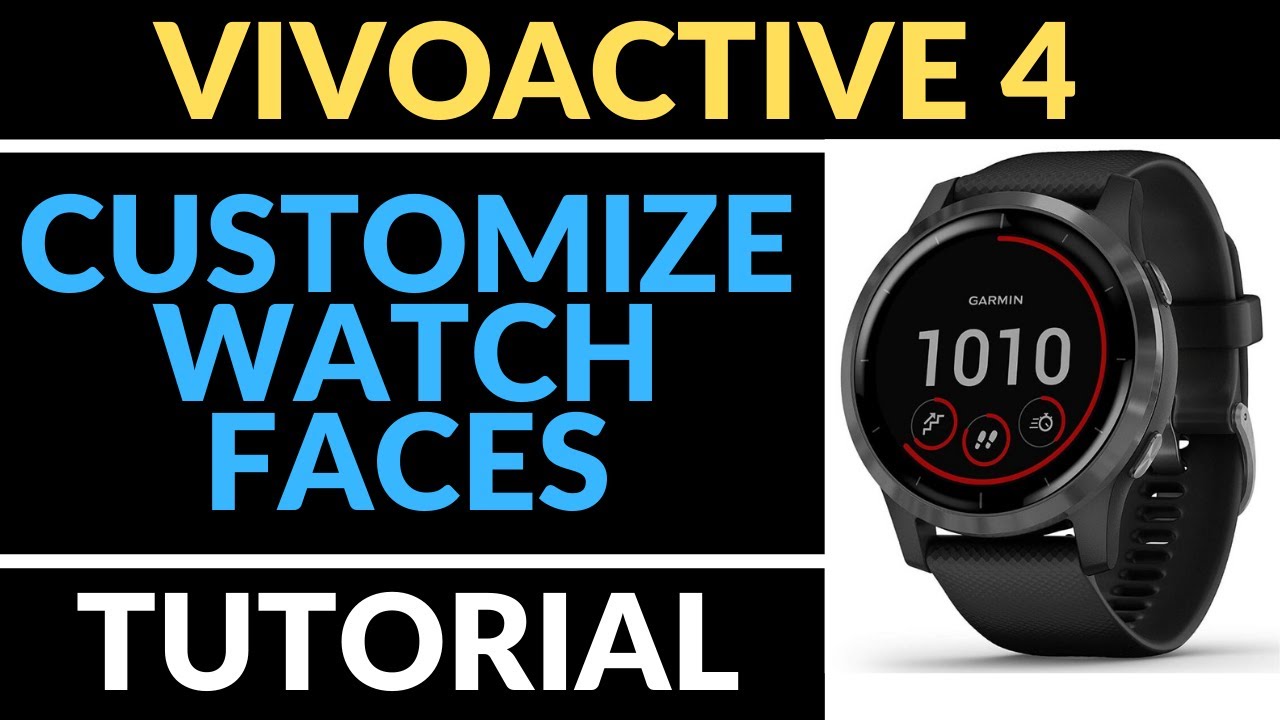
How to install watch faces on your Garmin Vivoactive 4 or Garmin Vivoactive 4S. In this tutorial, I show you how download watch faces from the Connect IQ store and install them on your Garmin Vivoactive 4. The Garmin Vivoactive 4 comes with several default watch faces, but the Garmin Connect IQ store offers a wide variety of awesome watch faces.
Order One Today (Paid Links)👇
Garmin Vivoactive 4: https://geni.us/Vivoactive4
Garmin Vivoactive 4s: https://geni.us/Vivoactive4s
Useful Accessories (Paid Link) 👇
Garmin Vivoactive 4 Extra Charging Cable: https://geni.us/VA4ChargingCable
Garmin Vivoactive 4 Screen Protector: https://geni.us/VA4ScreenProtector
Garmin Vivoactive 4 Port Protector: https://geni.us/VA4Port
More Garmin Vivoactive 4 Tutorials:
• Garmin Vivoactive 4 Tutorials & Reviews
Many of the watch faces in the Connect IQ store offer the following data sets: Battery, Calendar, Calories, Date, Floors, Garmin, Intensity Minutes, Move Bar, Seconds, Status, Steps, Sunrise/Sunset, and Weather. You can also get novelty watch faces that look similar to military designs, popular movies, sports teams, or characters.
Some of the most popular watch faces are Actiface, Gearmin, NoFrills, Crystal, Simple Info Analog, Digic Watch, Sport Master, and Titanium.
How to Install Watch Faces on Garmin Vivoactive 4/4S?
Install Garmin Vivoactive 4 Watch Faces:
1. Open the Garmin Connect app and select the Menu button located in the top-left of the app.
2. Once the Menu opens, select Connect IQ Store.
3. Login to the Garmin Connect IQ Store.
4. Once the store loads, select the blue drop-down menu labeled App Type and select Watch Faces.
5. Search through the available watch faces. Once you find a watch face for your Garmin Vivoactive 4, select the watch face.
6. Once the watch information screen loads, select download, accept the terms, and select Allow.
7. The next time your watch syncs, your new watch face will be installed.
8. You have now installed a third party watch face on your Garmin Vivoactive 4 or Garmin Vivoactive 4S.
#GarminVivoactive4 #Garmin #Smartwatch
Disclaimer: Some of the links in this description are Amazon affiliate links. As an Amazon Associate, Gauging Gadgets earns from qualifying purchases through affiliate links.
😀 HAPPY WITH THE VIDEO? 😀
SUBSCRIBE NOW! CLICK HERE - https://youtube.com/c/gauginggadgets?...
SEND ME A TIP! - https://www.paypal.me/GaugingGadgets
FOLLOW ME!
BLOG: https://GaugingGadgets.com
FACEBOOK - http://fb.me/GaugingGadgets
TWITTER - / gauginggadgets
REDDIT - / gauginggadgets
INSTAGRAM - / gauginggadgets
TWITCH - / gauginggadgets
Learn How to Crochet: / crochetwithjulie
HOW DO I DO IT? (Paid Links)
TubeBuddy YouTube Toolkit: https://www.tubebuddy.com/gauginggadg...
StreamYard Live Streaming Tool: https://geni.us/streamyardyt
Nerd or Die Twitch Overlays: https://nerdordie.com/shop/ref/Gaugin...
My YouTube Setup: https://gauginggadgets.com/youtube-se...
Dell G3 15-3579: https://geni.us/DellG3
Turtle Beach Elite Pro 2 + SuperAmp Pro: https://geni.us/TurtleBeachEP2
700W Lighting Kit - https://geni.us/LightingKit
Blue Yeti USB Microphone - https://geni.us/USBMic
Logitech C920 Webcam - https://geni.us/HDWebCam
Cell Phone - Pixel 2 XL - https://geni.us/FilmingPhone
Neewer Mini Table Tripod - https://geni.us/MiniTableTripod

Доступные форматы для скачивания:
Скачать видео mp4
-
Информация по загрузке: