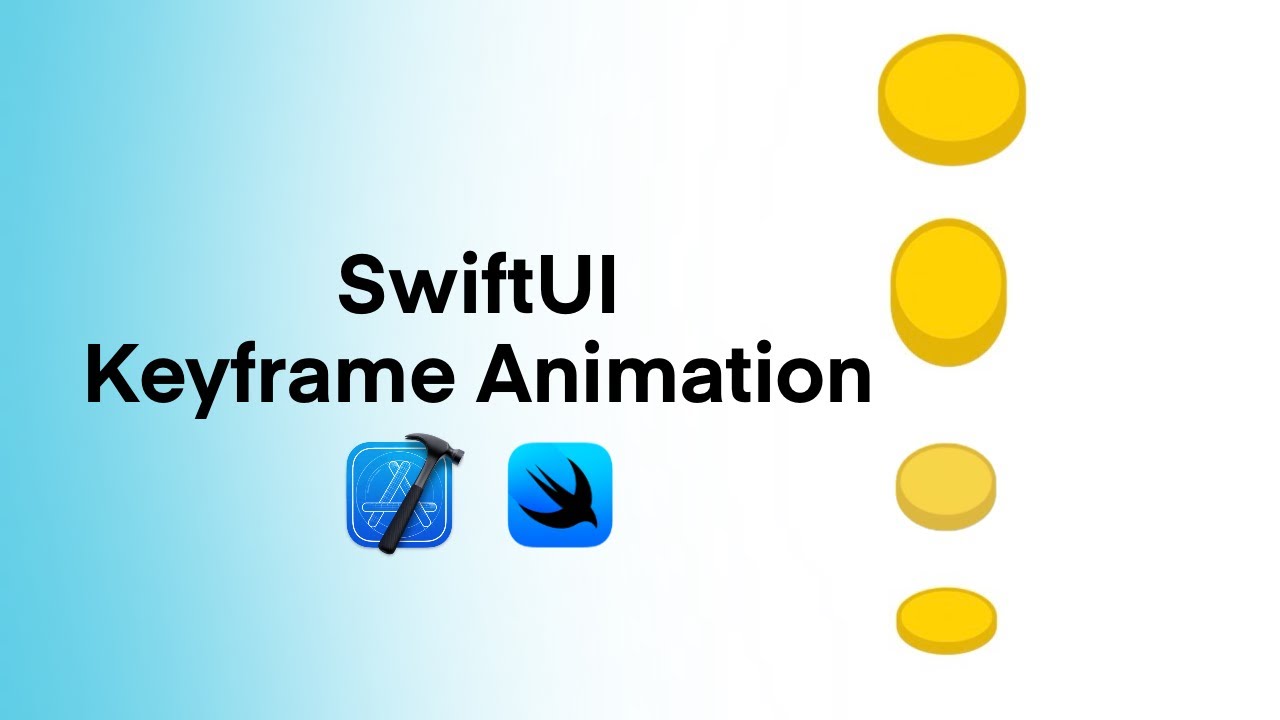
SwiftUI Keyframe Animation Tutorial | Create a Bouncing 3D Button Shape | Animate Shape
Автор: Think Like an Engineer
Загружено: 2025-08-27
Просмотров: 164
In this tutorial, we’ll build a bouncing 3D-style button in SwiftUI using the new Keyframe animation modifier.You’ll learn step by step how to combine shapes, colors, and animations to create a natural, bouncy motion that feels alive.
What you’ll learn in this video:
✅ How to mimic 3D perspective using ellipses and rounded rectangles
✅ Why using .mix for colors makes your UI adapt seamlessly to Light & Dark Mode
✅ Setting up a Keyframe Animator with scale, offset, and stretch effects
✅ The difference between LinearKeyframe, SpringKeyframe, and CubicKeyframe
✅ How to combine keyframe tracks for realistic bounce effects
This is a perfect starting point if you want to add playful, interactive animations to your SwiftUI projects.
Related Videos:
📌 • WWDC23: Animate with springs | Apple
Chapters:
00:00 What We’ll Build
00:18 Creating the 3D Button Shape
02:30 Setting Initial Values for the Animation
02:40 Setting Up the Animation View
03:08 Using the Keyframe Animator
👍 If you enjoyed this tutorial, don’t forget to Like and Subscribe for more SwiftUI tips and tutorials.
💬 Drop a comment if you’d like me to cover more animation techniques in upcoming videos!
#swiftui #Xcode #animation #keyframeanimation #iosdevelopment
Доступные форматы для скачивания:
Скачать видео mp4
-
Информация по загрузке: