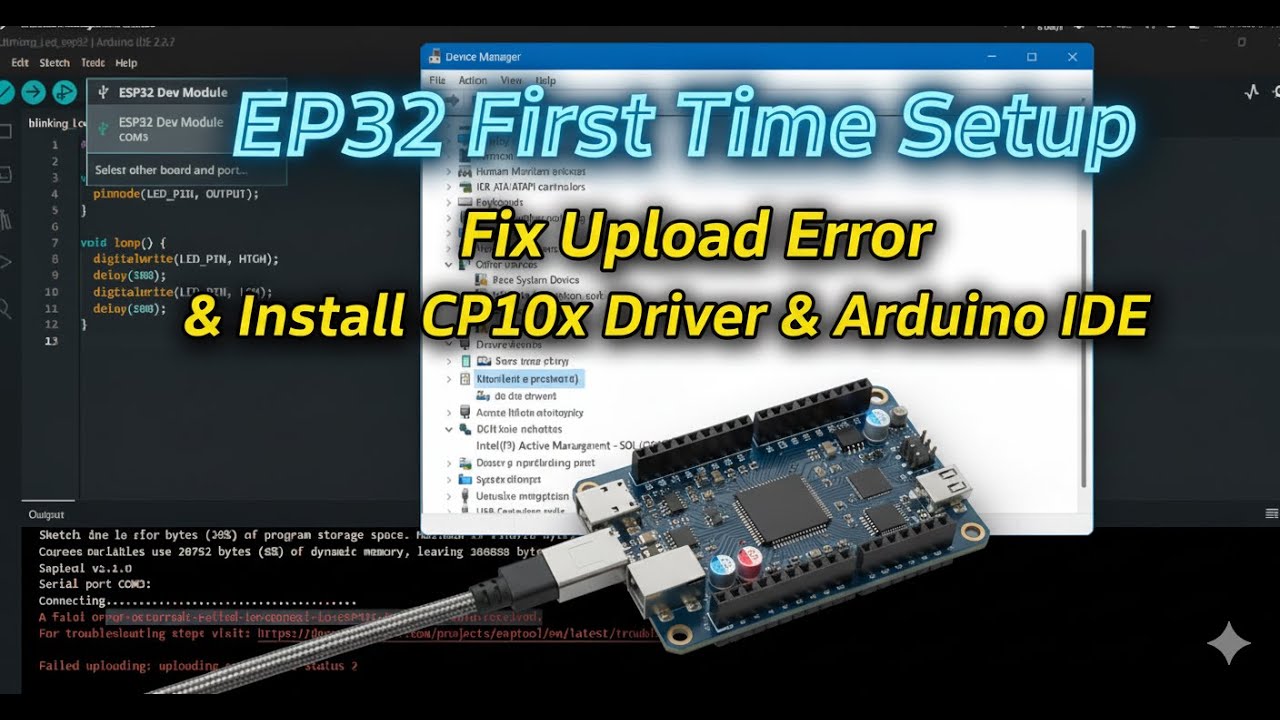
ESP32 First Time Setup | Fix Upload Error | Install CP210x Driver & Arduino IDE fatal error occurred
Автор: Ilyaas Tech
Загружено: 2026-01-05
Просмотров: 141
Are you trying to upload code to ESP32 but getting errors like “Failed to connect to ESP32” or “No serial data received”?
A fatal error occurred: Failed to connect to ESP32: No serial data received. For troubleshooting steps visit: https://docs.espressif.com/projects/e... Failed uploading: uploading error: exit status 2
This video is a complete beginner guide showing how to properly set up ESP32 for the first time.
In this video, I explain step by step:
✅ Installing Arduino IDE
✅ Installing ESP32 board packages
✅ Installing CP210x USB to UART driver (CP210xVCPInstaller_x64.exe)
✅ Fixing COM port problems in Device Manager
✅ Selecting the correct ESP32 board & COM port
✅ How and when to hold the BOOT button during upload
✅ Uploading your first ESP32 LED test code successfully
install the application here:
https://www.silabs.com/software-and-t...
Links: Put these two links file/reference /additional
1: https://raw.githubusercontent.com/esp...
2: https://dl.espressif.com/dl/package_e...
Test Code:
void setup() {
Serial.begin(9600);
Serial.println("ESP32 is running!");
}
void loop() {
Serial.println("Hello from ESP32");
delay(1000);
}
This tutorial is perfect for:
ESP32 beginners
Students & IoT learners
Anyone facing ESP32 upload/connection errors
By the end of this video, your ESP32 will be fully working and ready for projects 🚀
#esp32projects
#ESP32 Arduino IDE
#ESP32 CP210x driver
#ESP32 upload error fix
#ESP32 failed to connect
#ESP32 boot button
#ESP32 beginner tutorial
#ESP32 WROOM setup
#IoT with ESP32
#arduino #esp32
Доступные форматы для скачивания:
Скачать видео mp4
-
Информация по загрузке:


![[Решено] Фатальная ошибка ESP8266 NodeMCU/ESP32 esptool.py в обновленной версии Arduino IDE 2024](https://image.4k-video.ru/id-video/XXXUWDU_Vmg)


![Мы получили 2,5 млн рублей чтобы сделать экзоскелет, и это наконец закончилось [2/2]](https://image.4k-video.ru/id-video/X3uZq2joiW8)


