Скачать
Linux Command Line (56) at
Автор: MichaelsTechTutorials
Загружено: 2022-01-15
Просмотров: 1556
Описание:
To schedule a job to run a single time in the future, we would us "at". It is called "at" because that job is scheduled to run "at" a specific single time.
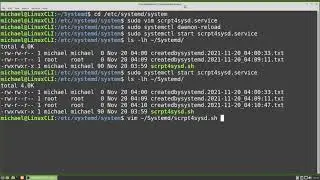
At does need to be installed Linux Mint computer used in this video and a few moments spent on how to start, stop and enable a service.
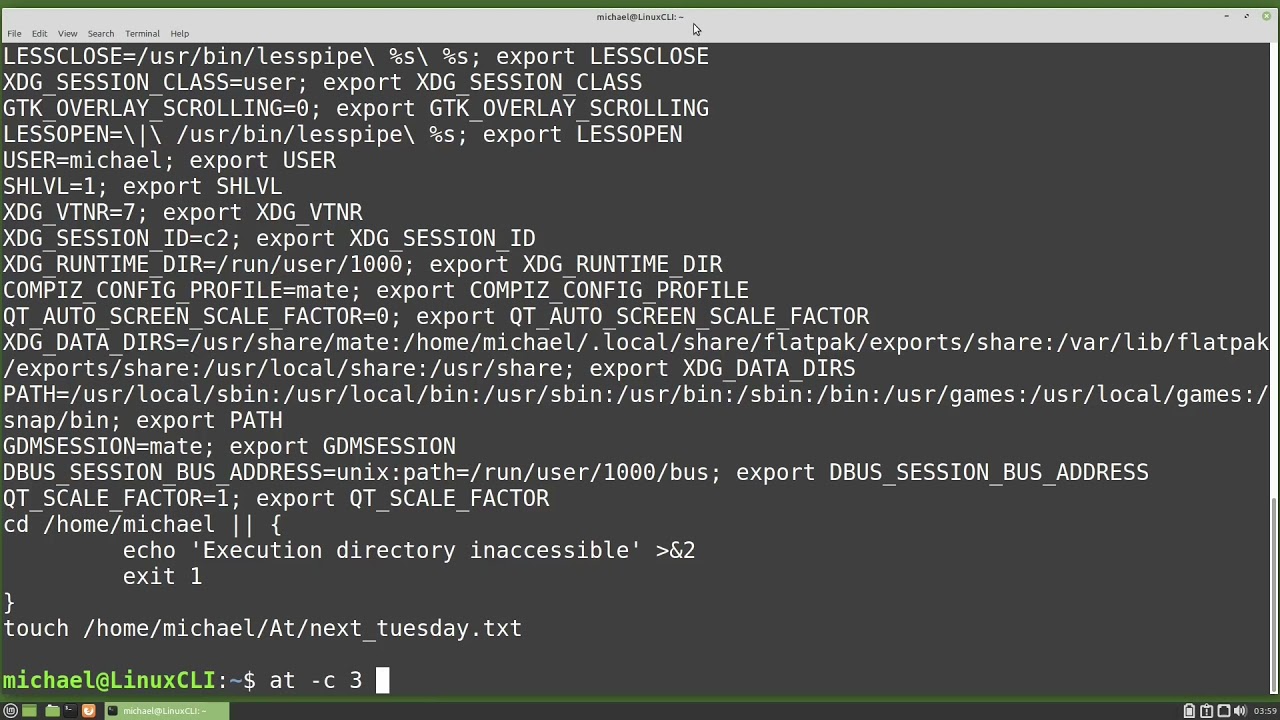
We then look at how to schedule an "at" job, how to see what "at" jobs are scheduled, what commands are in our scheduled "at" jobs, and how to remove an "at" job from the "at" queue.
See the complete LCL playlist at: • Linux Command Line (01) What Is The Linux...
Website link:
https://thefrugalcomputerguy.com/linu...
Доступные форматы для скачивания:
Скачать видео mp4
-
Информация по загрузке: