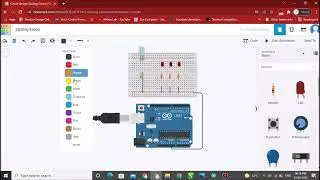
Arduino Uno with temperature sensor and LED Simulation Using Tinkercad
Автор: GSV Electro Tech
Загружено: 2023-06-25
Просмотров: 251
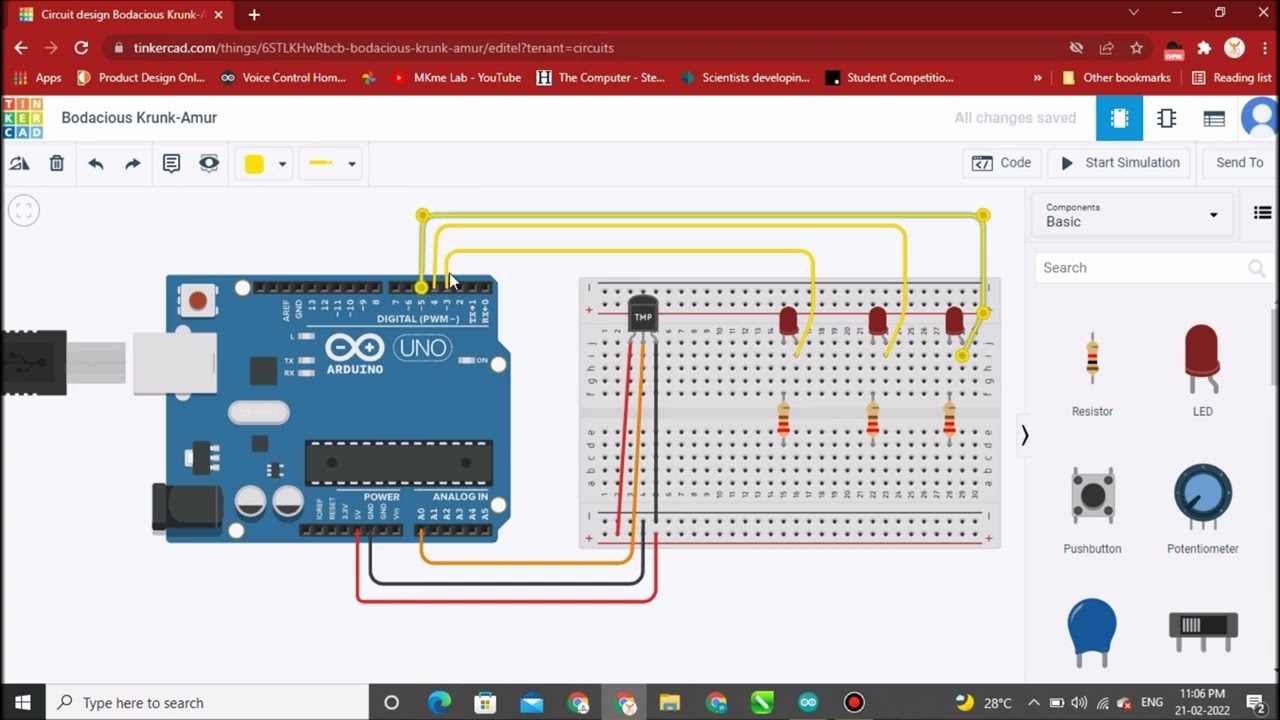
Welcome to this tutorial where we will explore how to simulate an Arduino Uno project using Tinkercad Software. Specifically, we will focus on integrating a temperature sensor and LED to create a temperature monitoring system.
The Arduino Uno is a versatile microcontroller board that allows you to build and program a wide range of electronic projects. In this tutorial, we will guide you through the process of simulating an Arduino Uno circuit with a temperature sensor and LED using Tinkercad Software.
We will demonstrate how to connect the temperature sensor to the Arduino Uno board and program it to read the temperature values. Based on the temperature readings, we will control an LED to indicate different temperature ranges, providing a visual indication of the temperature levels.
Tinkercad Software offers a powerful simulation environment where you can test and debug your Arduino projects virtually, without the need for physical components. This allows for rapid prototyping and experimentation before implementing the project in the real world.
Join us in this tutorial and learn valuable skills in circuit design, coding, and simulation using Tinkercad Software. By the end of this video, you will have a clear understanding of how to integrate a temperature sensor and LED with Arduino Uno, enabling you to create your own temperature monitoring systems.
#ArduinoUnoProjects #TemperatureMonitoringSystem #VirtualSimulation #TinkercadCircuits #TemperatureSensing #LEDControl #TemperatureDisplay #DigitalThermometer #TemperatureMeasurement #ArduinoProgramming #ElectronicSimulations #CircuitDesign #CodingTutorials #VirtualPrototyping #EmbeddedSystems #IoTProjects #SensorIntegration #STEMeducation
Доступные форматы для скачивания:
Скачать видео mp4
-
Информация по загрузке: