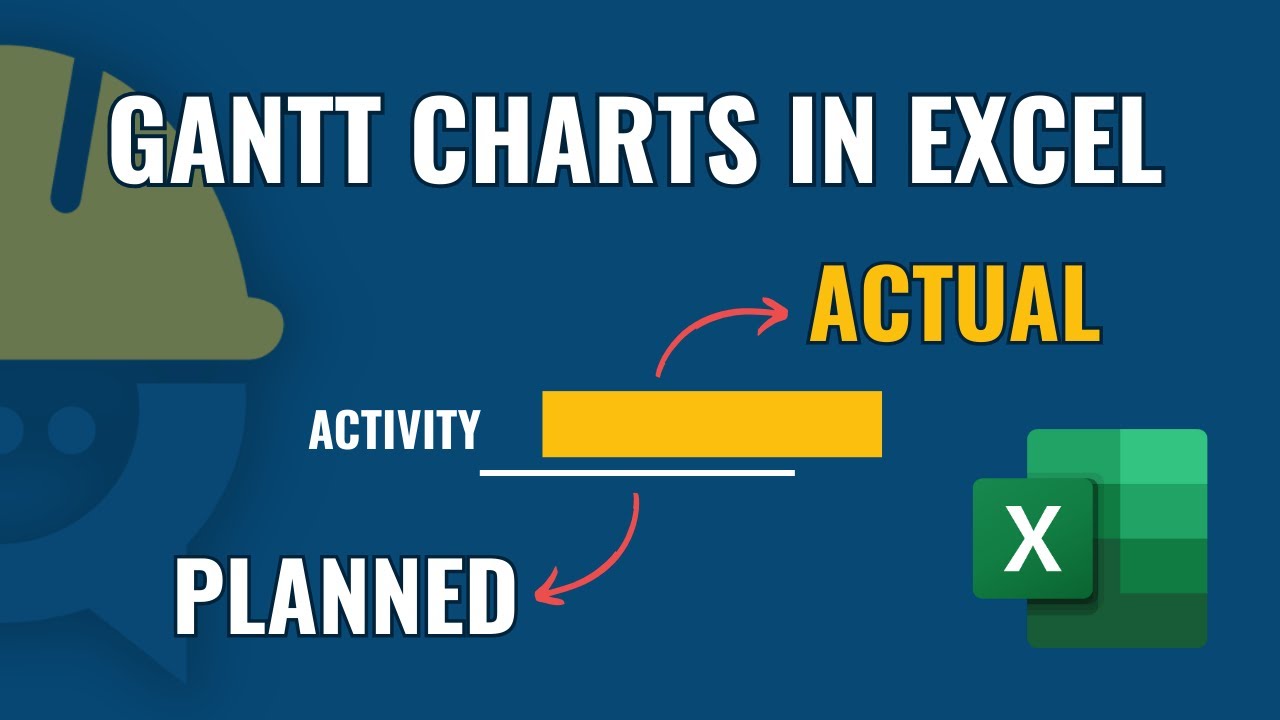
How to Build a Gantt Chart in Excel | Track Planned vs Actual Progress
Автор: Engineeringly
Загружено: 2025-08-24
Просмотров: 1913
Master Gantt Charts in Excel with this step-by-step tutorial! 🚀
In this video, I’ll guide you through creating a dynamic project schedule in Microsoft Excel using conditional formatting. You’ll learn how to build both planned and actual project timelines inside a single chart, without using complicated add-ins or external tools.
Gantt charts are one of the most powerful tools in project management. They help project managers, engineers, and team leaders visualize tasks, deadlines, and progress over time. With this method, you can track how your project is moving compared to the original plan, identify delays, and communicate progress clearly to stakeholders.
Unlike simple bar charts, this Gantt chart combines:
✅ Planned Schedule – the baseline tasks and dates that represent your project’s original plan.
✅ Actual Schedule – the real progress of tasks as the project unfolds.
✅ Visual Comparison – instantly see delays, early finishes, and schedule variances.
🔹 Why Excel?
Many teams rely on Excel because it’s accessible, flexible, and widely used. Not everyone has access to expensive project management software like Microsoft Project or Primavera P6. With just Excel and smart conditional formatting, you can create professional Gantt charts that are easy to update and share.
What You’ll Learn in This Video
How to set up your project data table in Excel
Using conditional formatting rules to highlight task durations
Creating planned vs actual timelines in one Gantt chart
Formatting tips for clean and professional visuals
Practical project management examples to apply immediately
By the end of this tutorial, you’ll be able to build your own Excel project schedules that look professional and help you communicate project status effectively.
Why Planned vs Actual Matters
In real projects, plans often change. Tasks may take longer than expected, some may start earlier, and others may slip. Comparing planned vs actual helps project managers:
Monitor delays and risks
Communicate progress with stakeholders
Adjust resources and deadlines
Ensure projects finish on time and within budget
This Excel Gantt chart technique is perfect for:
Civil engineers managing construction projects 🏗️
Project managers across IT, operations, or business sectors
Students learning project scheduling concepts
Freelancers & consultants who need simple yet powerful tools
🛠️ Tools Used
Microsoft Excel (any version that supports conditional formatting)
No add-ins required
No VBA/macros required
🔑 Keywords
Gantt chart in Excel, Excel Gantt chart tutorial, project schedule in Excel, planned vs actual Gantt chart, Excel conditional formatting Gantt chart, project management Excel, how to create Gantt chart Excel, construction project schedule Excel, Excel project tracking, visualize schedule in Excel, Microsoft Excel for project managers
Hashtags
#Engineeringly #Excel #GanttChart #ExcelTips #ExcelTutorial #ProjectManagement #ConstructionManagement #ExcelProjectManagement #PlannedVsActual #ExcelForBeginners #ExcelDashboard #DataVisualization #ExcelForProjectManagers #Scheduling #TimeManagement #ExcelShorts
Доступные форматы для скачивания:
Скачать видео mp4
-
Информация по загрузке:




![Как создать диаграмму Ганта с помощью Excel [САМЫЙ ПРОСТОЙ МЕТОД СОЗДАНИЯ ДИАГРАММЫ ГАНТТА]](https://image.4k-video.ru/id-video/jojkpuWagt4)