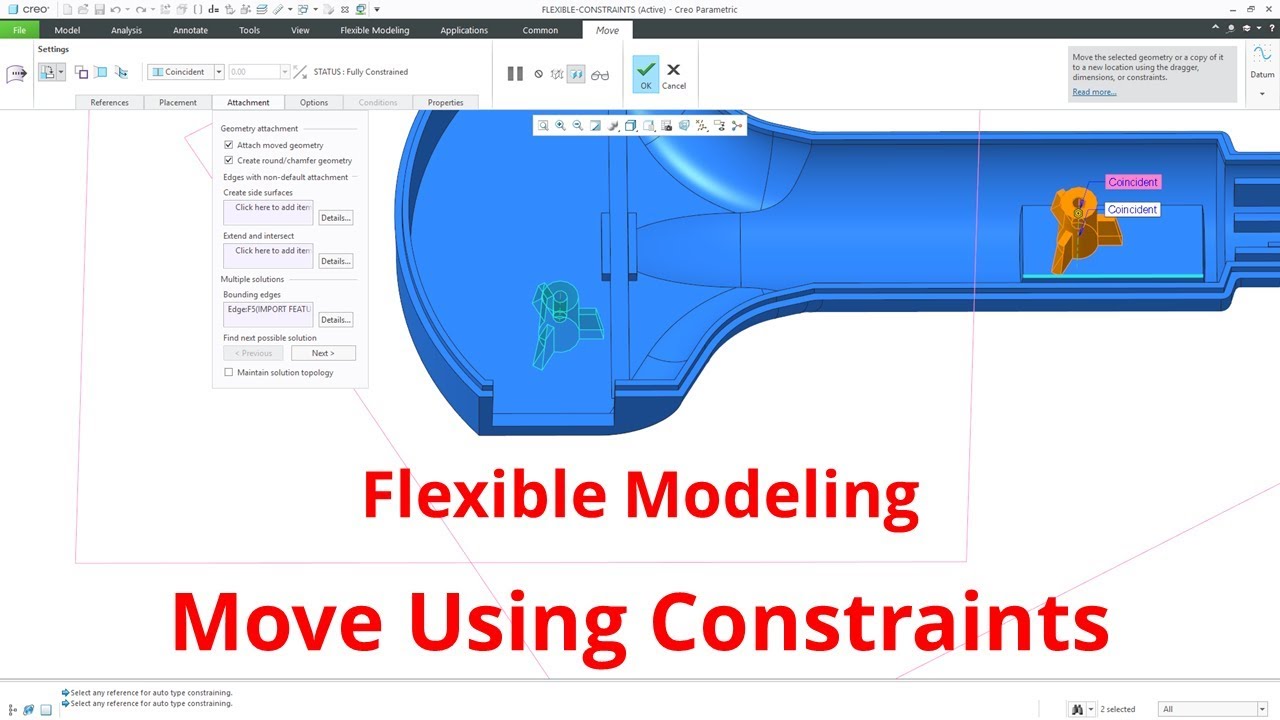
Creo Parametric - Flexible Modeling (FMX) - Move Using Constraints
Автор: Creo Parametric
Загружено: 2019-05-21
Просмотров: 4942
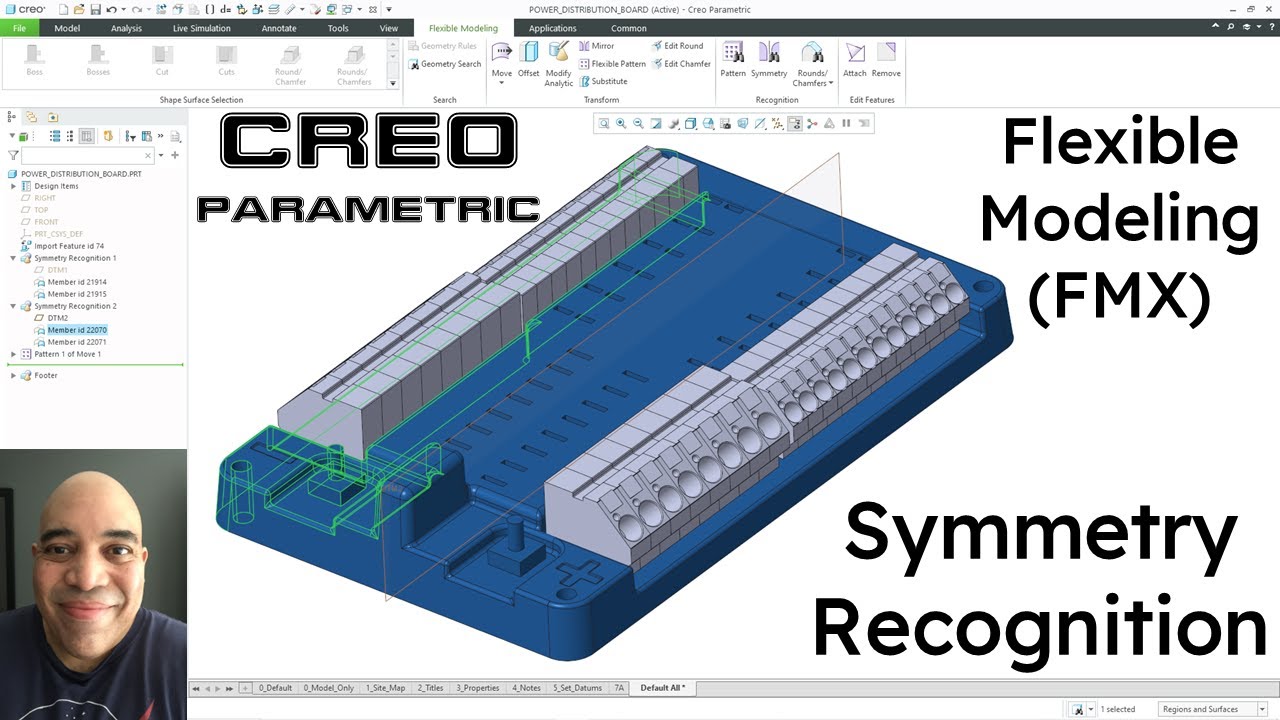
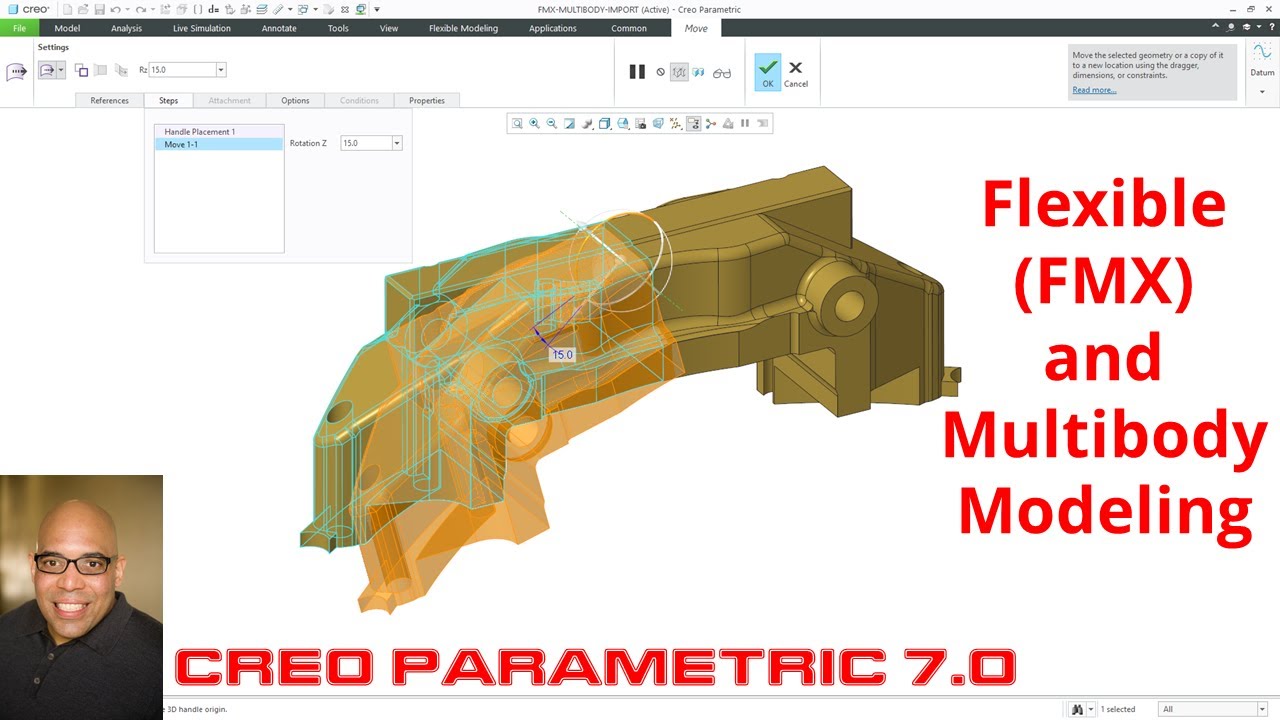
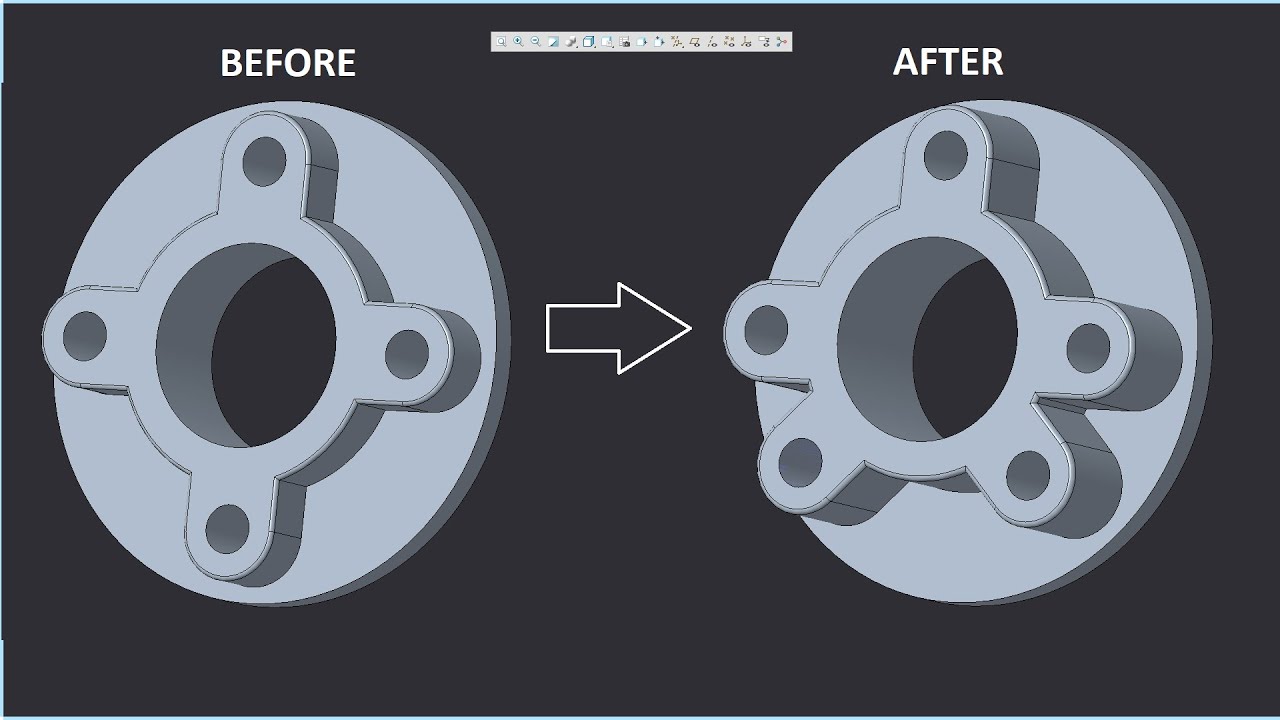
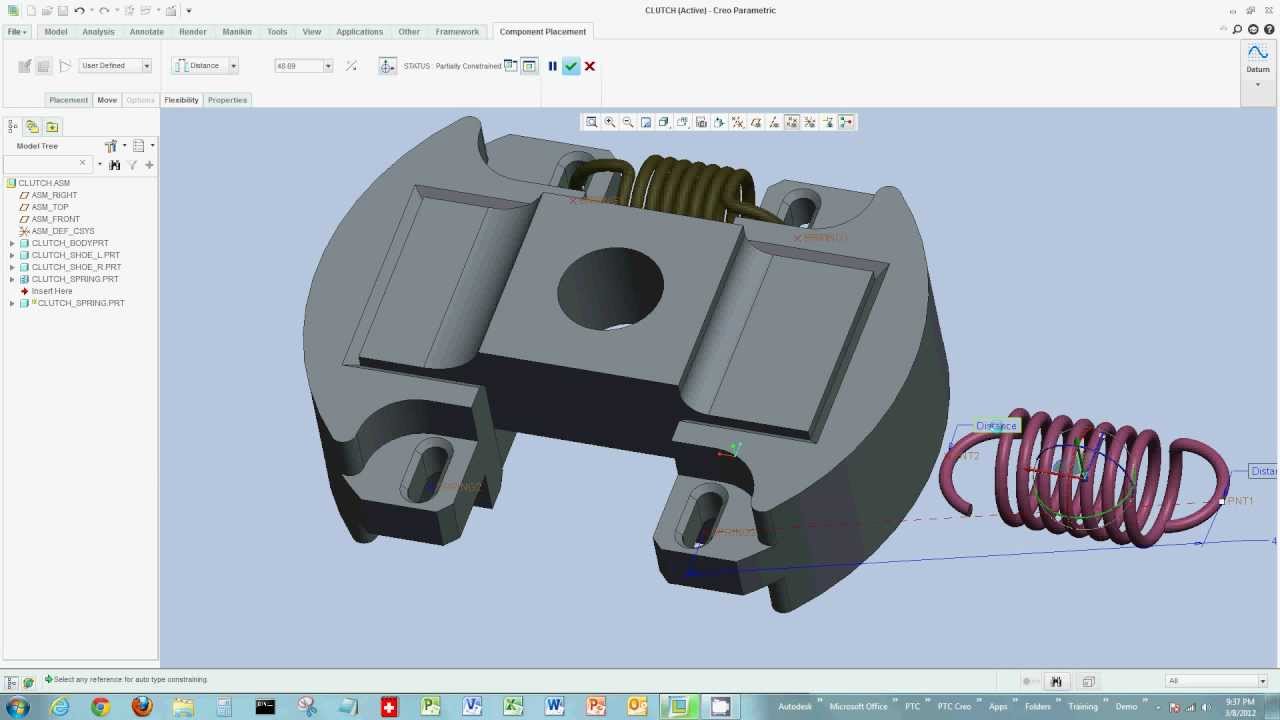
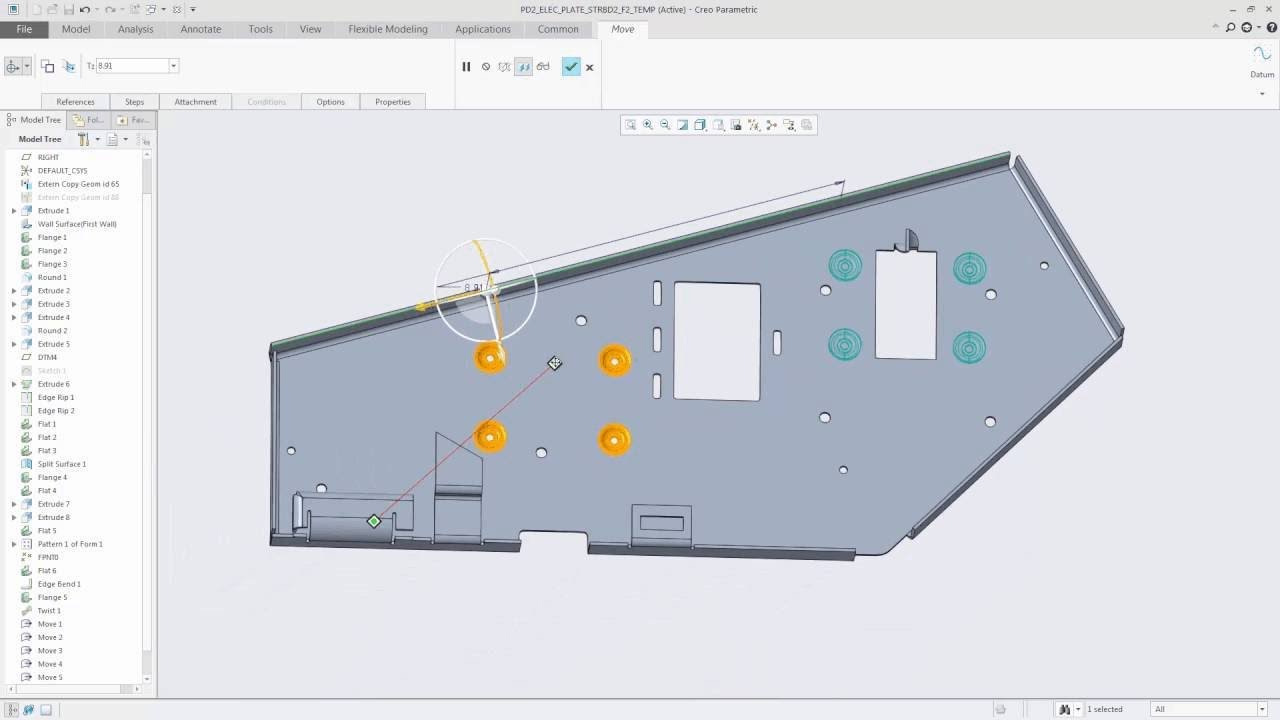
This Creo Parametric tutorial video shows you how to use the Flexible Modeling Extension (FMX) command Move Using Constraints to relocate geometry to another location in your model using assembly constraints.
Flexible Modeling is especially powerful when making changes to imported geometry or complex models without regard to the model's history or Design Intent.
For more information, visit https://www.creowindchill.com.
If you learned something from this video, please give it a thumbs up. If you like this video, please click the Subscribe button to be informed when new videos are uploaded. Also please write a comment if you would like to see more videos like this.
Feel free to share or embed this video, and add it to your playlists.
Creo admins, you can share the Creo Parametric channel with your users as a training tool:
http://tinyurl.com/CreoParametric
"Top Down Design in Creo Parametric" can be read for free on Amazon.com with Kindle Unlimited:
http://tinyurl.com/CreoTopDown
“Configuring Creo Parametric 4.0” can be read for free on Amazon.com with Kindle Unlimited:
https://www.amazon.com/dp/B07DJ4XD94
Thanks,
Dave
Additional links:
https://www.ptc.com/en/cad-software-b...
https://www.ptc.com/en/mathcad-softwa...
https://www.ptc.com/en/cad-software-b...
https://www.ptc.com/en/cad-software-b...
https://www.ptc.com/en/mathcad-softwa...
https://www.ptc.com/en/cad-software-b...
Доступные форматы для скачивания:
Скачать видео mp4
-
Информация по загрузке: