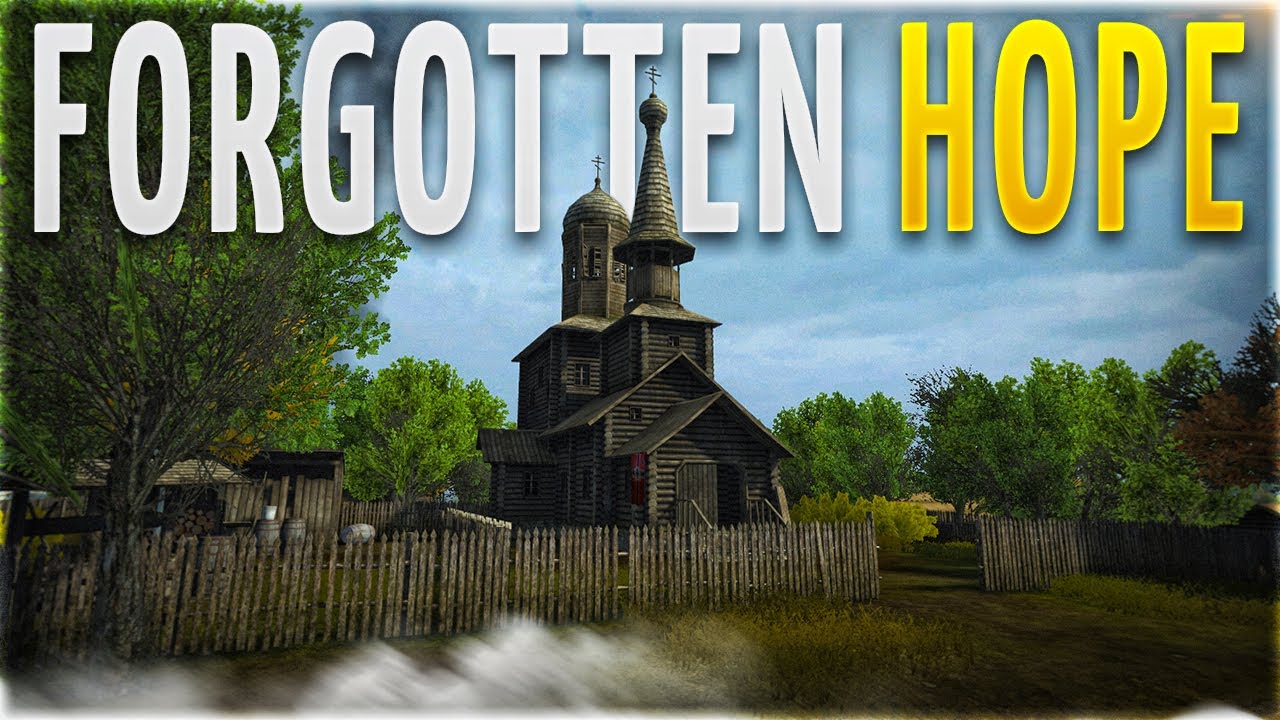
How To Get Forgotten Hope 2 With Standalone - 2023/05/25
Автор: TestAnd Reviews
Загружено: 2023-05-24
Просмотров: 1061
FEATURES:
A single package that Includes everything required to run FH2
Supports all Windows version starting from XP SP3
Multi-language support (all languages available in the retail game + Russian)
Automatic key generation from the current date/time and hardware (CPU/motherboard model, amount of RAM etc.), which provides for absolute uniqueness of the generated key
Installation of DirectX, .NET Framework 3.5 and FH2 Community Updater (last two are optional)
INSTRUCTIONS:
Run the 'FH2 Installer.exe' and wait for the game installation to finish.
Before you can jump into the game, you need to create an account. In order to do that, click on the desktop shorcut, which will open the launcher. Open the game, once it loads, click on the 'BFHQ', then on 'Manage Account'. Fill all the required fields (email address isn't important, just make it up). Important notice: make sure you to write down password, as this is the only way you can restore your account!
Next, open the launcher again and open configuration window through 'OPTIONS' submenu. Open 'Gameplay' tab and select newly created account in 'Login as' entry.
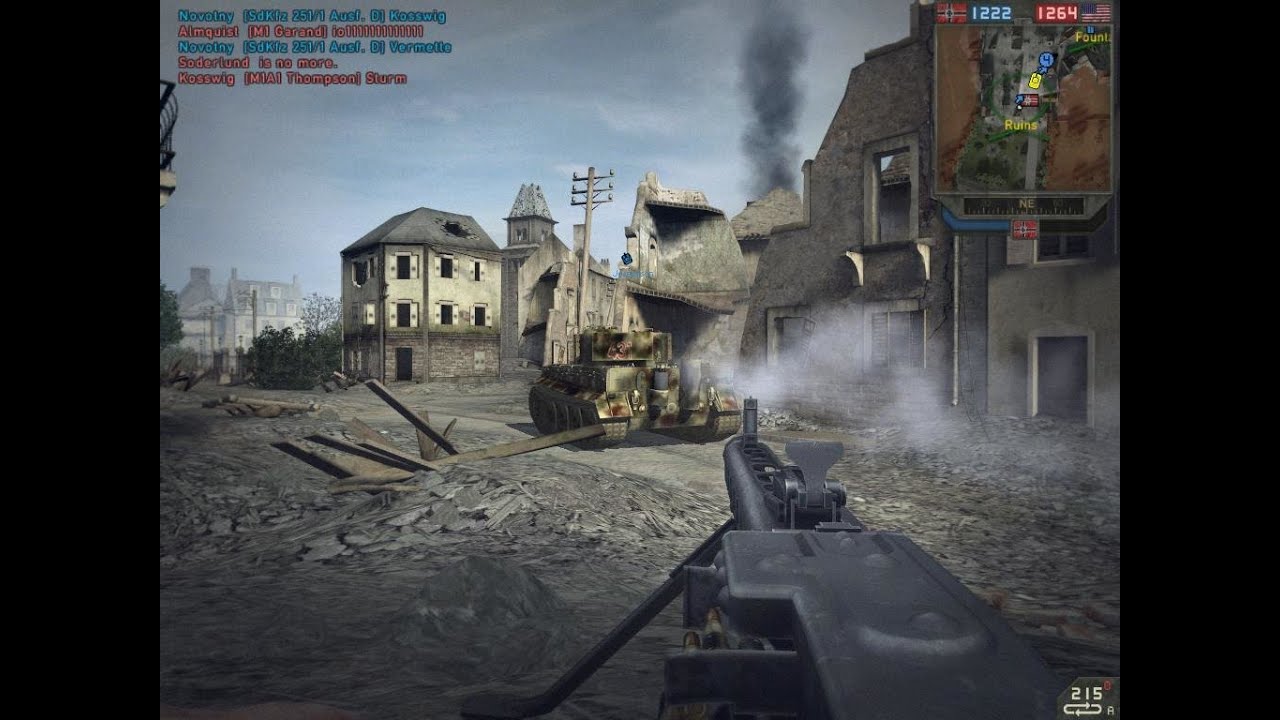
You can join servers either from the in-game browser, or by clicking on the joystick on this page.
Доступные форматы для скачивания:
Скачать видео mp4
-
Информация по загрузке: