Understanding the JavaScript Console.log() Order of Execution: Fixing Outputs
Автор: vlogize
Загружено: 2025-10-10
Просмотров: 0
Learn how to control the output order when using `console.log()` in JavaScript with classes and methods for clearer debugging and better results.
---
This video is based on the question https://stackoverflow.com/q/68418253/ asked by the user 'Tom Livingston' ( https://stackoverflow.com/u/16243063/ ) and on the answer https://stackoverflow.com/a/68418557/ provided by the user 'Rubén Vega' ( https://stackoverflow.com/u/15523997/ ) at 'Stack Overflow' website. Thanks to these great users and Stackexchange community for their contributions.
Visit these links for original content and any more details, such as alternate solutions, latest updates/developments on topic, comments, revision history etc. For example, the original title of the Question was: JavaScript Console.log() method is outputting the function before the text given inside it
Also, Content (except music) licensed under CC BY-SA https://meta.stackexchange.com/help/l...
The original Question post is licensed under the 'CC BY-SA 4.0' ( https://creativecommons.org/licenses/... ) license, and the original Answer post is licensed under the 'CC BY-SA 4.0' ( https://creativecommons.org/licenses/... ) license.
If anything seems off to you, please feel free to write me at vlogize [AT] gmail [DOT] com.
---
Understanding the JavaScript Console.log() Order of Execution: Fixing Outputs
When you're new to JavaScript, you may encounter some unexpected behaviors, especially when dealing with functions and outputting data to the console. A common issue is observing that the result of one method appears before the intended console message. In this guide, we'll explore why this happens and how you can fix it.
The Problem: Unexpected Console Output Order
Imagine you've created a class representing a computer, complete with various properties and methods for outputting its details. When using the console.log() method, you notice that instead of the expected output, the method's result is logged before the accompanying message. Here's a brief overview of your code:
Example Code Structure
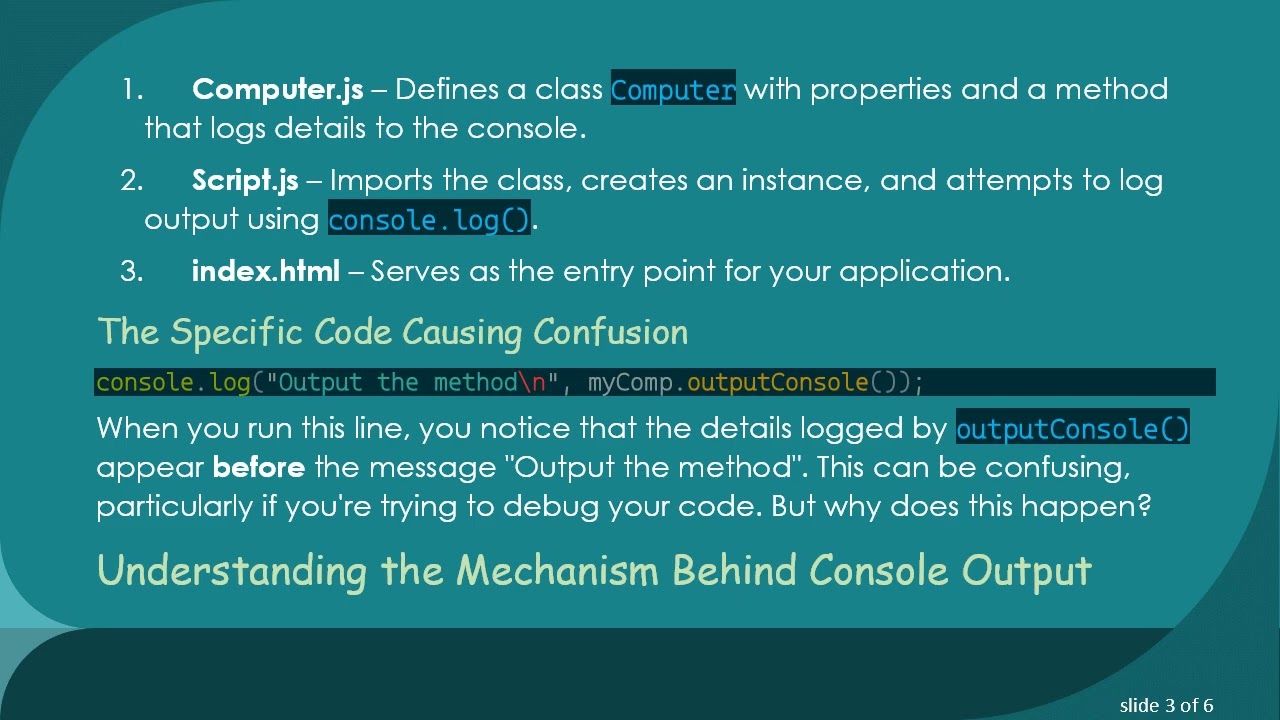
Computer.js – Defines a class Computer with properties and a method that logs details to the console.
Script.js – Imports the class, creates an instance, and attempts to log output using console.log().
index.html – Serves as the entry point for your application.
The Specific Code Causing Confusion
[[See Video to Reveal this Text or Code Snippet]]
When you run this line, you notice that the details logged by outputConsole() appear before the message "Output the method". This can be confusing, particularly if you're trying to debug your code. But why does this happen?
Understanding the Mechanism Behind Console Output
The core of the issue lies in how JavaScript handles function execution. When you call myComp.outputConsole(), which itself uses console.log() to print its details, the following occurs:
Method Execution – The outputConsole() method is executed first.
Internal Console Log – Inside this method, the console.log() outputs the computer's details.
Return to External Console Log – After the internal console.log() completes, execution returns to your original console.log() statement.
What Happens Next?
Since outputConsole() does not return any value (its purpose is just to log), the external console.log() then prints undefined. As a result, the output is disordered and can be misleading.
Solutions: How to Control Console Output Order
Solution 1: Separate Console Logs
The simplest solution is to separate the console logs. By doing this, you can clearly define the output sequence:
[[See Video to Reveal this Text or Code Snippet]]
Solution 2: Return a String from the Method
Another more neat solution is to modify the outputConsole method to return a string. This way, you ensure that outputConsole() outputs the desired information without using an internal console.log(). Here’s how you can adjust your method:
[[See Video to Reveal this Text or Code Snippet]]
Now, when you call it, the string value can be logged as you intended:
[[See Video to Reveal this Text or Code Snippet]]
Conclusion
Navigating the nuances of JavaScript can be challenging, especially when you're just starting. Understanding the order of console.log() outputs can save you time and frustration. Now that you know why the output may appear in an unexpected order and how to control it, you can proceed with greater confidence as you dive deeper into JavaScript programming.
Remember, practice is key. Don’t hesitate to experiment with your code and see how changes affect outputs!
Доступные форматы для скачивания:
Скачать видео mp4
-
Информация по загрузке:





