I Built a Habit Tracker SaaS App in 2 Hours with Lovable (Live Build)
Автор: Alex Leischow
Загружено: 2025-04-17
Просмотров: 2876
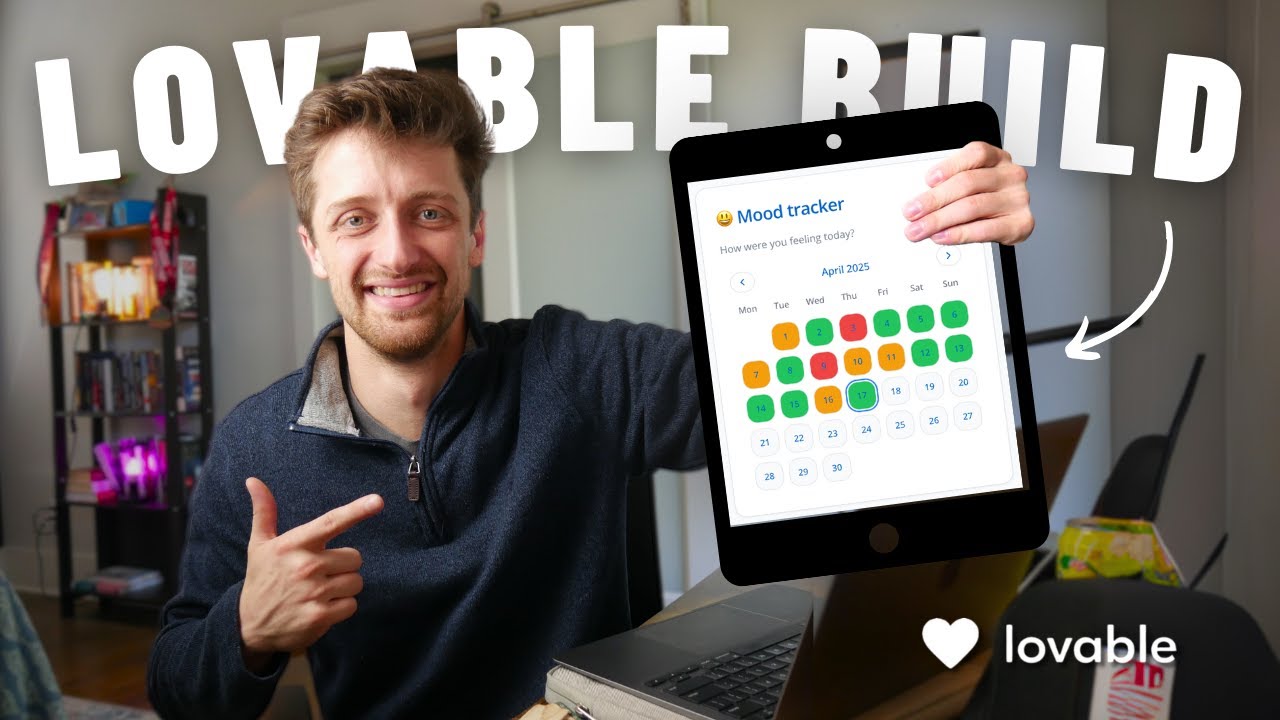
Today, I’m going to show you how I used Lovable to build a custom habit tracking app - all in under 2 hours. Let’s dive in!
--------------------
🏃 Get Started Here -
📌 Join my FREE Skool community to get access to all of my tutorials and support from other builders 👉🏻 https://www.skool.com/automation-acad...
🔎 Check out the app! https://habittrackr.app/
🚀 My Membership Agency: https://www.memberify.io/
❤️ Lovable: https://lovable.dev/?via=alex-leischow
🚀 Scale Faster with Victoria OS – Your AI Operating System: https://www.versionseven.ai/
✉️ Business Inquiries: alex@versionseven.ai
--------------------
📖 Description -
If you don’t know how to code (like me!), it can be incredibly frustrating to have big app ideas but no way to bring them to life. Learning the ins and outs of no-code tools—or paying thousands for a developer—can stall your vision before it ever gets off the ground. Thankfully, the AI revolution has delivered again, this time with a tool called Lovable. It’s an AI-powered app builder that turns simple prompts into fully functional apps. While it’s still evolving, Lovable feels like a total cheat code for solo founders and builders looking to move fast.
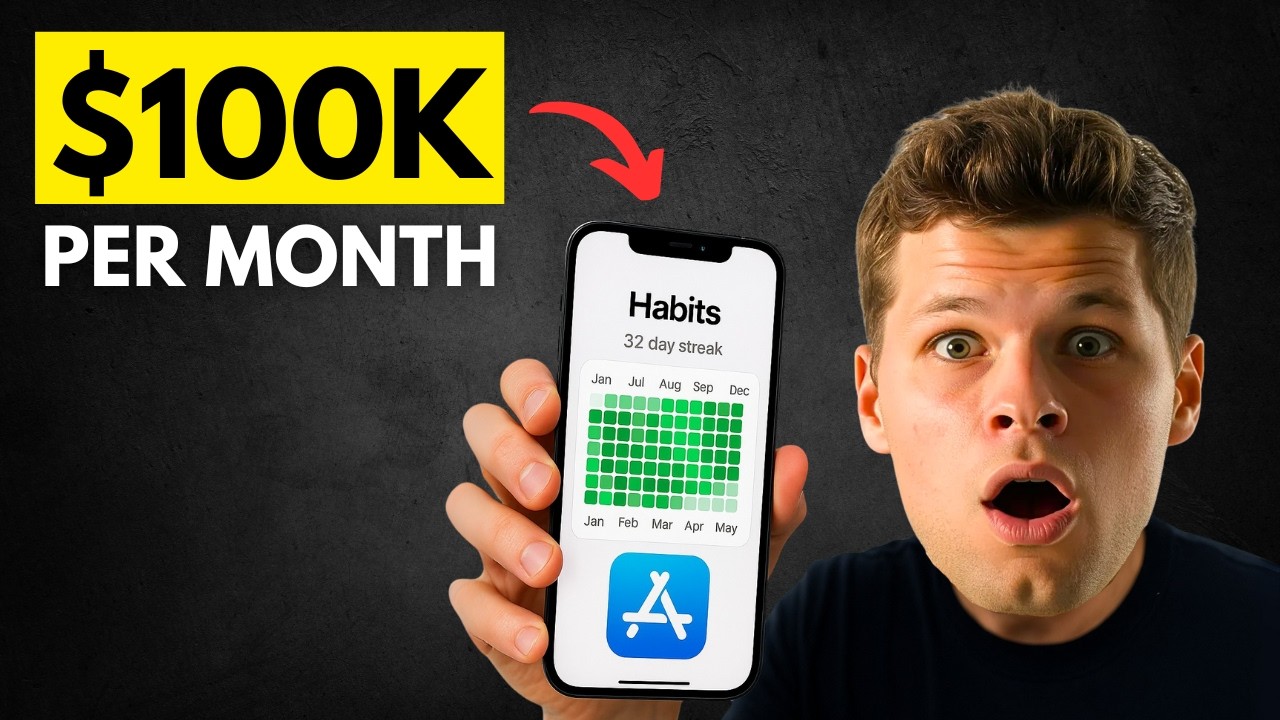
In this video, I’ll take you behind the scenes as I build a custom habit tracking app using Lovable — from scratch, in under 2 hours. The app includes three main views — yearly, monthly, and weekly — allowing users to track their progress at a glance through a visual heat map. Each habit can be tracked using one of three input types: checkbox, dropdown, or range. You’ll also be able to customize the heat map colors for each habit.
We’ll kick things off by crafting the initial prompt — arguably the most important part. Then we’ll set up authentication using Supabase, which includes login and signup functionality and paves the way for future Stripe integration. After that, we’ll dive into the habit tracking logic and build out the dashboard, cards, and heat maps using smart prompts. Finally, we’ll wrap up with a round of polish and quality assurance.
By the end of this video, you’ll know how to start building your own custom tools with Lovable. Let’s dive in.
Subscribe for more Lovable builds!
--------------------
⏰ Timestamps -
0:00 👋 INTRO
0:45 ❤️ Getting Started
6:40 🤝🏻 Setting Up Auth
10:17 👷🏻 Building Habit Tracker
27:43 🗄️ Building Backend
34:48 👷🏽♀️ Building Habit Tracker II
40:35 💎 Finishing Touches
42:03 🚀 Final Product
46:15 ✌️ CONCLUSION
--------------------
🔗 My Links -
🌊 Webflow: https://try.webflow.com/l9bi5zf0cljy
🥞 Memberstack: https://memberstack.com/?via=survivin...
🤖 Botpress: https://try.botpress.com/g9islyh7pjv6
🔮 Make.com (Signup here for one FREE month!!): https://www.make.com/en/register?pc=s...
--------------------
👨 WHO AM I -
I'm Alex, a 29 year old business owner who lives in Nashville, TN. On this channel, we explore the no-code strategies and tools that can help us launch the projects that inspire us and, consequentially, lead the lives we've always dreamed about.
If that sounds interesting, consider subscribing! See you in the next video 😀
PS: Some of the links in this description are affiliate links that I get a kickback from 😜
Доступные форматы для скачивания:
Скачать видео mp4
-
Информация по загрузке: