HITSCAN Hyperlight 8K – How to Change Lift Off Distance
Автор: HardReset_Pro
Загружено: 2026-01-15
Просмотров: 3
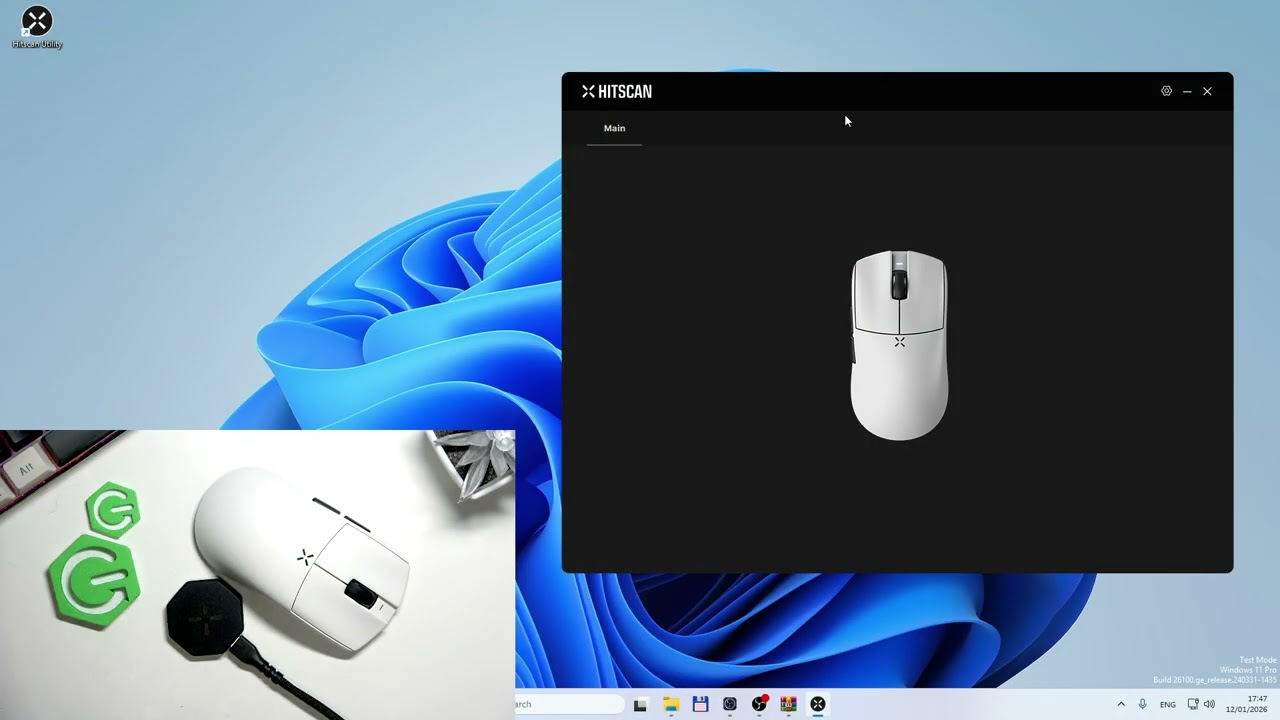
Learn how to change the lift off distance (LOD) on the HITSCAN Hyperlight 8K gaming mouse using the HITSCAN app. In this short video you will see the exact steps: open the HITSCAN app, go to Performance, find Lift Off Distance and switch between 1 mm and 2 mm. Adjusting LOD helps improve tracking on different surfaces and matches your play style for better control and fewer accidental lifts. This quick guide is perfect for gamers who want precise pointer behavior and a simple step-by-step setting change on the HITSCAN Hyperlight 8K.
How to change lift off distance on HITSCAN Hyperlight 8K?
How to adjust lift off distance in the HITSCAN app for HITSCAN Hyperlight 8K?
Where is the Lift Off Distance setting on HITSCAN Hyperlight 8K?
0:00 Intro & overview
0:03 Open the HITSCAN app
0:08 Go to Performance menu
0:12 Select Lift Off Distance
0:16 Switch between 1 mm and 2 mm
0:20 Tips & wrap up
#HITSCAN #Hyperlight8K #LiftOffDistance #GamingMouse
Find out more:
https://www.hardreset.info/devices/hi...
Follow us on Instagram ► / hardreset.info
Like us on Facebook ► / hardresetinfo
Tweet us on Twitter ► / hardreseti
Support us on TikTok ► / hardreset.info
Use Reset Guides for many popular Apps ► https://www.hardreset.info/apps/apps/
Доступные форматы для скачивания:
Скачать видео mp4
-
Информация по загрузке:


