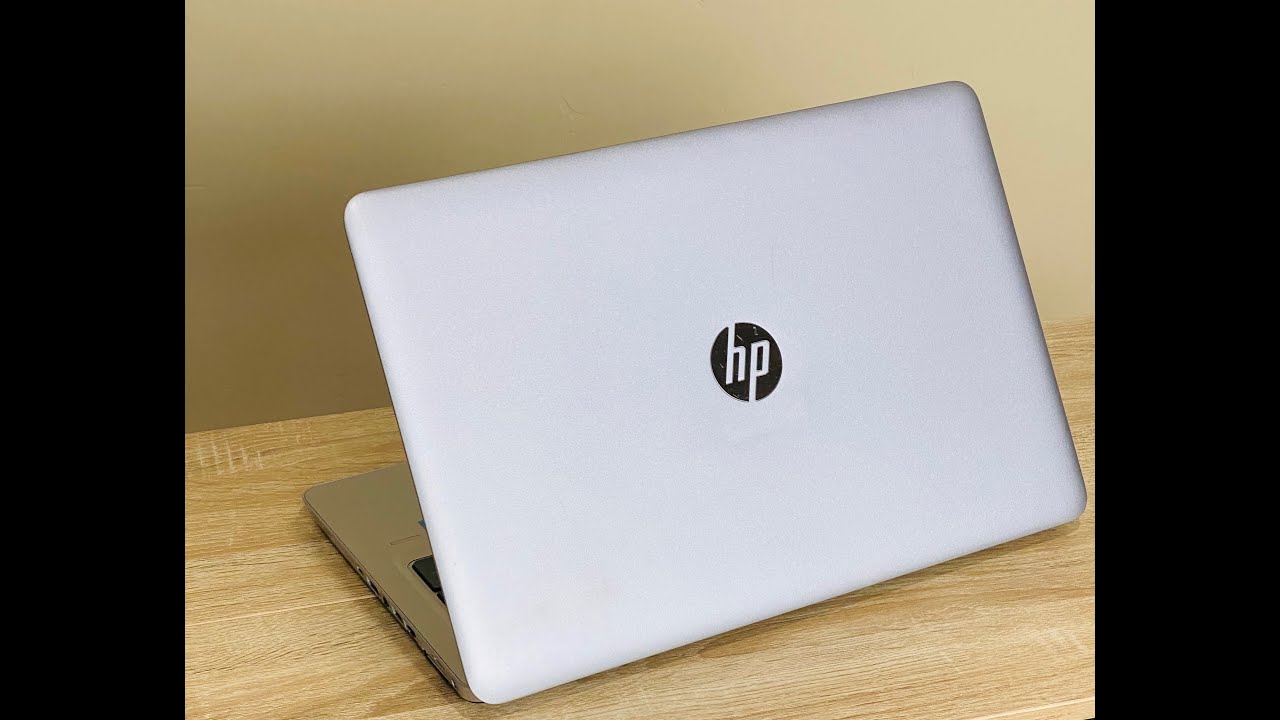
HP EliteBook 840 850 G3 | G4 BIOS Fix SSD Not Found
Автор: David Warren
Загружено: 2023-03-07
Просмотров: 7988
Quick BIOS fix when you are have difficulties boothing from the new drive with pre-installed Windows 10 or 11 or need to boot from a USB drive.
Did this on an Elitebook 850 G4 15.6" Touchscreen
**NOTE** Prior to doing this, you should confirm the SSD is properly seated and secured. Sometimes the SATA 2.5" drives can slip out if you aren't using the tray or a high quality 2-sided tape. The m.2/NVMe needs to be screwed in, not resting on the screw.
Steps to ensure BIOS boot is properly set up to boot from your local SSD storage drive.
1. Enter Bios SETUP on boot (tap ESC until the bios menu pulls up)
2. BIOS Setup [F10]
3. There are three tabs on the top [Main | Security | Advanced | UEFI Drivers. Choose [Advanced].
4. Click [Boot Options]
5. My preference is to only have a checkmark on [FAST BOOT] and [USB Storage Boot]. Most importantly, make sure the [Network (PXE) Boot] is NOT checked!
6. Tap ESC twice and tap YES to save settings
The Notebook will auto-reboot and you should be good to go.
If this laptop came from a school or liquidation event from a place with a large IT staff, you will see that many still have the boot from network option checked.
ABOUT ME
I'm an enterprise solutions sales engineer. My relationships are important and I refuse to have my customers wait for a tech to help and don't have time to waste with bots. Videos are thrown up quickly. They are typically raw and unedited.
MORE PRODUCT
Need and upgrade, Here is my online eBay store. Tons of professional electronic and computer gear:
https://www.ebay.com/str/onlinecamera...
Want an upgrade to this amazing Laptop:
**15.6" Touch w/ i7 7th Gen CPU: https://www.ebay.com/itm/155324770004
**14" HD Touch w/ i7 7th Gen CPU: https://www.ebay.com/itm/155237987954
Доступные форматы для скачивания:
Скачать видео mp4
-
Информация по загрузке:





