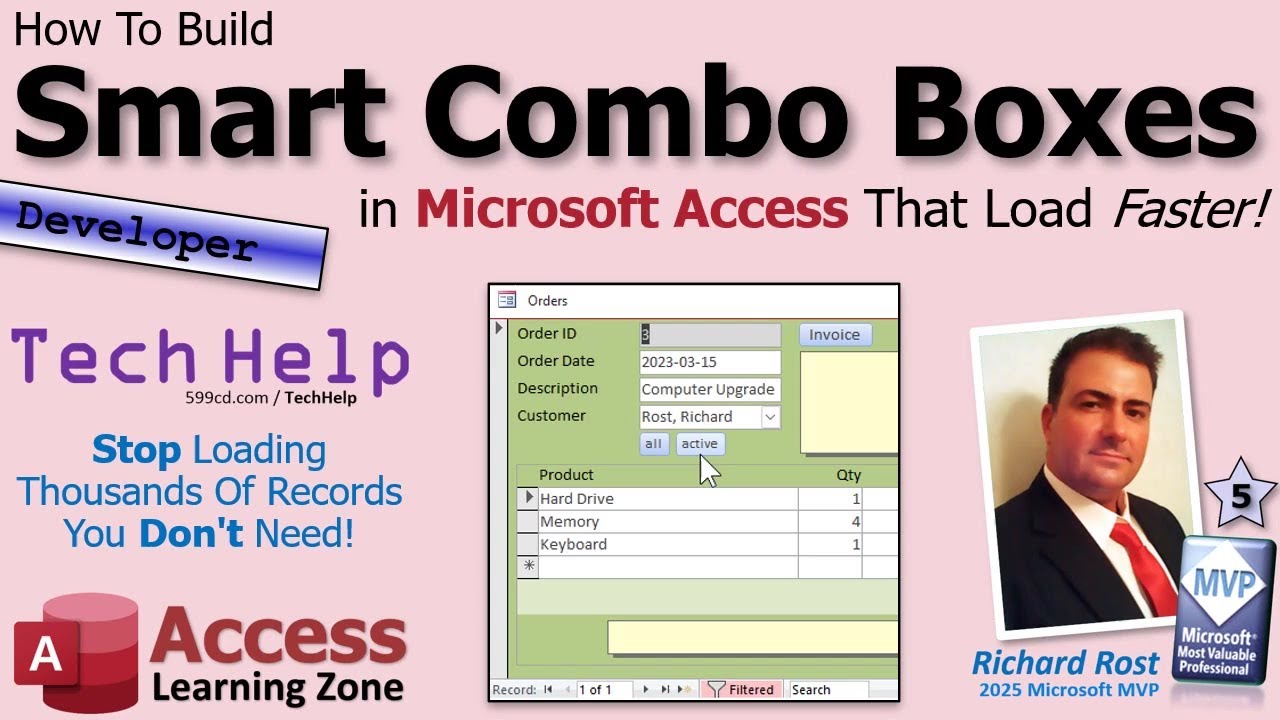
How to Build Smart Combo Boxes in Microsoft Access That Load Faster
Автор: Computer Learning Zone
Загружено: 2026-01-21
Просмотров: 529
In this video, we will talk about how to build smart combo boxes in Microsoft Access that improve form performance by only loading the records you actually need. You will learn how to adjust a combo box's record source based on context, such as viewing an existing record, adding a new one, or editing, which helps avoid loading thousands of unnecessary records. We'll cover step-by-step how to set up different RowSource conditions in your forms with VBA, using customer data as an example, and show how this technique makes your Access databases faster and more user-friendly.
Joe from Princeton, Minnesota (a Platinum Member) says [My favorite Access trick is] Using the NewRecord property to change the SQL RowSource of combo boxes. Example: Only active employees should show up for new records but you have to see them all for existing records (who entered this order). Example: Only active shipping companies should show up for new invoices but you have to see all for existing records.
BECOME A MEMBER:
YouTube: / @599cd
or My Site: https://599cd.com/THMember
LEARN MORE:
Smart Combo Boxes: https://599cd.com/SmartComboBoxes
PREREQUISITES:
Intro to VBA: https://599cd.com/IntroVBA
Invoicing: https://599cd.com/Invoicing
Me.NewRecord: https://599cd.com/MeNewRecord
On Current: https://599cd.com/OnCurrent
If Then: https://599cd.com/IfThen
UP NEXT:
Smart Combo Boxes, Part 2: https://599cd.com/SmartComboBoxes2
RECOMMENDED COURSES:
Access Developer Courses: https://599cd.com/Developer
FREE TEMPLATE DOWNLOADS:
TechHelp Free Templates: https://599cd.com/THFree
Blank Template: https://599cd.com/Blank
Contact Management: https://599cd.com/Contacts
Order Entry & Invoicing: https://599cd.com/Invoicing
More Access Templates: https://599cd.com/AccessTemplates
DIAMOND SPONSORS:
More info on our Sponsors: https://599cd.com/DiamondSponsors
ADDITIONAL RESOURCES:
FREE Access Beginner Level 1: https://599cd.com/Free1
How to Use Access in 30 Minutes: https://599cd.com/30Minutes
$1 Access Level 2: https://599cd.com/1Dollar
Donate to my Tip Jar: https://599cd.com/TipJar
Merch Store! Get your swag here: https://599cd.com/Merch
Get on my Mailing List: https://599cd.com/YTML
Contact Me: https://599cd.com/Contact
TechHelp: https://599cd.com/TechHelp
Consulting Help: https://599cd.com/DevNet
Twitter: / learningaccess
https://en.wikipedia.org/wiki/Microso...
https://products.office.com/en-us/access
https://microsoft.com/en-us/microsoft...
KEYWORDS:
TechHelp, Access 2016, Access 2019, Access 2021, Access 2024, Access 365, Microsoft Access, MS Access, MS Access Tutorial, #msaccess, #microsoftaccess, #help, #howto, #tutorial, #learn, #lesson, #training, #database, smart combo box, fast combo box, filter combo box data, dynamic RowSource, show active customers, customer combo box performance, Me.NewRecord property, On Current event, subroutines, change RowSource VBA, filtering customers, network database speed, TechHelp free template
QUESTIONS:
Please feel free to post your questions or comments below. Thanks.
Live long, and prosper.
Доступные форматы для скачивания:
Скачать видео mp4
-
Информация по загрузке: