Популярное

Музыка Кино и Анимация Автомобили Животные Спорт Путешествия Игры Юмор

Интересные видео

2025 Сериалы Трейлеры Новости Как сделать Видеоуроки Diy своими руками

Топ запросов

смотреть а4 schoolboy runaway турецкий сериал смотреть мультфильмы эдисон
dTub
Скачать

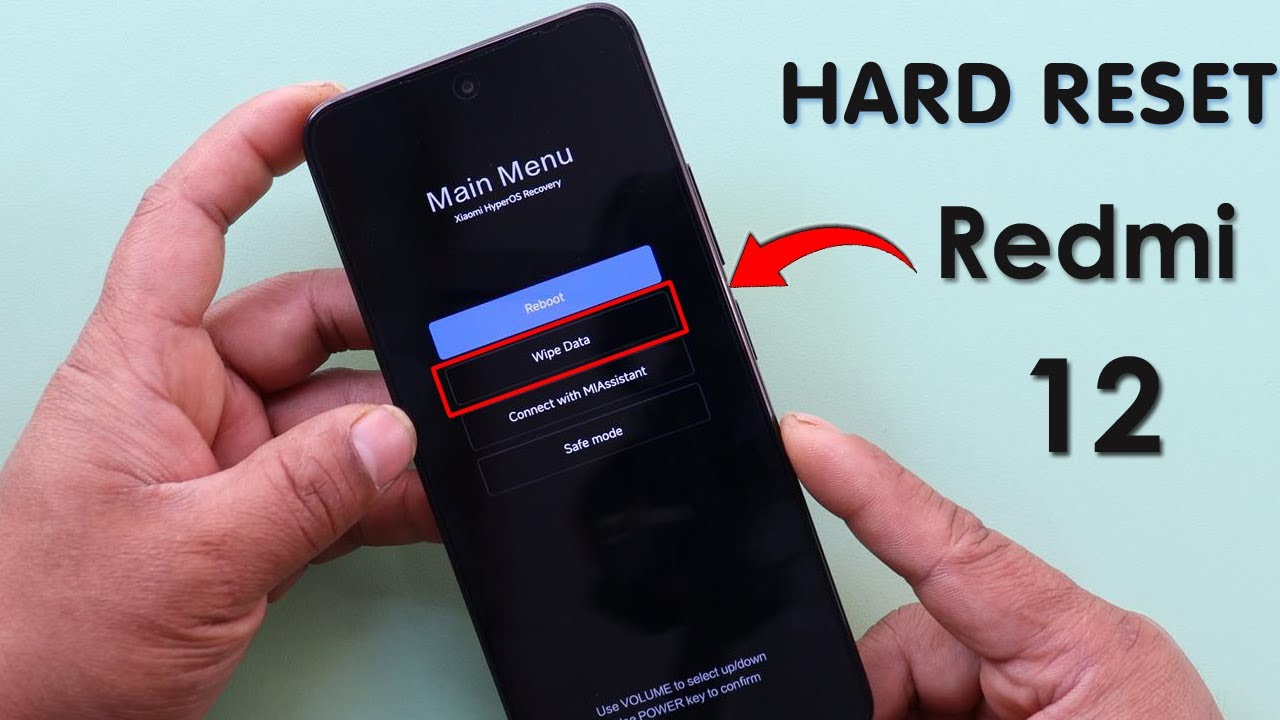
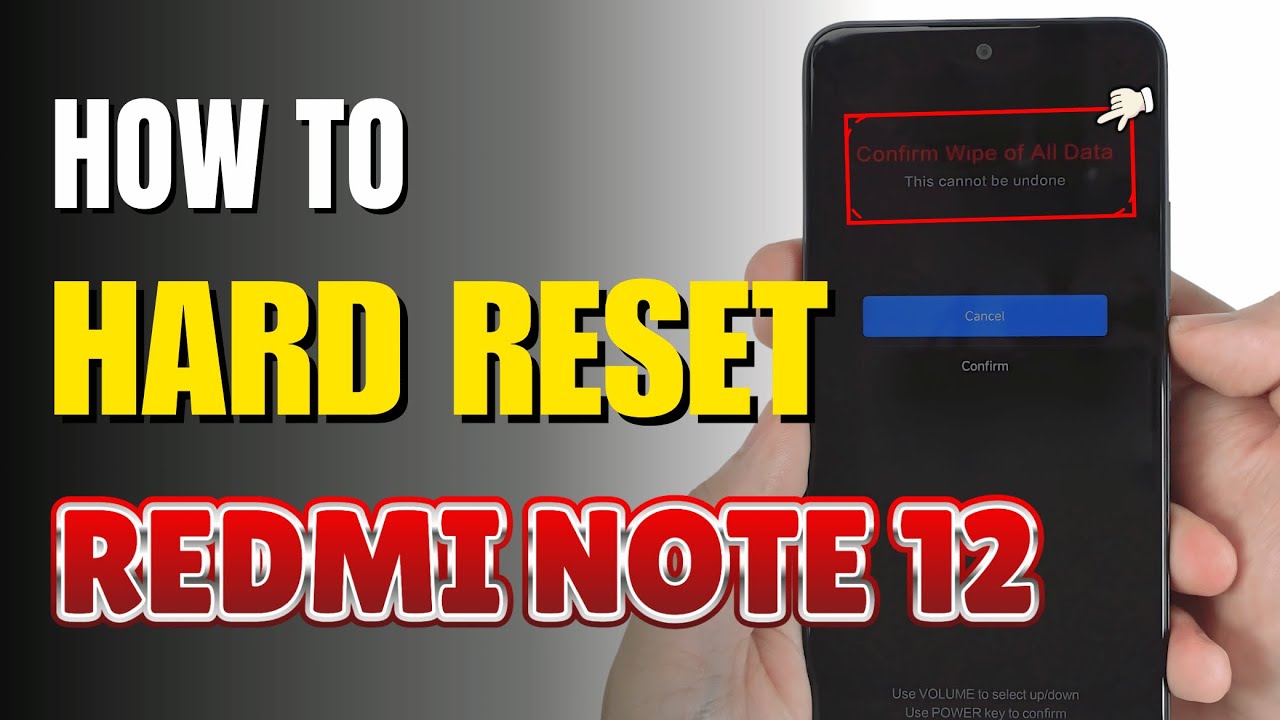
How to Hard Reset Redmi Note 12

Автор: TechQA

Загружено: 2024-10-13

Просмотров: 3645

Описание:

How to Hard Reset Redmi Note 12


0:08 Issue
0:20 Step by step guide
1:15 Set up phone


Important Note:
A hard reset will erase all data on your phone, including apps, photos, videos, and settings. Make sure to back up important data before proceeding.
Method 1: Hard Reset via Recovery Mode
Step 1: Power Off the Phone
Turn off your Redmi Note 12: Press and hold the Power button, then tap Power off to shut down the phone.
Step 2: Boot into Recovery Mode
Press and hold Power + Volume Up buttons:
Simultaneously press and hold the Power button and the Volume Up button.
Keep holding both buttons until the Mi logo appears, and then release them. This will take you to Recovery Mode.
Step 3: Navigate to Wipe Data
Use Volume buttons to navigate: In Recovery Mode, use the Volume Up and Volume Down buttons to navigate through the menu.
Select Wipe Data: Scroll down to the option Wipe Data and press the Power button to confirm your selection.
Step 4: Confirm the Reset
Select Wipe All Data: After selecting Wipe Data, choose Wipe All Data and press the Power button again to confirm.
Confirm action: You may be asked to confirm one more time. Use the Power button to confirm that you want to perform a factory reset.
Step 5: Wait for the Reset Process
Wait for the process to complete: The phone will begin erasing all data and restoring factory settings. This may take a few minutes.
Step 6: Reboot the Phone
Reboot the system: Once the reset is complete, select the option Reboot in Recovery Mode, and your phone will restart.
Method 2: Hard Reset via Settings (if accessible)
Step 1: Open Settings
Go to Settings: From the home screen, open the Settings app.
Step 2: Access Backup & Reset
Navigate to Backup & Reset: Scroll down and tap on Additional Settings -Backup & Reset.
Step 3: Choose Factory Reset
Select Factory Data Reset: Tap on Factory Data Reset or Erase all data (factory reset).
Step 4: Confirm the Reset
Confirm Reset: You will be asked to confirm your decision. Tap Reset phone or Erase everything to begin the process.
Step 5: Wait for the Phone to Reset
Wait for the process to complete: Your phone will restart automatically once the factory reset is done.
After the Reset
When the reset is complete, your Redmi Note 12 will restart and display the initial setup screen, just like when it was new. You’ll need to set up your phone again by selecting a language, connecting to Wi-Fi, signing into your Google account, etc.
By following these steps, you can successfully perform a hard reset on your Redmi Note 12, restoring it to factory settings.


#vivov40series
#vivov40lite
#vivohardreset
#hardreset
#vivotips
#vivotricks
#techqa
How to Hard Reset Redmi Note 12

Поделиться в:

Доступные форматы для скачивания:

Скачать видео mp4

  • Информация по загрузке:

Скачать аудио mp3

Похожие видео

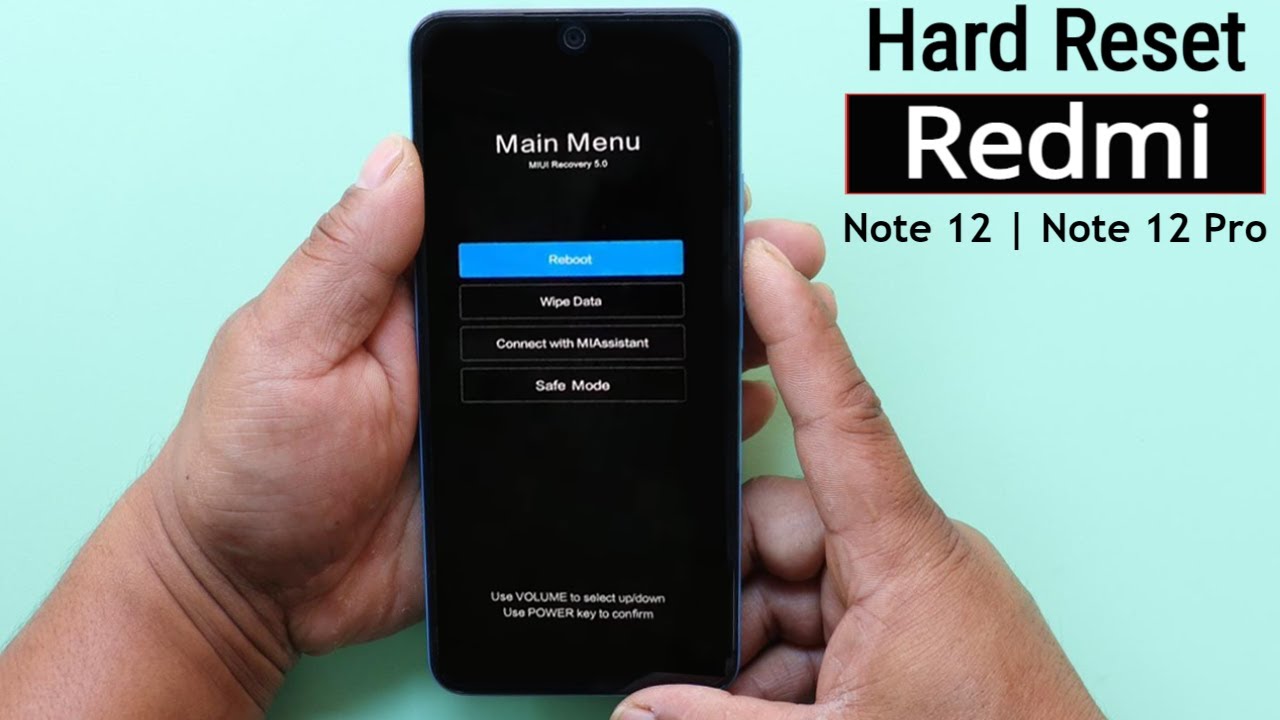
Hard Reset Redmi Note 12/Note 12 Pro Unlock Pattern/Pin/Password | Redmi Miui 14 Factory Reset 2023

Hard Reset Redmi Note 12/Note 12 Pro Unlock Pattern/Pin/Password | Redmi Miui 14 Factory Reset 2023

Redmi Note 11/12/13 HyperOs Frp Bypass Without Pc | All Xiaomi HyperOs Google Account Bypass

Redmi Note 11/12/13 HyperOs Frp Bypass Without Pc | All Xiaomi HyperOs Google Account Bypass

ОБЫЧНЫЙ VPN УМЕР: Чем обходить блокировки в 2026

ОБЫЧНЫЙ VPN УМЕР: Чем обходить блокировки в 2026

Чем ОПАСЕН МАХ? Разбор приложения специалистом по кибер безопасности

Чем ОПАСЕН МАХ? Разбор приложения специалистом по кибер безопасности

Xiaomi Redmi Note 12 4G Hard Reset/Factory Reset Complete Guide

Xiaomi Redmi Note 12 4G Hard Reset/Factory Reset Complete Guide

ОТКЛЮЧИЛ ЭТО в Play МАРКЕТ и ОФИГЕЛ!! Мой ANDROID ЛЕТАЕТ!!

ОТКЛЮЧИЛ ЭТО в Play МАРКЕТ и ОФИГЕЛ!! Мой ANDROID ЛЕТАЕТ!!

MIUI 14 Xiaomi сброс Гугл аккаунта удаление FRP mi 10t pro

MIUI 14 Xiaomi сброс Гугл аккаунта удаление FRP mi 10t pro

MI Account Remove Permanent | New  Unlock Code Free | Solve *Activate This Device* Mi Account

MI Account Remove Permanent | New Unlock Code Free | Solve *Activate This Device* Mi Account

Redmi 12 5G - How To Reset | Redmi 12 5G Ko Reset Kaise Kare

Redmi 12 5G - How To Reset | Redmi 12 5G Ko Reset Kaise Kare

Redmi Note 12 HyperOS Frp Bypass/Unlock Google A/c Lock | Redmi 12/Note 12 HyperOS Frp Bypass 2026 |

Redmi Note 12 HyperOS Frp Bypass/Unlock Google A/c Lock | Redmi 12/Note 12 HyperOS Frp Bypass 2026 |

Redmi Note 11 FRP Bypass (HyperOS) Without PC | Google Account Unlock 2025 [No Apps Needed]

Redmi Note 11 FRP Bypass (HyperOS) Without PC | Google Account Unlock 2025 [No Apps Needed]

How To Hard Reset Redmi 12 Remove Screen Lock Pattern/Pin/Password | Xiaomi Redmi 12 Factory Reset

How To Hard Reset Redmi 12 Remove Screen Lock Pattern/Pin/Password | Xiaomi Redmi 12 Factory Reset

БЕЗ VPN👉 ТОП СПОСОБ Как обойти ВСЕ блокировки на Андроид! Обход блокировки Воцап, Ютуб, Телеграмм

БЕЗ VPN👉 ТОП СПОСОБ Как обойти ВСЕ блокировки на Андроид! Обход блокировки Воцап, Ютуб, Телеграмм

Топ 15 фишек Xiaomi, Redmi и Poco, которые вы должны знать!

Топ 15 фишек Xiaomi, Redmi и Poco, которые вы должны знать!

New method Bypass Mi Account Without PC Any Miui /11/12/13/14

New method Bypass Mi Account Without PC Any Miui /11/12/13/14

Redmi 12 | 12 5G HyperOs FRP Bypass 2025 Android 14/15 | Google Account Remove Without Second Space

Redmi 12 | 12 5G HyperOs FRP Bypass 2025 Android 14/15 | Google Account Remove Without Second Space

Xiaomi HyperOS 2.0 Android 15 FRP Bypass Without Pc 2025 | Xiaomi/Redmi/Poco Google Account Bypass

Xiaomi HyperOS 2.0 Android 15 FRP Bypass Without Pc 2025 | Xiaomi/Redmi/Poco Google Account Bypass

Xiaomi Android 15 Frp Bypass New Update 2025

Xiaomi Android 15 Frp Bypass New Update 2025

Redmi Note 12 HyperOS Frp Bypass 2025✔ Reset Google Account Android 14/15✔ Redmi Note 12 Frp Unlock

Redmi Note 12 HyperOS Frp Bypass 2025✔ Reset Google Account Android 14/15✔ Redmi Note 12 Frp Unlock

#Redmi 12 5G FRP BYPASS Xiaomi HyperOS || Redmi 12 5G Google Account Bypass ||100% Easy💥

#Redmi 12 5G FRP BYPASS Xiaomi HyperOS || Redmi 12 5G Google Account Bypass ||100% Easy💥

© 2025 dtub. Все права защищены.


  • Контакты
  • О нас
  • Политика конфиденциальности


Контакты для правообладателей: infodtube@gmail.com