Dell Inspiron 15-3505 - M.2 SSD, 2.5" HDD, RAM and Battery Upgrade/Replacement Guide
Автор: Brue Computing
Загружено: 2021-04-15
Просмотров: 37492
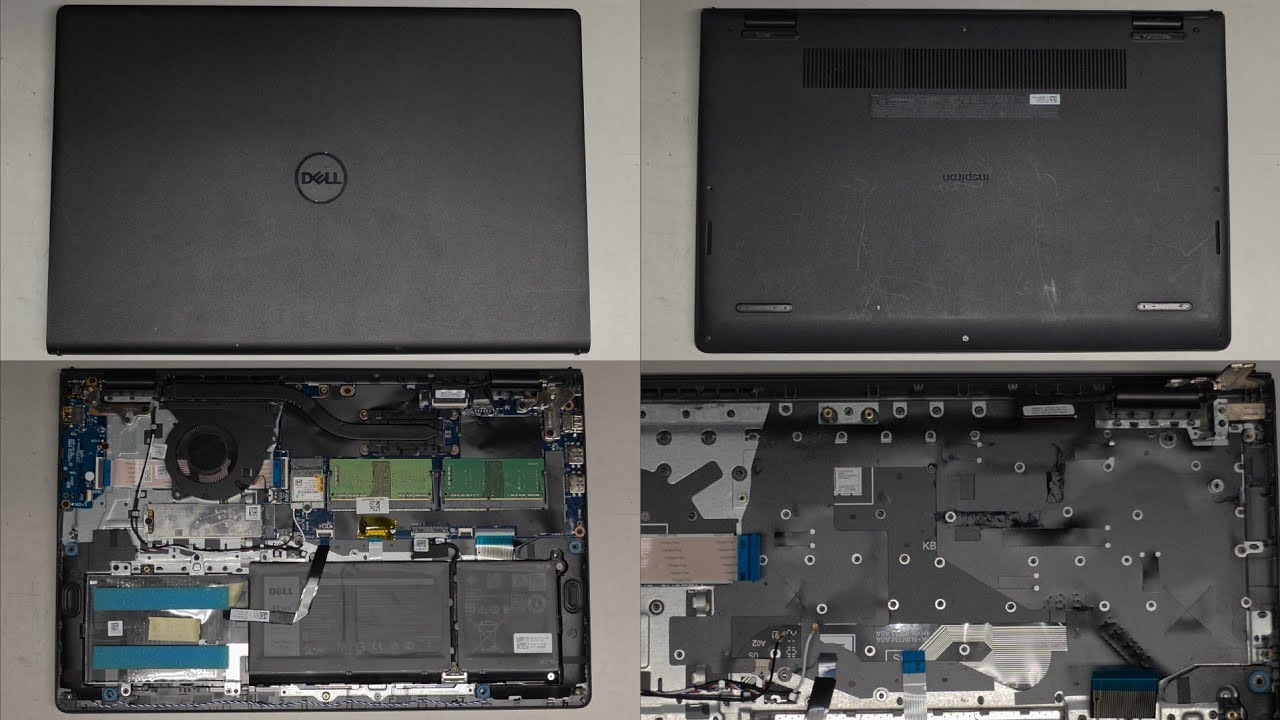
A guide to upgrading or replacing the Dell Inspiron 15-3505 2.5" HDD, M.2 NVMe SSD, DDR4-3200 RAM and Battery.
This is a relatively simple process requiring just a small Philips head screwdriver and a plastic pry tool.
Related parts, via Amazon Associate links: https://amzn.to/3ae5BxQ
8GB DDR4-3200 SO-DIMM: https://amzn.to/3geYMzU
1TB Crucial P2 M.2 2280 NVMe SSD: https://amzn.to/3pL2i7o
1TB SATA SSD: https://amzn.to/2RCCCNE
Screwdriver set: https://amzn.to/2H8yS1x
Pry tools: https://amzn.to/3kEJyT0
NVMe to USB 3.0 adapter - useful for cloning NVMe drives: https://amzn.to/3lxzBYK
0:00 Base removal
2:20 Battery Disconnection and Removal
3:30 2.5" SATA HDD Fitting
6:25 RAM Upgrade
6:45 M.2 NVMe SSD Upgrade
8:15 Battery Refitting
8:55 CPU Cooler Fan Removal and Cleaning
9:50 Battery Reconnection
10:15 Base Refitting

Доступные форматы для скачивания:
Скачать видео mp4
-
Информация по загрузке: