What is a Network Packet Broker? | Tech Tips With Packet Boi
Автор: Keysight
Загружено: 2020-06-01
Просмотров: 7916
What is a network packet broker? It might be the most important tool in your data center! Learn more at ► https://www.ixiacom.com/resources/5-w... ◄ and ► https://www.ixiacom.com/resources/def... ◄
Other helpful links:
Network Visibility portfolio: https://www.ixiacom.com/products/visi...
Vision Network Packet Brokers: https://www.ixiacom.com/products/netw...
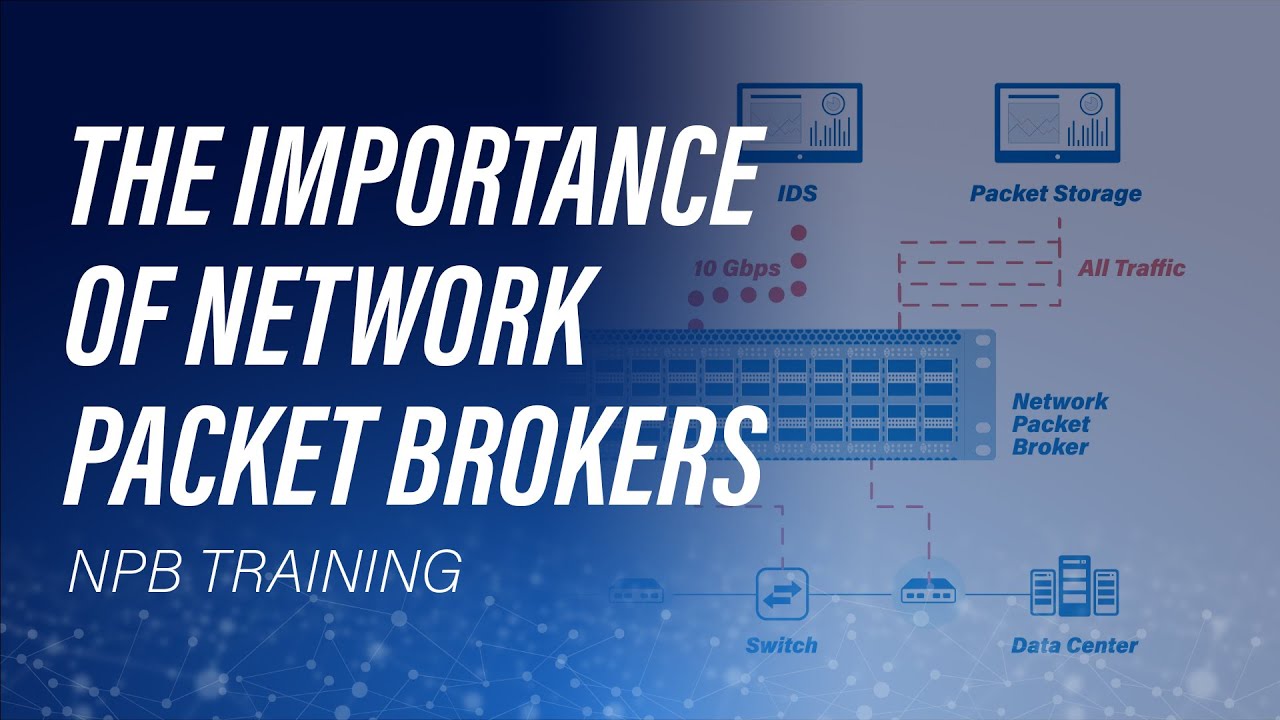
So, what is a network packet broker (NPB) anyways? Well, aside from being a tool that a lot of IT engineers are unfamiliar with, a network packet broker, also known as a packet broker or NPB, is a device that lets you manipulate network data to make your monitoring solution more efficient and reduce your costs.
When it comes to monitoring, a lot of people think that all you need to do is buy a special tool - like a performance monitoring or security appliance - and insert it into your network. But it’s not that simple. Some tools need data from various parts of the network, while others only want specific types of data, which can be very difficult to capture.
But if your tools are only as good as the data you feed them, how do you make sure they’re all getting the right information? Well, there is an easy solution for that: a visibility architecture.
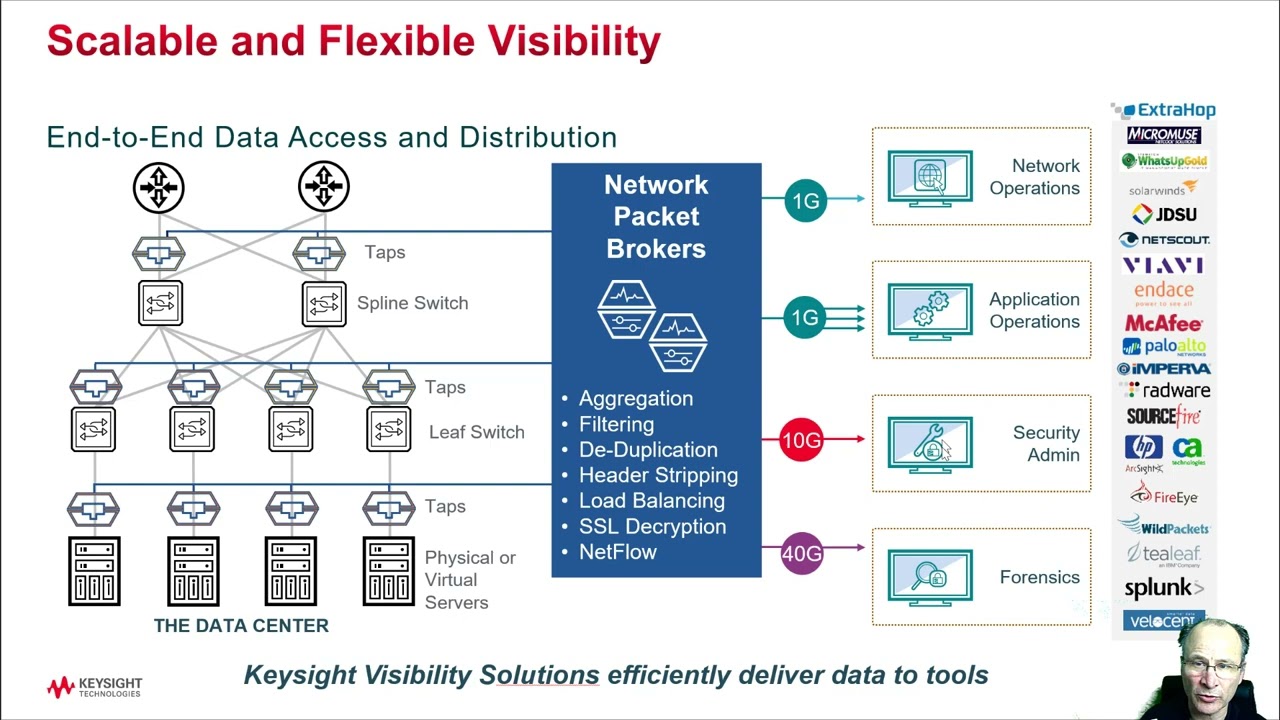
At its core, a visibility architecture is an end-to-end infrastructure that captures data across the entirety of your network — enabling physical and virtual network, application, and security visibility.
To create a visibility architecture, first you need to deploy taps or SPAN ports so that you can access monitoring data. Of the two, I always recommend going with taps, because you can place them anywhere in the network you want.
Now, while you could just send that data directly to your monitoring tools, too much data can impair their performance. This is the point of a network packet broker. By deploying it between your taps and your tools, you can reduce tool strain by sending your tools only the data they need, and nothing extra.
Finally, the third part of a visibility architecture are your tools themselves, which provides your data insights.
Now, it is worth noting that there are two types of visibility architectures: inline architectures and out-of-band architectures. The architecture I’m describing today is out-of-band — which means that your packet broker is not directly in the line of your production traffic. Ergo, if you take the packet broker out of service, it will not affect your production network.
There are a number of situations where this kind of architecture is useful – in fact, off the top of my head I can think of more than 70! But in the interest of time, here are the seven most valuable use cases for an out-of-band packet broker.
First off, there’s aggregation — and it’s an extremely popular use case. This is where an NPB combines data from multiple taps or SPAN ports throughout your network and sends a single stream of data to the monitoring tool. No duplicates, no missing packets.
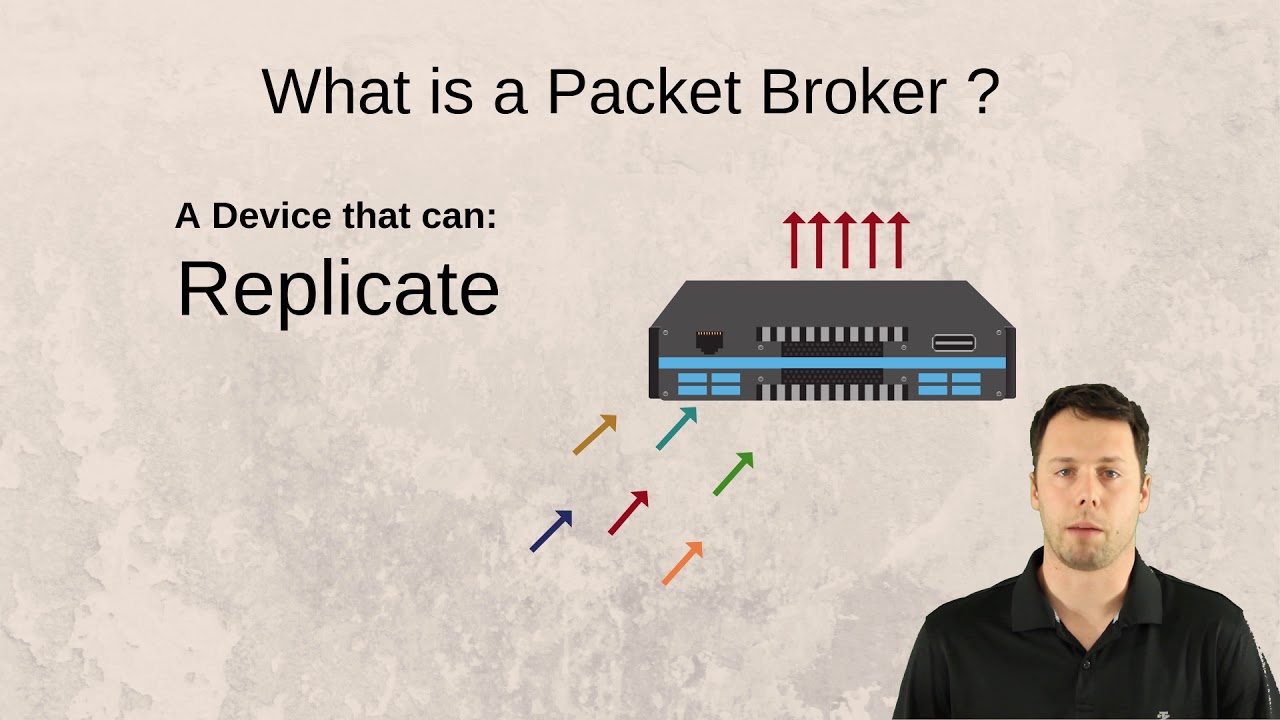
Next up, there’s replication. This is where an NPB makes multiple copies of the same data and sends it to multiple tools at the same time.
Then there’s filtering. With layer 2 to layer 4 IP packet filtering, you can use your NPB to remove unwanted data so that only specific data is sent on for analysis. This is especially useful for tools like WireShark or a DLP.
At the other end of the spectrum, Layer 7 filtering gives you application level filtering. For instance, you can screen in HTTPS data or screen out Netflix data – based solely on the application type.
With deduplication, you can make your tools more efficient by removing unnecessary duplicate packets, which are caused by things like Cisco ACI architectures, SPAN ports, or the use of too many taps.
In a similar vein, load balancing enables you to spread the data analysis load across multiple monitoring tools. Should one device fail, data is efficiently distributed to the remaining tools.
And finally, there’s faster troubleshooting. Once you pair a tap and packet broker together, you have fast access to the data you need, when you need it. This means you will almost never need to schedule maintenance windows to collect monitoring data. In fact, several of our clients have reduced their troubleshooting times by almost 80% just because of this one capability.
So hopefully today’s video gave you a little more insight as to what a network packet broker really is. But if you’re hungry for more information, check out a couple of our ebooks, Definitive Guide to Network Visibility Use Cases (https://www.ixiacom.com/resources/def...) and 5 Ways to Improve ROI with Network Packet Brokers (https://www.ixiacom.com/resources/5-w....
#NetworkPacketBroker #NPB #NetworkMonitoring #DataCenter #NetworkVisibility #NetworkMonitoringBestPractices #NetworkTap #VisibilityArchitecture #Ixia #PacketBoi

Доступные форматы для скачивания:
Скачать видео mp4
-
Информация по загрузке: