How to use Cells Menu in MS Excel 2019, Protect Sheet, Protect Cells, Hide Formula, Insert Cells
Автор: YAGYANSHU PATHSHALA
Загружено: 2020-04-30
Просмотров: 104
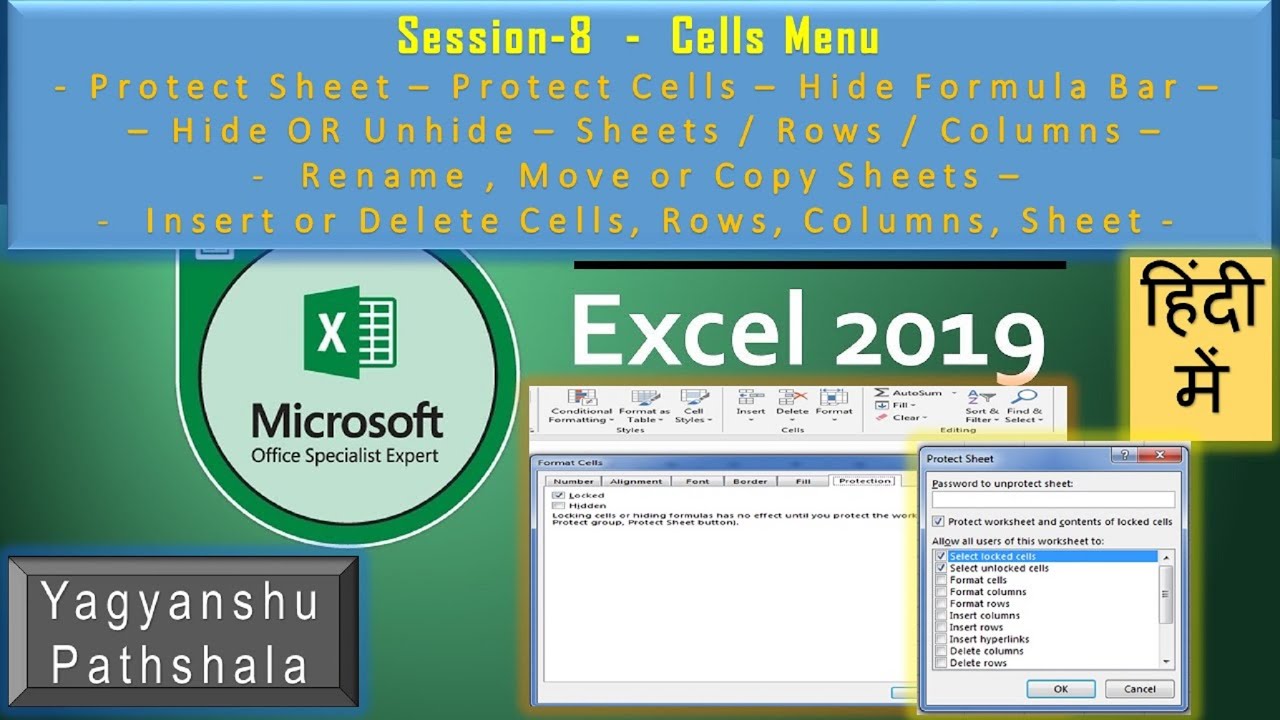
How to Use Cells Menu in MS Excel 2019, Protect Sheet, Protect Cells, Hide Formula, Insert Cells, Insert Columns, Insert Rows, Delete Cells, Delete Columns, Delete Rows, Rename Sheets, Change Sheet Tab Colors, Hide Row, Hide Columns, Hide Sheets, Unhide Row, Unhide Columns, Unhide Sheets, Move or Copy Sheets, Change Row Height, Auto Fit Row Height, Change Column Width, AutoFit Column Width, Default Width, Lock Cells, Hiding, Unlock Cells, Disable Hiding ?
How to Use Cells Menu in MS Excel 2019 in Hindi in Depth ?
MS Excel 2019 in Hindi Playlist -
MS Excel 2019 - Session 1-Basic of MS Excel - • Learn MS Excel 2019 in Hindi ! Microsoft O...
MS Excel 2019 - Session 2- Font tab of MS Excel - • How to do Data Entry in MS Excel 2019, Edi...
MS Excel 2019 - Session 3- Alignment tab of MS Excel - • How to do Alignment, Merge & Center, Wrap ...
MS Excel 2019 - Session 4- Number Tab of MS Excel - • How to do Number Formatting in MS Excel in...
MS Excel 2019 - Session 5- Cell Styles of MS Excel - • How To Use Format As Cell Styles In MS Exc...
MS Excel 2019 - Session 6- Format as Table of MS Excel - • How to Use Format as Table with Design Men...
MS Excel 2019 - Session 7- Conditional Formatting of MS Excel - • How To Do Conditional Formatting & How To ...
MS Excel 2019 - Session 8- Cells Menu of MS Excel - • How to use Cells Menu in MS Excel 2019, Pr...
Subscription Link - https://www.youtube.com/channel/UCTbN...
Learn what is the use of cells menu in Excel 2019/2016/2013/2010/2007?
Microsoft Excel is a commercial Spreadsheet software designed by Microsoft. It is a component of the Microsoft Office and is often called simply Excel or MS Excel.
Microsoft Excel एक कमर्शियल स्प्रेडशीट सॉफ्टवेयर है जिसे माइक्रोसॉफ्ट ने बनाया है. यह माइक्रोसॉफ्ट ऑफिस का ही एक हिस्सा है जिसे आसानी से Excel या MS Excel कहाँ जाता है|
Доступные форматы для скачивания:
Скачать видео mp4
-
Информация по загрузке: