How to remove Green screen in Nuke In Detail Part 7 | Doubt Class | BY VFX FORGE
Автор: VFX FORGE
Загружено: 2024-09-29
Просмотров: 4681
Assets used - https://www.actionvfx.com/practice-fo...
bg - https://drive.google.com/file/d/1lXt1...
Chroma Keying: A Quick Overview
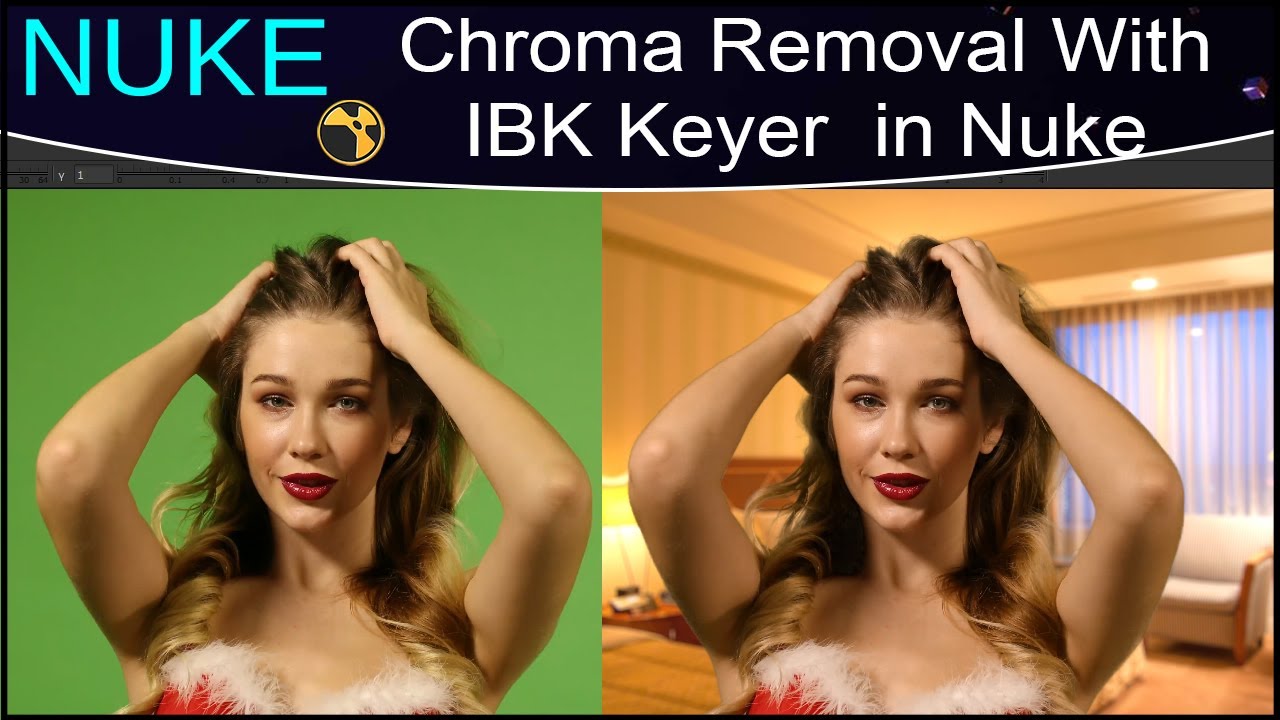
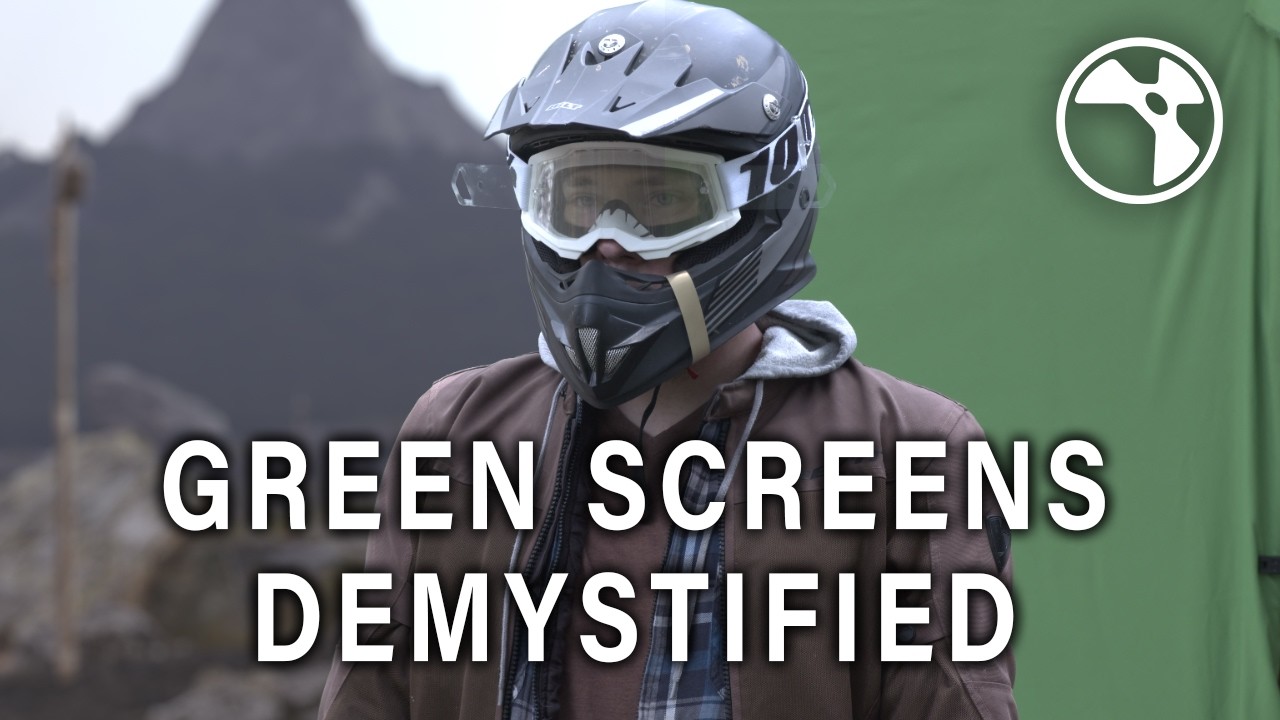
Chroma keying is a visual effects technique used for compositing two images or video streams together based on color hues. The technique involves removing a specific color (often green or blue) from a scene, allowing another image or video to be placed behind the subject. This is widely used in film production, news broadcasting, and even gaming.
Green screens and blue screens are most commonly used for chroma keying because these colors are not typically found in human skin tones, making it easier to isolate the subject from the background. Advanced chroma keying goes beyond the basics by allowing compositors to handle challenges such as color spill, uneven lighting, and transparent objects like smoke or hair.
Nuke Chroma Keying (Node-Based Compositing)
Nuke is an industry-standard node-based compositing tool used by visual effects artists for high-end VFX in films, commercials, and television. Its node-based approach provides a non-destructive workflow, allowing for complex compositing tasks with full control over each stage.
1. Understanding Nuke’s Node-Based System
Unlike After Effects, which uses a layer-based system, Nuke uses a node-based system, meaning each effect, adjustment, or operation is represented by a “node” that connects to other nodes in a flowchart-like structure. This allows for greater flexibility and modular control over individual aspects of a composition.
Keying Nodes: The key nodes used for chroma keying in Nuke are the Keylight, Primatte, and Ultimatte nodes. These are specialized nodes for isolating green or blue screen backgrounds.
RotoPaint Node: Used to manually refine areas that chroma keying might not handle well.
Grain Node: Useful for matching the grain or noise pattern of the keyed footage with the background footage.
2. Basic Chroma Key Workflow in Nuke
Import Footage:
Bring in the green screen footage using the Read node.
Apply Keying Node (Keylight, Primatte, or Ultimatte):
For example, if using Keylight, it allows users to pick the green color using the screen color picker. This starts the process of removing the green background.
Refine the Key:
Edge control: Adjust the softness and sharpness of the edges of the key to handle fringing.
Despilling: In Nuke, you can use the despill controls within Keylight or a separate EdgeBlur node to handle green spill (green color bleeding onto the subject).
Alpha and Matte Adjustments: Use the Grade node or Dilate/Erode node to adjust the matte by shrinking or expanding it to deal with uneven keying areas.
Background Replacement:
After pulling a clean key, you can import your background footage using another Read node and then composite the two using the Merge node.
Final Touches:
Edge Refinement: Use EdgeBlur or Premult nodes for any final adjustments to smooth the edges and integrate the subject with the background.
Grading: Use the Grade node to color correct the keyed footage and match it with the background to make the scene look realistic.
3. Advanced Techniques in Nuke Chroma Keying
a. Edge Refinement and Motion Blur
In some cases, the keying process may leave harsh edges, especially when the subject is moving fast or if there's motion blur in the original footage. You can use a combination of:
Motion Blur Node: To add or enhance motion blur that was removed during keying.
EdgeBlur or Erode Node: To refine edges and make them less sharp.
b. Handling Semi-Transparent Objects
When dealing with subjects like glass, hair, or smoke, standard chroma keying methods might not work well. You may need to use a combination of Primatte and RotoPaint nodes to manually enhance specific areas or to roto parts of the footage that cannot be keyed .
After Effects Advanced Chroma Keying (Layer-Based Compositing)
Adobe After Effects is one of the most popular tools for motion graphics, visual effects, and compositing. Unlike Nuke’s node-based system, After Effects uses a layer-based system, which can be more intuitive for some users, but can become less efficient when dealing with complex scenes.
Class 1 - • Full Complete Course for NUKE COMPOSITORS ...
Class 2 - • Full Complete Course for NUKE COMPOSITORS ...
Class 3- • Full Complete Course for NUKE COMPOSITORS ...
Class 4 - • How to do Sky replacement in NUKE | Full C...
Class 5 - • Veda VFX Revealed: The Secrets Behind the ...
Class 6 - • How to Screen Replacement in Nuke PART 1 |...
Class 7 - • How to Screen Replacement in Nuke PART 2 |...
Class 8 - • Advanced Class For Tracking Part 3 |Full C...
Class 9 - • How to Remove Green Screen in NUKE | Chrom...
Class 10 - • Full Keying Process Explained in Detailed ...
Class 11 - • Full Keying Process Explained in Detailed ...
Class 12 - • Full Keying Process Explained in Detailed ...
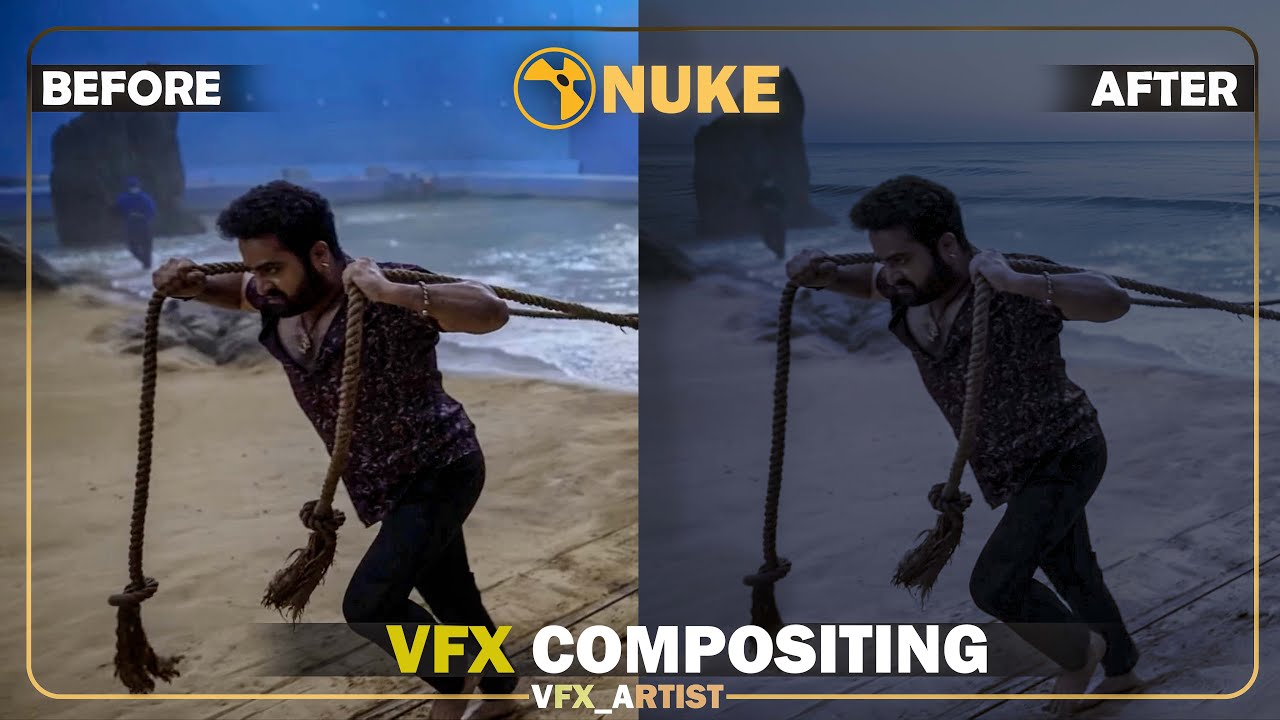
Class 13 - • Mastering Day to Night Scene Conversion in...
Class 14 - • Convert 2d image into 3d world Mastering 3...
Class 15 - • Advanced Keying in Nuke | Edge Despill and...
Class 16 - • Advanced technique for Fixing edge of Gree...

Доступные форматы для скачивания:
Скачать видео mp4
-
Информация по загрузке: