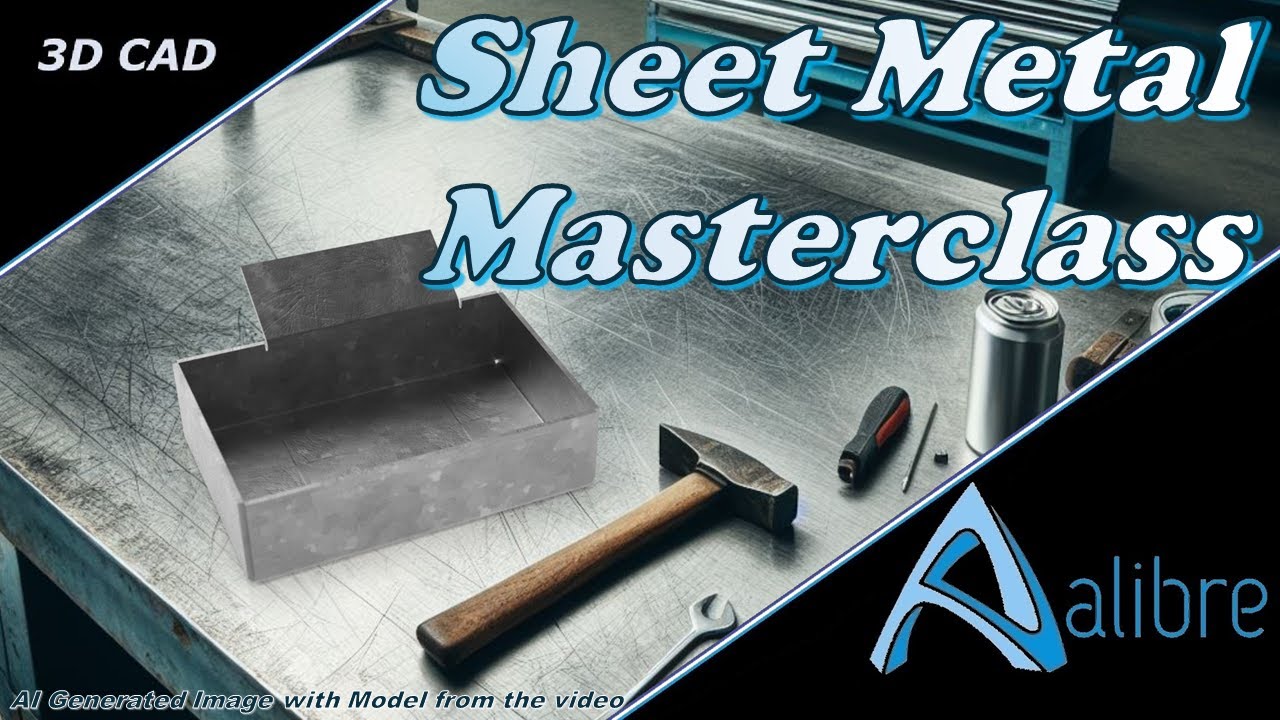
Rookie to Rocking it: A Sheet Metal Masterclass in Alibre
Автор: Ex Machina Engineering
Загружено: 2023-10-14
Просмотров: 728
Can you learn Sheet Metal in #Alibre in only 1 hour? Yes, you can.
🔥 In this video, we'll cover:
📌 Getting started with Sheet Metal parts
📌 Creating 3D geometries like a pro
📌 A deep dive into each tool's functionality
📌 Unveiling best practices for success
📌 Bonus: Converting solid models into Sheet Metal wonders
So grab a cup of your favourite beverage - tea, coffee, or anything you fancy - and let's dive right in! Go on... Get it... I'll wait!
P.S. You can find the parts shown in this video on the thread I made for it on the Alibre Forums
00:00 Intro
00:26 How to start a sheet metal part in Alibre
01:00 Sheet Metal Parameters
02:07 Base Features v. Editing features
03:28 Tab Base Feature
05:55 Moving on with the Flange Feature
06:30 Flange Feature - Alignment Options
10:36 Trim Side Bends
11:30 Flat Pattern
12:40 Leg Length Options
15:50 Advanced Tab
16:16 Corners Tab
17:40 Bend Only
18:15 Bend Angle
19:58 Width Offsets
22:18 Reverse Bend and Flage Direction Selection
23:23 Creating flanges that interfere only in the flat pattern
24:32 Troubleshooting with the Flat Pattern and Best Practices
26:26 Contour Command
27:07 Showing equations in sketch dimensions
27:45 Contour Command Options
30:24 Exploring Manufacturability in 3D vs Flat Pattern
34:17 Adding additional tabs
35:55 Sketched Bend
38:25 Closed Corner Command - Discussing Butt Welds in Sheet Metal
40:18 Dimple
43:03 Cuts and propagating to the Flat Pattern
44:04 Chamfer and Fillet in Sheet Metal
44:54 Convert to Sheet Metal
47:19 Unbend and Rebend
Доступные форматы для скачивания:
Скачать видео mp4
-
Информация по загрузке: