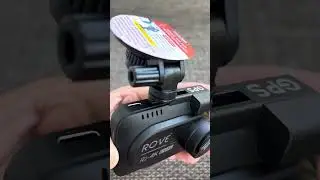
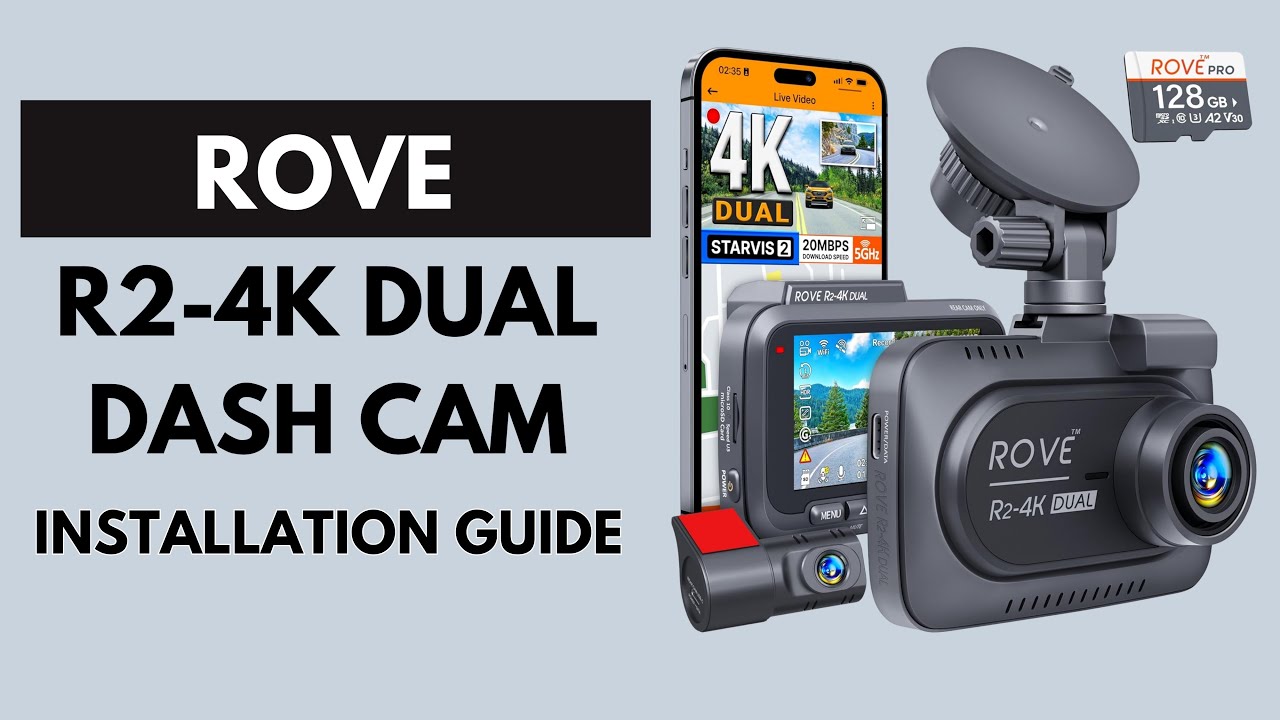
Installation & Setup : ROVE R2-4K DUAL Dash Cam User Guide
Автор: Auto User Guide
Загружено: 2025-08-31
Просмотров: 600
The ROVE R2-4K Dual Dash Cam is a premium front and rear recording system that captures sharp 4K UHD video from the front and Full HD from the rear. With built-in Wi-Fi, GPS, parking mode, and advanced safety features, it ensures all-around protection and reliable evidence. Proper installation and setup are key for the best performance.
🎯 What you’ll learn in this guide:
✅ Unboxing & Components — includes the ROVE R2-4K front dash cam, rear camera, power cable, rear extension cable, car charger adapter, suction/adhesive mounts, user manual, and optional microSD card.
✅ Installation Locations — mount the front camera behind the rearview mirror for a wide forward view, and the rear camera on the rear windshield to capture traffic behind.
✅ Mounting Steps — clean both windshield areas, attach adhesive or suction mounts, secure cameras in place, and adjust angles for full coverage.
✅ Power Connection — connect the front camera using the included car charger and plug it into the 12V cigarette lighter socket. Use the extension cable to link the rear camera to the front unit. For continuous parking monitoring, install an optional hardwire kit.
✅ Memory Card Setup — insert a Class 10 or UHS-I microSD card (64GB–512GB recommended) and format it within the dash cam before recording.
✅ Basic Settings — configure date/time, resolution (up to 4K front + 1080P rear), loop recording, motion detection, G-sensor sensitivity, audio, and parking mode.
✅ Wi-Fi & App Setup — connect to the ROVE mobile app via Wi-Fi to download, view, and manage recordings directly on your smartphone.
✅ GPS Tracking — enable GPS to log driving speed, routes, and location data for enhanced evidence and trip reporting.
✅ Firmware Update — check the ROVE official website or app for updates to ensure the latest features and performance improvements.
✅ Testing & Adjustment — record test footage, check video clarity, confirm GPS accuracy, and adjust both front and rear angles as needed.
✅ Troubleshooting Tips — if issues arise, reformat the SD card, check all connections, update firmware, or replace cables if necessary.
✅ Maintenance — clean both camera lenses regularly, avoid exposure to extreme heat, and keep firmware updated for consistent operation.
The ROVE R2-4K Dual Dash Cam delivers crystal-clear front and rear video recording, advanced smart features, and reliable safety coverage, making it a powerful choice for drivers.
🔥 Hashtags:
#ROVER24KDual #DashCamInstallation #4KDashCam
Join this channel to get access to perks:
/ @auto-userguide
Доступные форматы для скачивания:
Скачать видео mp4
-
Информация по загрузке: