Lot Pads ("Outside the Box") - Training Webinar Series
Автор: 12d Model
Загружено: 2019-02-19
Просмотров: 7233
4:30 Convert a “simple” Super String into a “lot pad string” (which is actually just a super string with colour & text applied).
4:50 Insert “extra” points between the existing corner verticies.
6:00 Creating a "plain" at a selected grade via the Surface Grading option.
8:09 Change Grades (or Levels) on the Pad Edges
9:03 Dynamic Pad Options.
11:20 Adjust height of Pad String & re-calc Volumes.
12:30 Translate (move) the Pad.
13:10 Create a simple Super String & “convert” it to a lot pad string to display grades & Z Values.
15:01 Use CAD Leaders to annotate the string in a similar fashion (Same result, different tools).
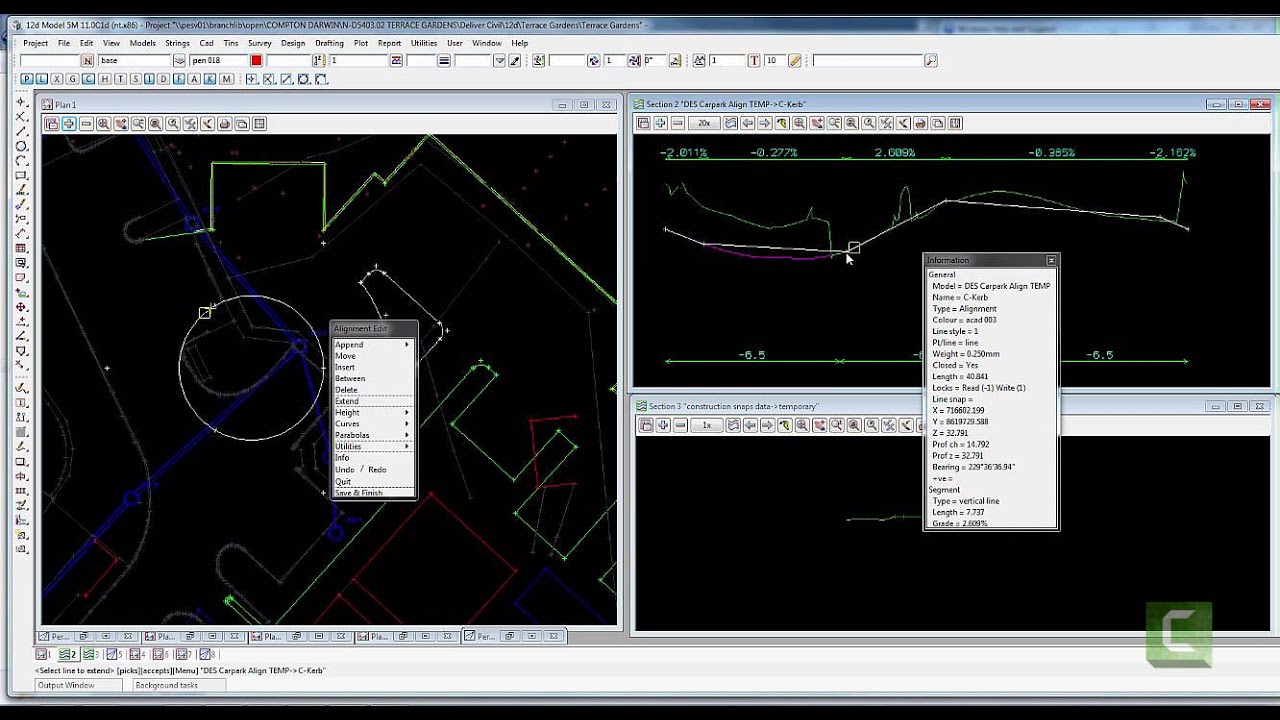
16:22 Extend the thought process & use the Lot Pads Options to set up some guide elevations/grades for setting gully heights in a car park.
23:45 Start setting up a super string to grade a “plain” at a selected grade which will then form the height/tin for the base of a Retaining Wall.
27:03 Edit the (above) string, to add verticies & then “close” the string.
27:50 “Convert” the string to a “lot pad string”.
28:25 Edit the heights on the 2 new points at the corners of the string.
29:45 Grade the string to create a plain at 1%.
31:00 Re-triangulate the tin to set up the base of the retaining wall.
31:31 Open the MTF & set some (existing) modifiers from “In-active” to “Active”, to finish the retaining wall base to the new desired elevations.
34:57 Use of the “Dynamic Pad/Pond” option.
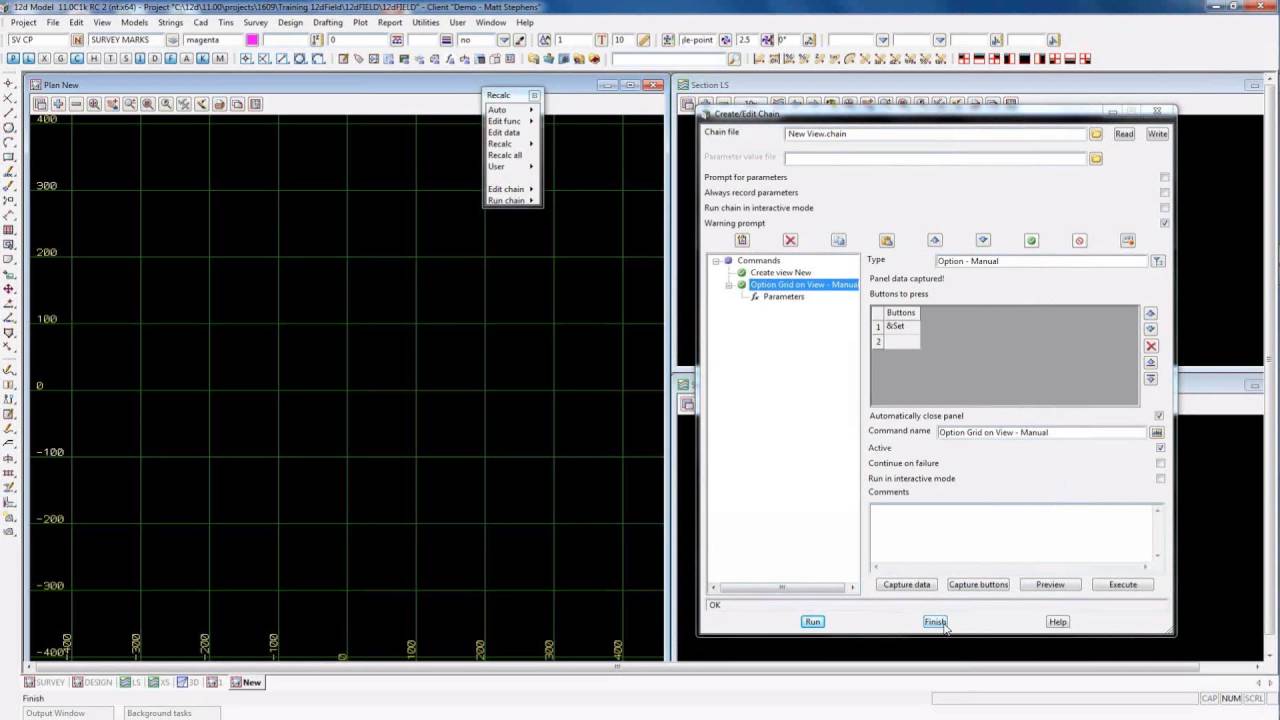
36:16 Filling in the Panel Settings for the 1st run of the earthworks.
37:26 Run the Option.
38:26 Change the ponds height to adjust earthworks volumes to suit requirements.
39:37 Final discussion of the tools.
Difficulty Level: Basic-Intermediate
Whilst Peter Taynton (of 12d Queensland) has previously done some great presentations on the LOT PADS options…as is always the case with 12d Model, the tools can be used in ways other than they were originally intended!
In this video we look at some varying ideas to perhaps spur some thought on possible uses.
We examine the Lot Pads Create, The Lot Pads Edit, Dynamic Pad & Dynamic Pad/Pond options.
We also show some ideas on:
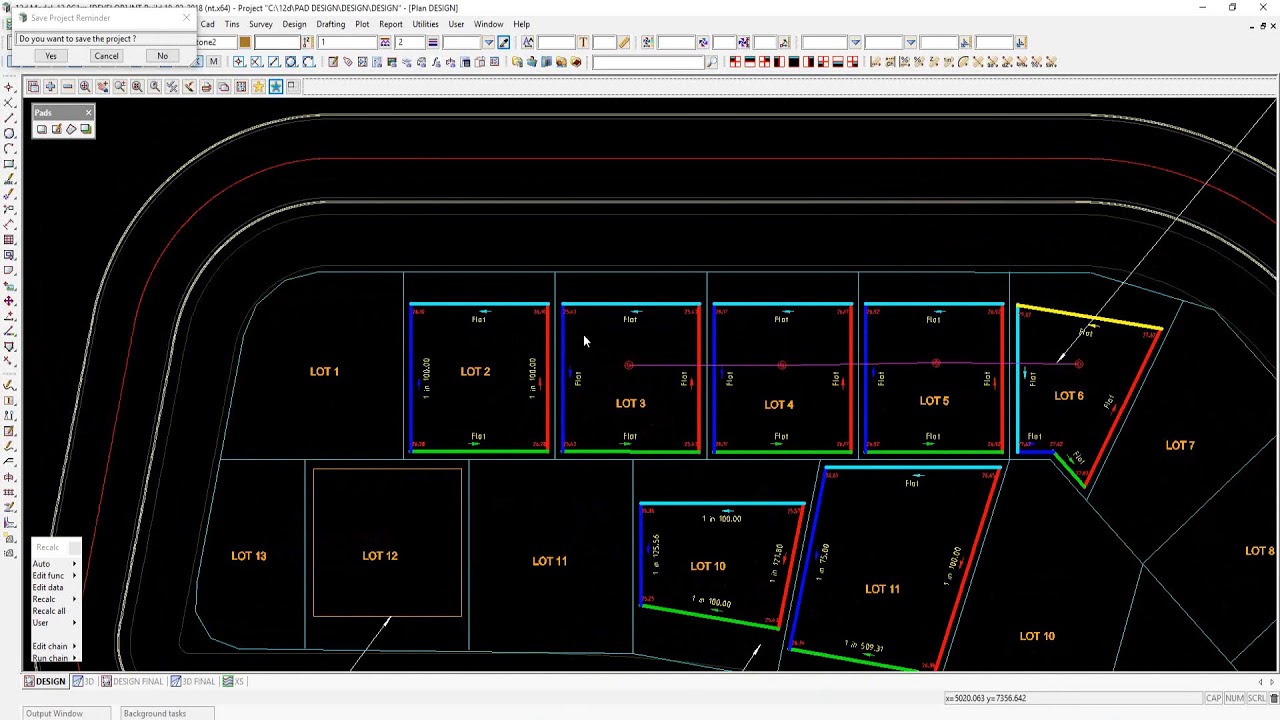
Dynamically “floating” a Building Pad up & down to get a balance of earthworks quantities.
Grading a Parking Lot for drainage by selecting maximum & minimum grades to a gully via the “Level/Grade” option.
Creating a “plain” at a selected grade via the “Surface Grading” option.
Dynamically “floating” a set of ponds + a surrounding edge platform, as 1 entity, up & down to get a balance of earthworks quantities.
For more information, please visit our website www.12d.com or email wa.support@12d.com

Доступные форматы для скачивания:
Скачать видео mp4
-
Информация по загрузке: