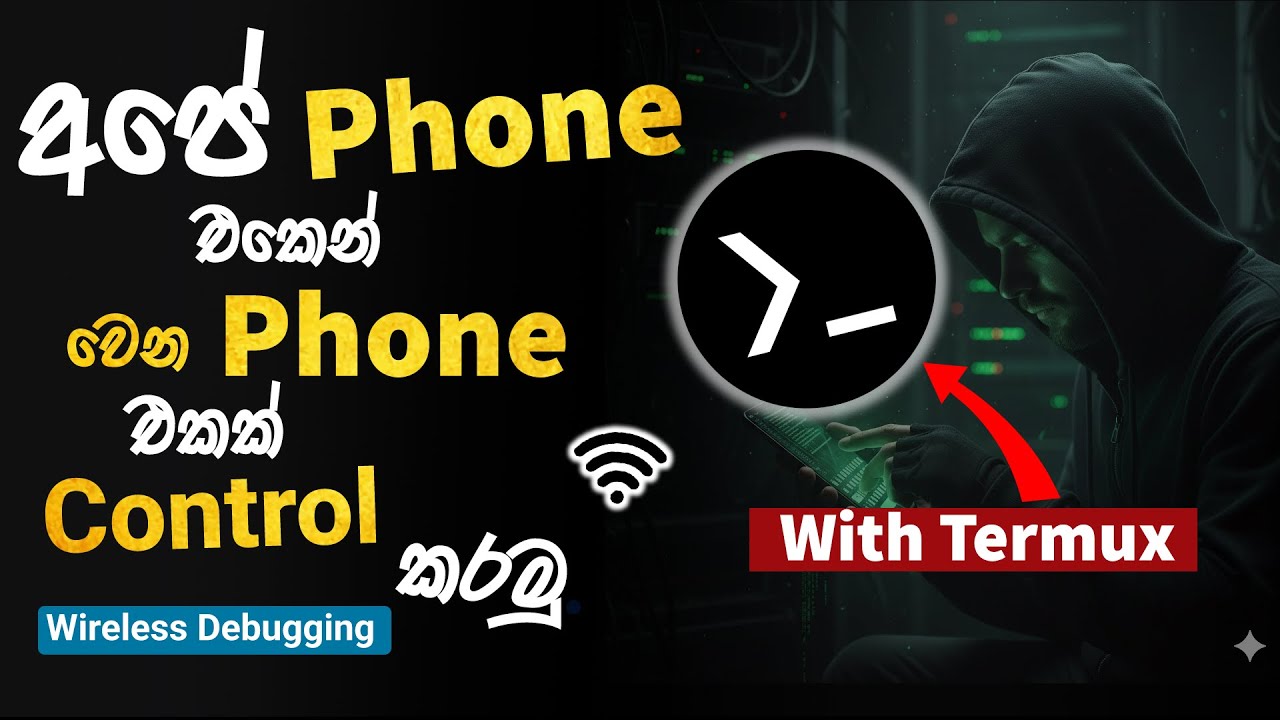
How to Control & Mirror Android Phone Using Termux and Scrcpy Sinhala | USB & Wireless Debugging
Автор: PC HELP TECH
Загружено: 2026-01-01
Просмотров: 105
How to control android phone with Termux using Scrcpy tool and USB Wireless Debugging in sinhala.😎
In this video, I explain how to control and mirror an Android phone screen
using Scrcpy with Termux through USB Wireless Debugging.😍
This tutorial shows:
✔ How to install Scrcpy in Termux
✔ Enable USB Wireless Debugging , Pair and connect
✔ Mirror Android screen with low latency
🔰Termux App : https://f-droid.org/en/packages/com.t...
🔰Termux-x11 App : https://github.com/termux/termux-x11/...
cmd ✅
1. pkg install x11-repo
2. pkg install termux-x11-nightly
3. pkg install android-tools
4. pkg install scrcpy
5. adb pair
6. adb connect
7. termux-x11 :0 & sleep 2 && export DISPLAY=:0
8. scrcpy --video-bit-rate 2M --max-size 1080 --max-fps 20
💠Connect both devices to same Wifi Router or same Hostpot
#Scrcpy
#Termux
#AndroidControl
#ScreenMirroring
Доступные форматы для скачивания:
Скачать видео mp4
-
Информация по загрузке: