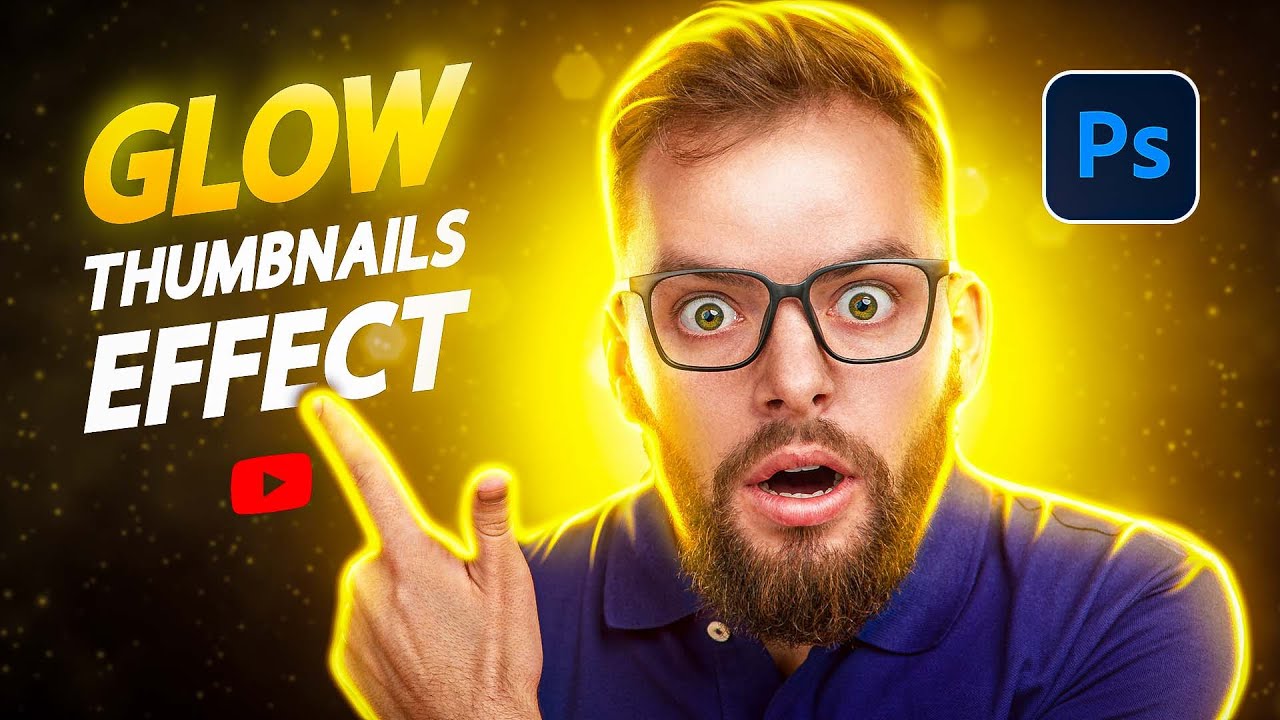
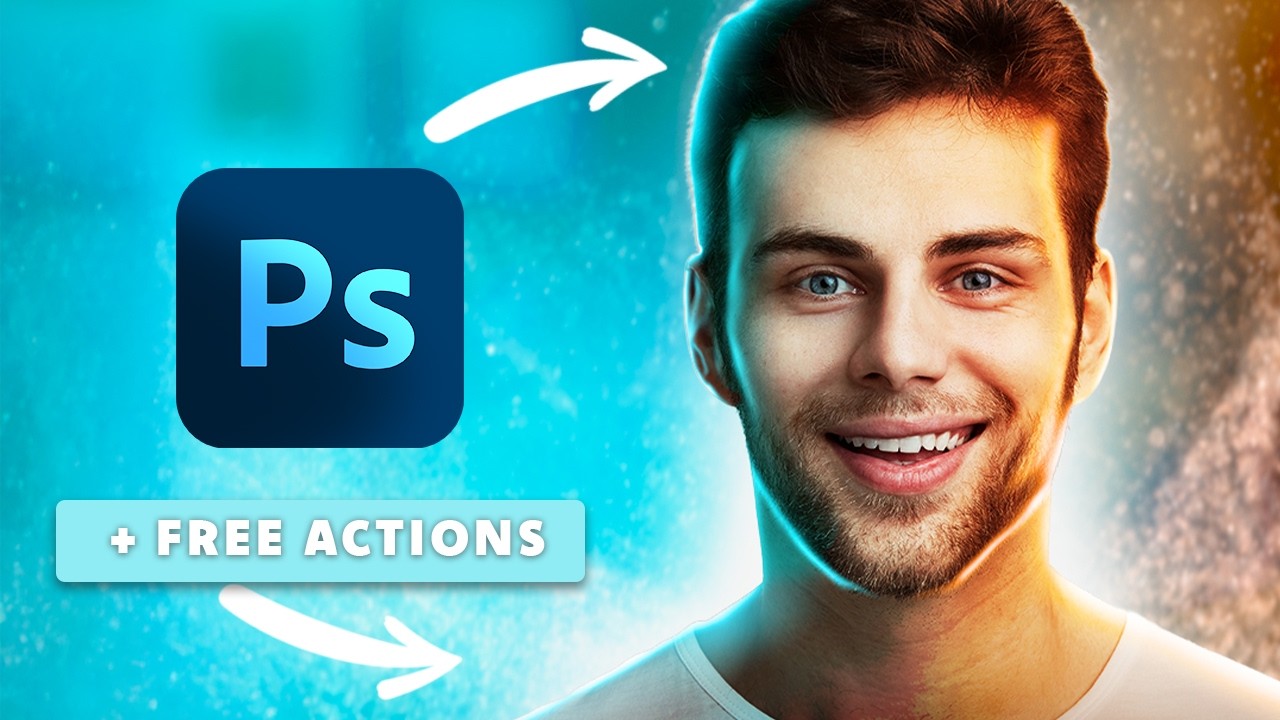
Make Glowing Youtube Thumbnails In Photoshop | Beginners Tutorial + Free Actions ✅
Автор: Brendan Williams
Загружено: 2025-10-01
Просмотров: 1158
How to Make Glowing YouTube Thumbnails That POP in Photoshop! 📝 GET THE FREE ASSETS, PRESETS & ACTION here 👉 https://bwillcreative.kit.com/glowing...
--
BEGINNER BACKGROUND REMOVAL GUIDE: • How To Remove A Background In Photoshop (I...
--
😄 TRY PHOTOSHOP FOR FREE: https://prf.hn/l/0e9YJxb/
—
🤓 **JOIN MY BEGINNER PHOTOSHOP PROGRAM:** https://www.bwillcreative.com/photosh...
👨🏫 **MASTER PHOTOSHOP FOR PHOTOGRAPHY:** https://www.bwillcreative.com/21-day-...
✏️ **MASTER PHOTOSHOP SELECTIONS IN THIS COURSE:** https://www.bwillcreative.com/selecti...
🌐 VISIT MY WEBSITE for 700+ free Photoshop & Lightroom guides: https://www.bwillcreative.com/
👥 MY SOCIAL MEDIA
Instagram: / brnwills
Facebook: / brnwills
Portfolio: https://portfolio.bwillcreative.com/
Email: info@bwillcreative.com
--
In this video, you’ll learn how to create eye-catching glowing YouTube thumbnails in Photoshop. The process starts by adding your main subject and removing its background for a clean base. Then, you’ll duplicate the cut-out layer, apply a Gaussian Blur, and adjust the layer blending mode to create a soft, glowing halo effect around your subject. To make the glow pop, you’ll fine-tune the color with Hue/Saturation adjustments and add multiple blurred layers if needed. For extra impact, you’ll also add a vibrant background, apply gradient overlays, and adjust brightness to draw the viewer’s eye toward your subject. These techniques combine to make your thumbnails stand out in search results and attract more clicks. What do you think of this glowing effect? Would you use it for your next thumbnail?
—
Timestamps:
0:00 Create A Glowing Thumbnail
1:39 Add Glowing Gradient Effects
5:34 Applying Lighting To The Subject
8:45 Main Highlight Lighting
12:49 Smudge Tool & Subtract
17:31 Finishing Touches
Доступные форматы для скачивания:
Скачать видео mp4
-
Информация по загрузке: