Скачать
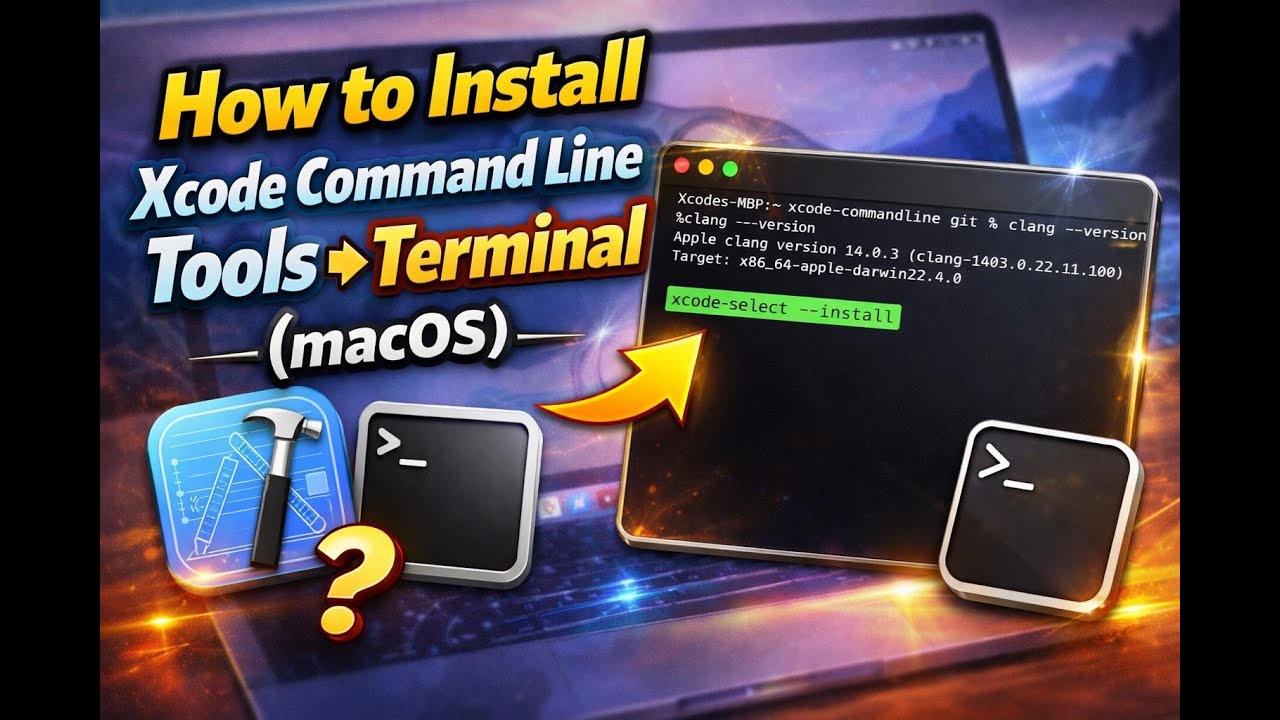
How to Install Xcode Command Line Tools Using Terminal (macOS)
Автор: iDevice Lab 009
Загружено: 2026-01-07
Просмотров: 22
Описание:
In this video, I show you how to install Xcode Command Line Tools using Terminal on macOS.
This method is useful if you don’t want to download the full Xcode app and only need essential developer tools like:
• git
• clang
• make
• gcc
• developer utilities
macOS version:
• Works on most modern macOS versions
Command used:
xcode-select --install
This tutorial is beginner-friendly and takes only a few minutes.
Subscribe to iDevice Lab 009 for more macOS tutorials, legacy Apple content, repairs, and tech experiments.
Join my Discord Server: / discord
#macOS #Xcode #Terminal #DeveloperTools #Coding
Доступные форматы для скачивания:
Скачать видео mp4
-
Информация по загрузке: