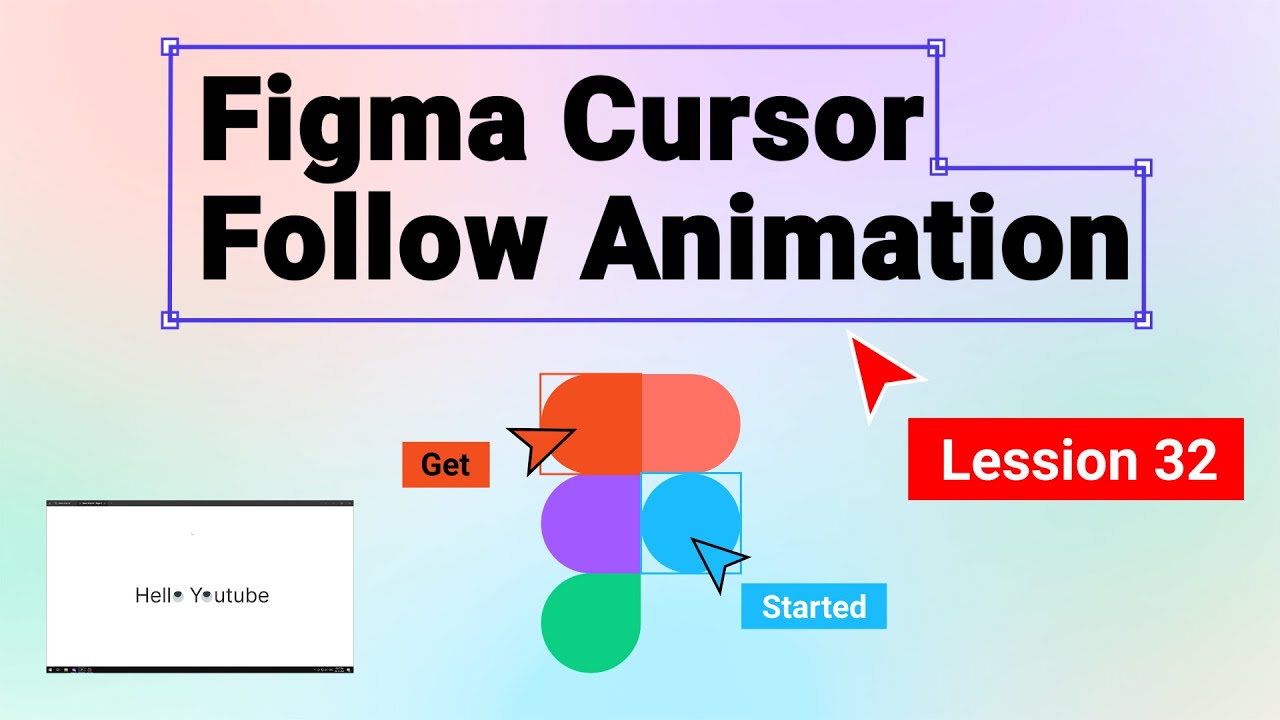
Cursor Following Animated Componets in figma | Lesson 32 | Figma Tutorial For Beginners in Hindi
Автор: RAKSAVI Animation & VFX institute
Загружено: 2025-12-06
Просмотров: 24
Welcome to this Figma Hindi tutorial! In today's video, we’re going to be learning how to create an interactive component that reacts to the cursor's location using hotspots.
"So, what do we mean by "interactive components with hotspots?"
In simple terms, we’re going to make a component that changes based on where the cursor is on the screen. This could be a change in color, a hover animation, or even a dynamic image swap."
Whether you're a designer looking to add some dynamic interaction to your prototypes or just getting started with Figma, this lesson will help you level up your skills!
What You’ll Learn in This Video:
How to create interactive hotspots in Figma
Designing components that respond to cursor movement
Adding animations and effects triggered by the cursor
Best practices for managing interactions in Figma prototypes
#FigmaTutorial #InteractiveComponents #HotspotsInFigma #FigmaPrototyping #FigmaUIDesign #CursorInteractionFigma #UIAnimation #FigmaAnimations #FigmaHoverEffects #FigmaForBeginners #PrototypingInFigma #FigmaDesign #UIUXDesign #FigmaTips #SmartAnimateFigma
Доступные форматы для скачивания:
Скачать видео mp4
-
Информация по загрузке:
![FIGMA С НУЛЯ ЗА 1 ЧАС: Полный курс для новичков [2025]](https://imager.clipsaver.ru/QxstLdREVYY/max.jpg)


![[4K FULL HD] Relaxing Water Background | 1 HOUR | Calm Water Wallpaper (No Sound)](https://imager.clipsaver.ru/y9PTNTSpGJs/max.jpg)