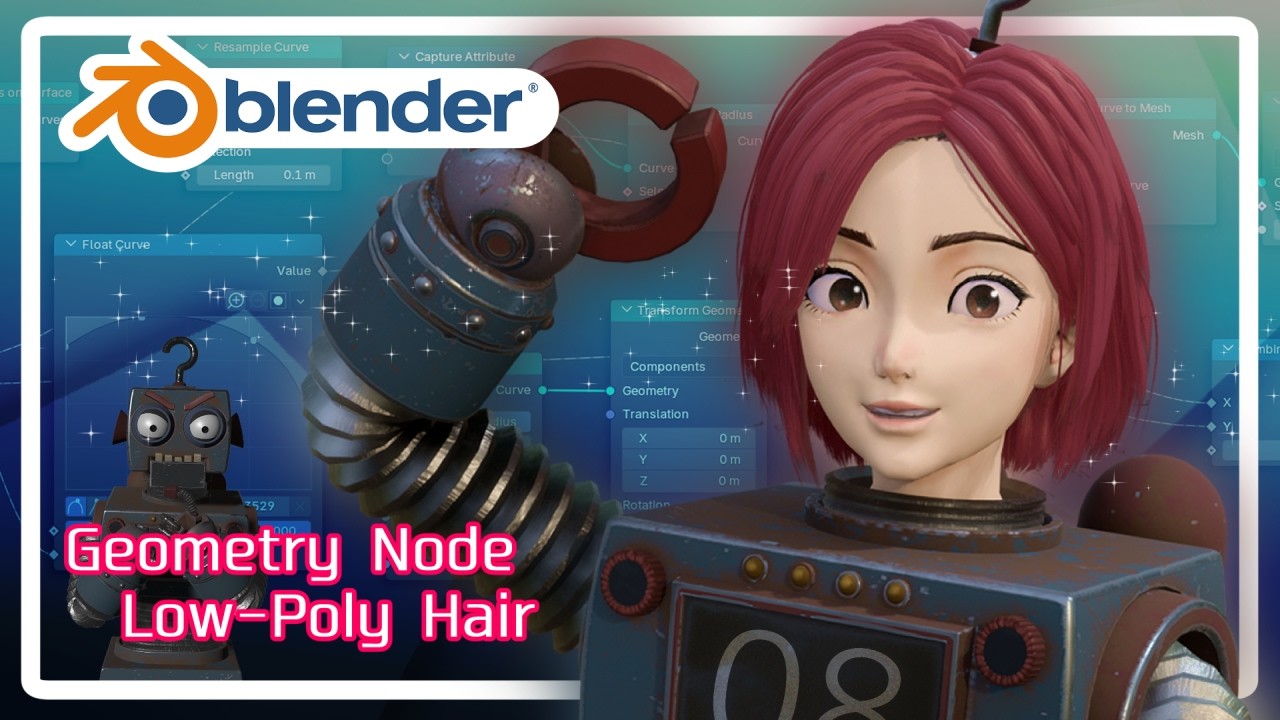
Blender Geometry Nodes: The ULTIMATE Guide to Game-Ready Low-Poly Hair (VTuber/Optimization)
Автор: ボロタンZのEnjoy3D!
Загружено: 2025-12-03
Просмотров: 205
【Chapter】
00:08 Greetings and video overview
01:14 Converting curves to a mesh using Geometry Nodes
05:38 Setting UVs for the generated hair
06:46 Setting up the texture in the Shader Editor
07:40 Creating Realistic Hair Textures
10:44 Assigning Hair Textures to the Shader
13:52 Converting Curve Hair to a Mesh
14:20 Hey, you there, shabby robot
14:58 Final Notes
Are you ready to optimize your high-quality hair for real-time applications?
In this tutorial, we dive into Blender's Geometry Nodes system to convert detailed hair curves into a low-poly mesh perfect for games, Vtubers, and other high-performance environments.
Forget complicated traditional methods! We use the convenient and intuitive Geometry Nodes approach to efficiently create the mesh, control thickness, and set up custom UV coordinates.
What you will learn:
• How to build the core GeoNodes structure using Curve to Mesh and Resample Curve to create optimized polygon tubes.
• Setting up custom UVs using the Capture Attribute and Store Named Attribute nodes.
• A quick method for baking essential hair textures (Diffuse, Normal, Ambient Occlusion) using Blender's Workbench renderer.
• Applying textures and final shader adjustments using Principled BSDF for a high-quality look.
This technique is simple, fast, and fun, and can be applied to many 3DCG projects beyond just hair.
If you are just starting 3DCG or aiming to work in the industry, this video provides valuable tips and information. Please watch until the end and give us a thumbs up!
#Blender #GeometryNodes #LowPoly #GameDev #VTuber #3DCG #Tutorial #blendertutorial
Доступные форматы для скачивания:
Скачать видео mp4
-
Информация по загрузке: