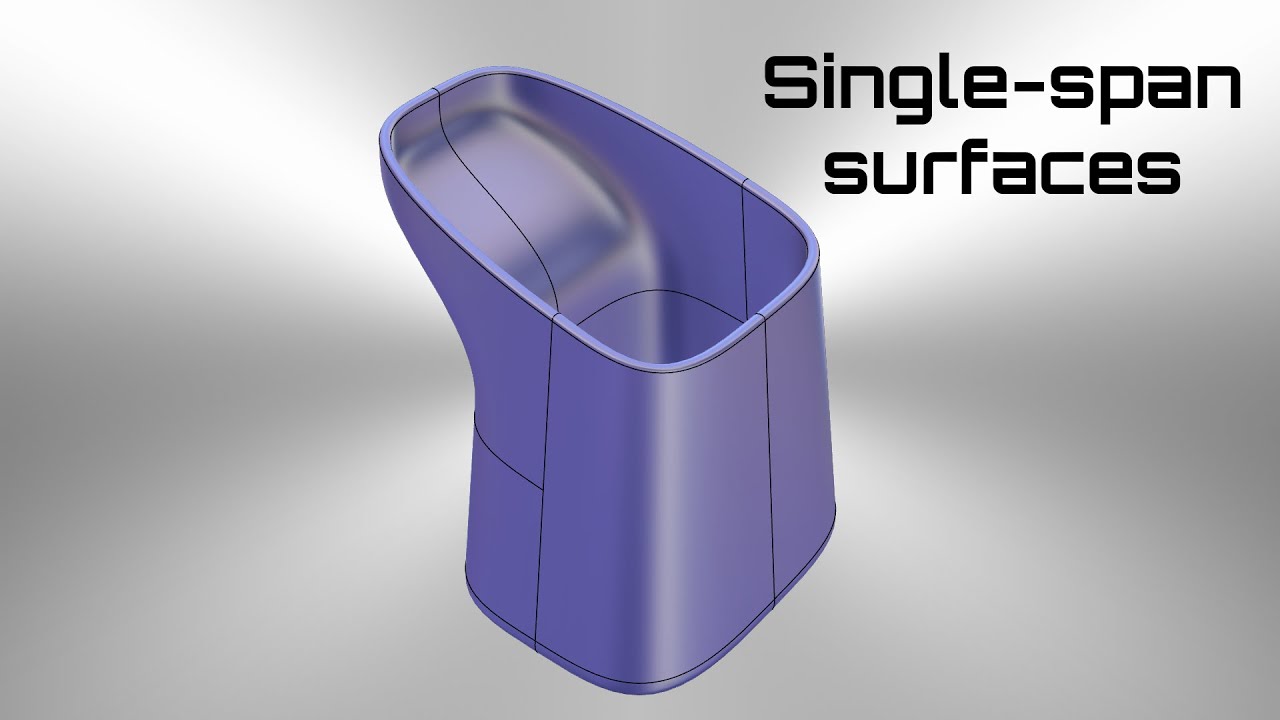
Rhino amateur creates a single-span model
Автор: AutomotiveCNC
Загружено: 2022-11-30
Просмотров: 6958
Note: Since Rhino is unable to properly loose offset single-span degree 5 surface and creates chaotic output surfaces, I used an old "hack" with using the hugely underappreciated "MoveUVN" tool to offset the control points instead. That results into almost flawless loose offset surfaces that need just a few touches to maintain their tangency along the border.
Typically, Rhino is set to use "Lightweight extrusions" instead of regular NURBS surfaces. The former save you some RAM for improved performance at the cost of inability to edit the extruded surfaces via their actual control points. You can turn this setting off from the following menu: "Rhino options - General - Command behavior - Use extrusions when possible" (remove the tick).
3d CAD design and engineering:
/ sportni.koli.3
--------------------------------------------------------------
💚 If you like my work, you can support me with a small gift that will help me create more content like this 💚
PayPal: https://www.paypal.me/RhinoBulgaria
#rhino #rhinoceros #rhinoceros3d #3d #3danimation #3dprinting #3dmodeling #nurbs #alias #catia #solidworks #solid #how #howto #tutorial #tutorials #object #cad #industry #cnc #cncmachine #bulgaria #plovdiv #пловдив #българия
Доступные форматы для скачивания:
Скачать видео mp4
-
Информация по загрузке: