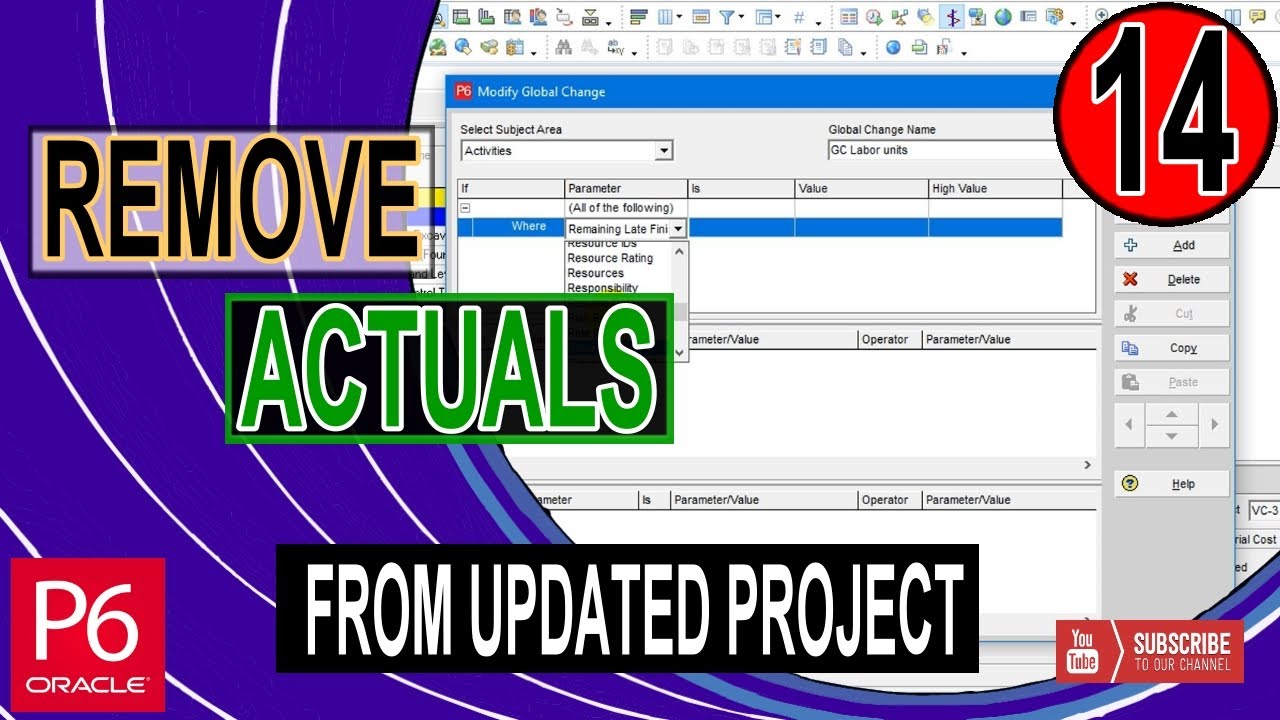
How to Remove Actual from Updated Project in Primavera P6 | Remove Progress | Change Activity Status
Автор: SoftEdemy
Загружено: 2021-05-08
Просмотров: 7515
#Softedemy,#PrimaveraP6,#RemoveActual
It takes a lot of time and notification box confirmation while removing the progress of thousands of activities. I have come up with a short solution in this video. In this video, you will learn
How to Remove Actual from Updated Project in Primavera P6 | Remove Progress | Change Activity Status
Time Stamps
0:00 Introduction to Actual Removal Process
0:39 Common Activity Status Change Practices.
01:29 Change Activity Calculation method to remaining Duration reset
02:00 Remove Actual Labor Cost and Units by Global Change
03:34 Remove Actual Non-Labor Cost and Units by Global Change
04:55 Remove Actual Material Cost and Units by Global Change
05:48 Remove Actual Expense Cost and Percentage by Global Change
06:26 Change Activity Status to Not Started by Global Change
08:10 Update Schedule to Project Start date
09:10 Overview of Complete Activity Status Change Process
09:40 Closing out of Video
Related Video Link
Update Progress using Activity Steps | Create Template | Performance Percent | Primavera P6 | Tips |
• Update Progress using Activity Steps | Cre...
How to Create Activity Steps to Update Physical Progress | Primavera P6 |19.12 | Advanced Tutorial
• How to Create Activity Steps to Update Ph...
How to Apply Actual Auto Compute Progress | Primavera P6 |19.12 | Advanced Tutorial
• How to Apply Actual Auto Compute Progress ...
How to Update Resource Schedule Progress | S Curve | Earned Value Curves | Advanced Tutorial
• How to Update Resource Schedule Progress |...
How to Update Progress | Primavera P6 | 19.12 | Beginners Tutorial
• How to Update Progress | Primavera P6 | 1...
Contact Details
Email for Contact: Softedemy@gmail.com
Facebook Group Link: https://tinyurl.com/yzn34hct
LinkedIn Page: https://tinyurl.com/ke44khv8
Доступные форматы для скачивания:
Скачать видео mp4
-
Информация по загрузке:
![Обновлять графики P6 стало проще с помощью Excel [Как сделать]](https://imager.clipsaver.ru/nIareqCJDfE/max.jpg)