How to repair laptop motherboard no power | laptop repair practical class | Bangla
Автор: Ashik Computer and Hardware Lab
Загружено: 2018-08-11
Просмотров: 21657
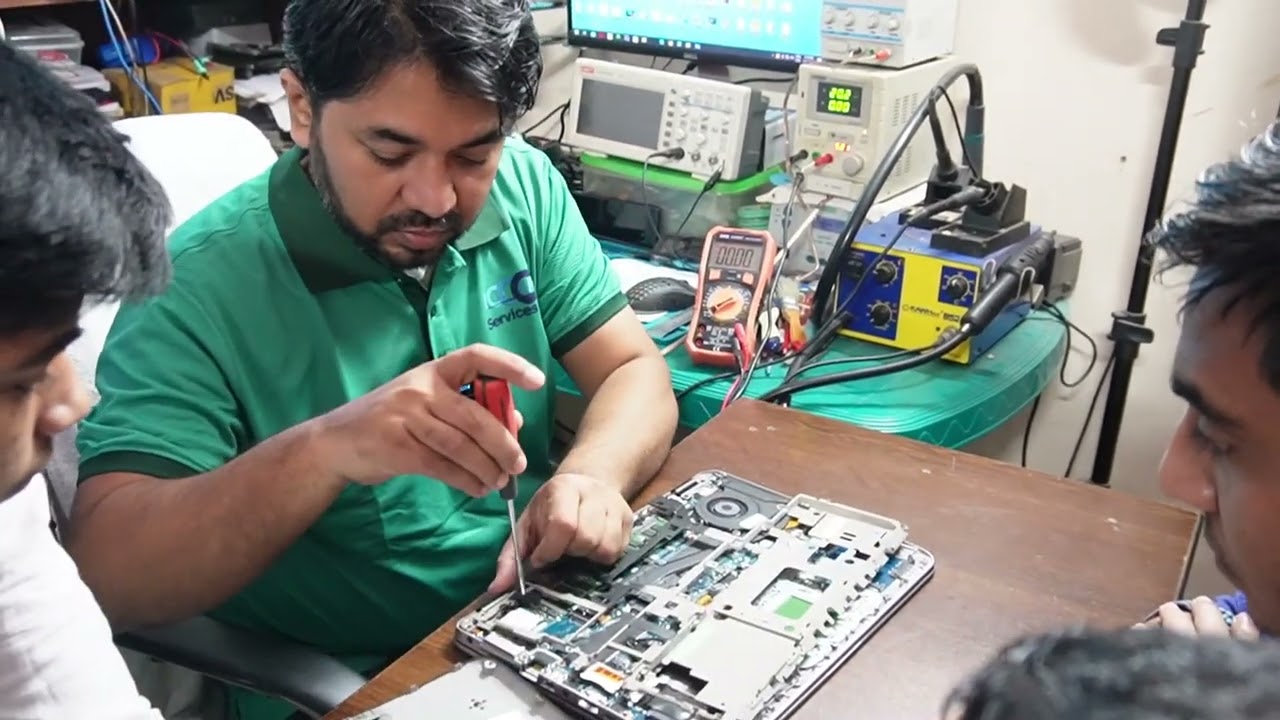
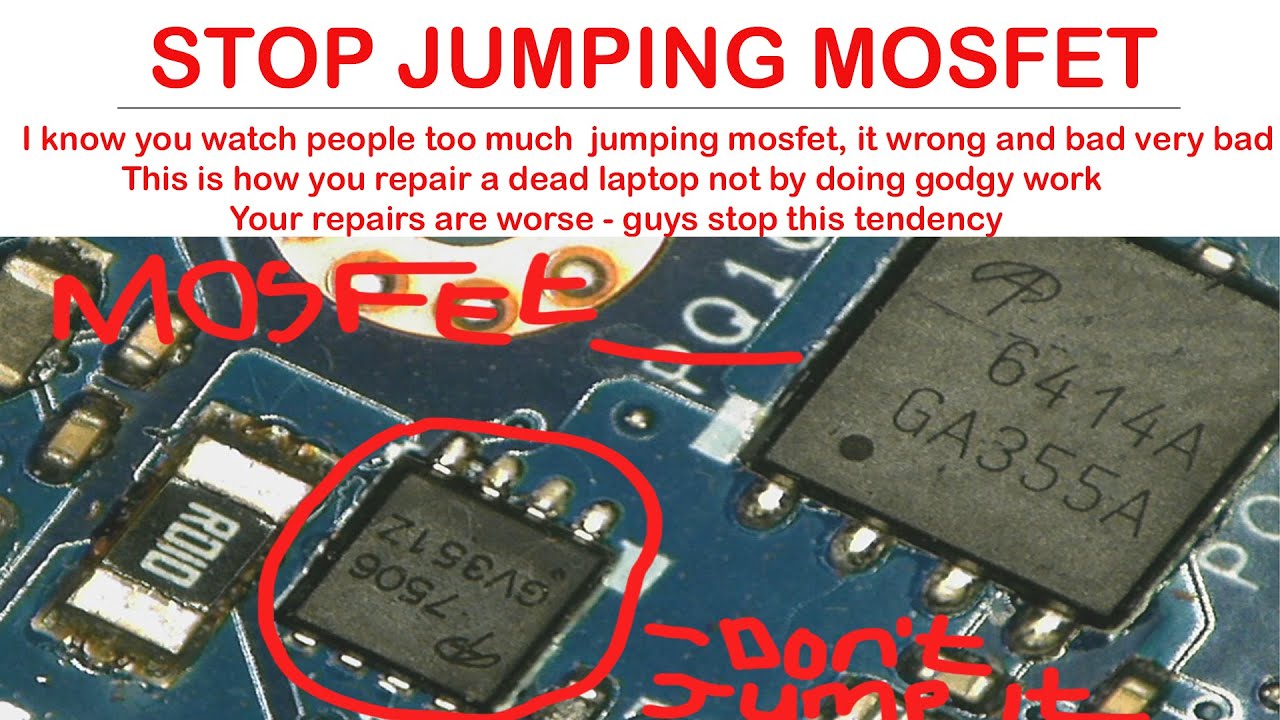
Today I repair aspire, 5750z model, no power, Mosfet fault am today laptop repair practical class .if you any laptop computer repair easily. some laptop motherboard is not charging and not shart in you now fix today my practical hardware class if you easily fix it.
#laptop_Power_Problem_repair_Practical_Class
How to repair laptop motherboard no power | laptop repair practical class in Bangla
Ashik computer Official website: https://bit.ly/2IAogDS
Official Pchelpline page: https://bit.ly/2IRkWHT
Please, my Channel: https://bit.ly/2IW04iI
Laptop Motherboard Repair Videos LInk
How to Repair Laptop Motherboard | Bangla tutorial
https://bit.ly/2GNSIJg
How to Repair Laptop Battery
https://bit.ly/2kqf3DI
How to repair Laptop no power | Aspire d255e
https://bit.ly/2KVwTtz
How to repair Laptop keyboard
https://bit.ly/2kqf3DI
------------------------------------------------------------------------------------------------------------
Laptop Repair IMPORTANT Addition
A lot of motherboard failures are not a direct result of ―mother Natureǁ or the misuse or even
thermal or mechanical breakdown. There are other Not Well Known ways a motherboard component
can fail. Packaging and Storage is one. The moisture content and chemical exposure in the packing
materials can greatly affect the longevity and stability of the Motherboard and Components thereof.
This can cause ―motherboard Warpǁ, it can also deteriorate certain affected components on the
board, even damaging the contacts. It will deteriorate the wires and cables making them brittle and
fragile, it can cause a lot of harm.
Another hidden cause left undiagnosed can be an incorrectly covered trace or land (manufacturer
defect). This can cause shorts, it can cause trail blow-outs because the heat generated from the PCBs
components will further wear away at the fault areas, causing that component to fail, which for
example can throw dc voltage through a path requiring no dc.
Another hidden cause left undiagnosed is a solder chip or ball that was left on the board after the
manufacturer completed the build on the board. This piece might have stuck to an area on the board
having a ―negativeǁ contact, then at some point that chip or ball was knocked loose being knocked
around inside the laptop until eventually touching a voltage regulator positive pin armour similar
components power contact. Which; in turn, would blow that; or any related component, leaving no
Preheat the Underside of the Motherboard
Before the reflow process is started, yet, after the chip sealant has been removed, you can begin
to preheat the underside of the motherboard prior to reflowing the GPU Chipset.
This should be done without moving the motherboard during the reflow process. Meaning, you should
only be heating the underside of the board if you can set the motherboard up in such a way so that
after the underside is heated, you can quickly move to the top-side where the GPU is to begin heating
that immediately without moving the motherboard.
Remove Laptop Motherboard Chip Sealant
Most GPU Chipsets will have some sort of sealant or glue used on the edges of the chip to secure
it to the motherboard (usually red, black, or clear) I have had many successful repairs without
removing this sealant, though it is best to remove it prior to reflow to allow the flux and heat to enter.
Removal of the sealant should be done as part of the reflow process, the beginning of the process.
You begin heating the GPU without the coin-stack, holding the tip of the heat gun roughly 3 inches
away from the chip at a 45-degree angle and circling the chip while you heat it. You move around the
chip in a circular motion aiming the heat between the chip and board. The best thing to do would be to
get the Cone Tip (looks like a 3 tier cake) for the process. Use either the cone tip or an exact fit
Square tip for reflowing.
Begin heating the chip and monitor the temperature with an Infrared Laser Guided Thermometer
(if available) to a temperature of 145 degrees Celcius.
REMEMBER that you must insulate any parts or components that will melt or can be damaged
from the extreme temperature… This would include any plastic plug ports, CPU Dock, RAM DIMM
ports etc... Use tin sheets or Aluminum Foil or similar… No need to wrap the motherboard like a
Present though, just the components in the immediate area. It is also a good idea to cover the CMOS
battery with guilt or remove if the plug-in type.
Once you have reached 145 degrees Celsius, you will use a mini flathead screwdriver to remove
Visit my social media:
flow twitter: / ashik98967315
flow FB: / ahik.islam143
flow FB page: / ashik.comput
FB group: https://www.facebook.com/groups/35462...
Thanks a lot for watching my Laptop Motherboard repair Class

Доступные форматы для скачивания:
Скачать видео mp4
-
Информация по загрузке:








![Step-by-Step Laptop Repair #StepByStep (Raw Footage) Acer #MostImportant [Hindi]](https://imager.clipsaver.ru/0tQfQ0PkNHQ/max.jpg)
