HOW TO FIX STL FILES FOR 3D PRINTING (3 EASY FREE TOOLS)
Автор: Hobbyist Life
Загружено: 2020-12-29
Просмотров: 30625
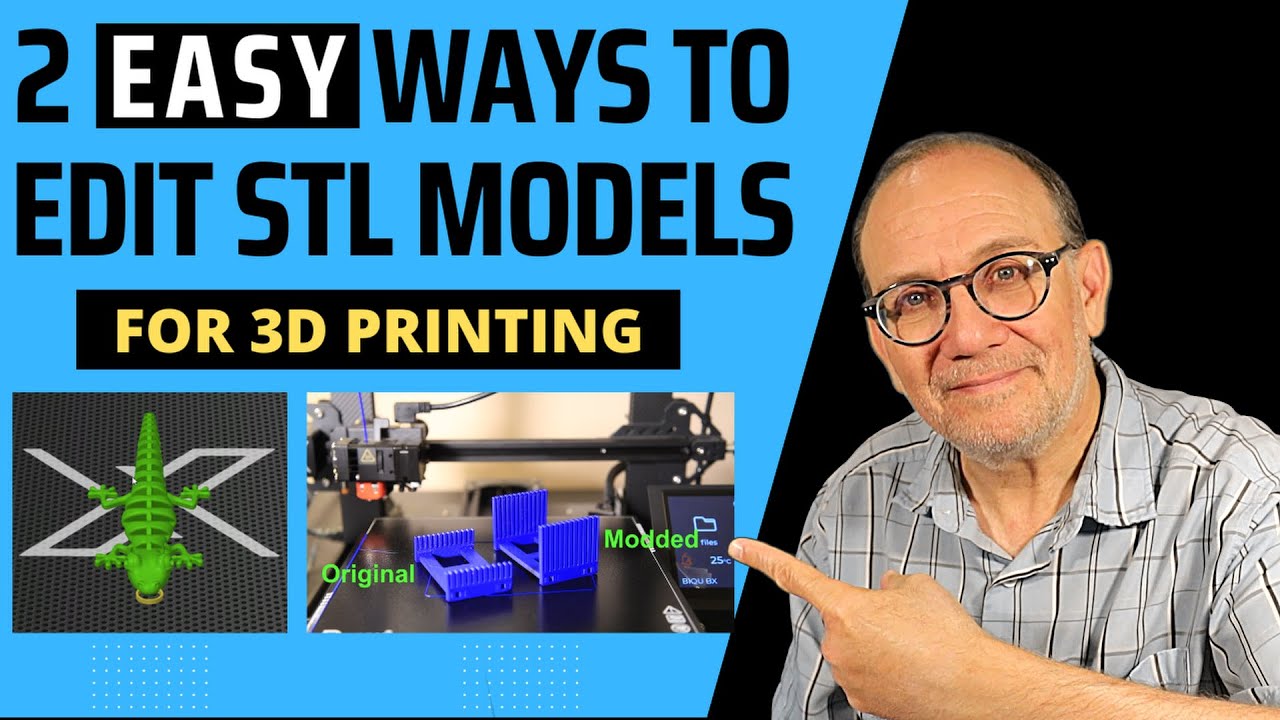
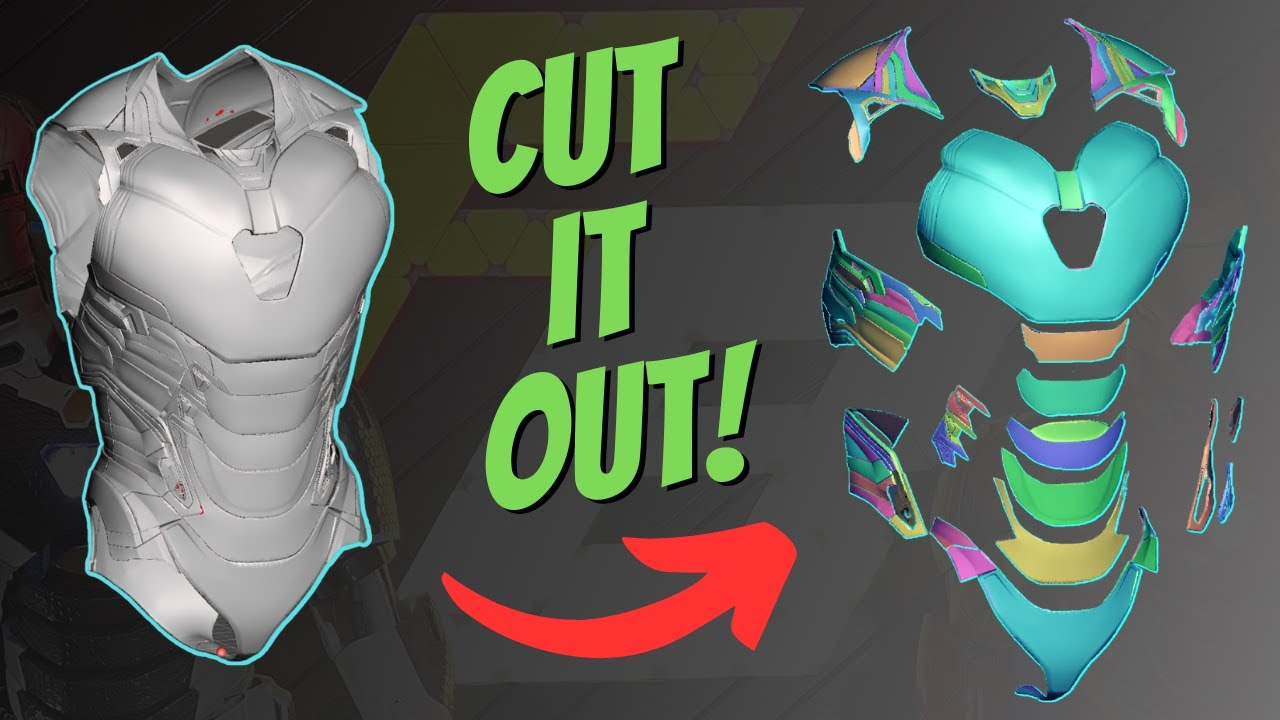
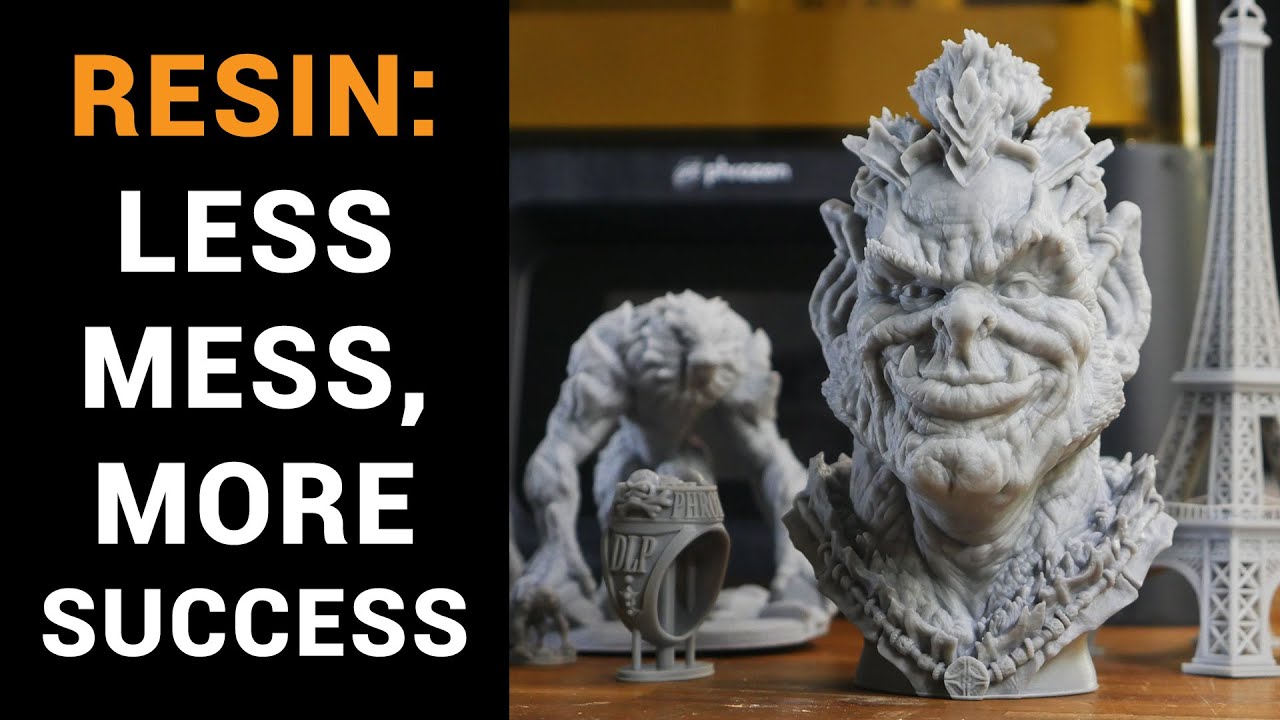
I will show how to identify, repair, and fix your STL model files for printing. I will showcase 3 easy and free tools that you can use for that and also will show you how to identify a bad mash broken STL model that needs repair. Those are FREE TOOLS, even Netfabb you can use after the trial period for repair purposes. There are other tools out there, the idea of the video is not to cover all tools but give the information especially to the beginners, if you have other tools, please comment bellow and pass the information along to others thanks!
📺 Please Subscribe to the channel to get notified of future content:
https://www.youtube.com/c/HobbyistLif...
Chapters:
0:00 - Intro
1:00 - Identifying bad models
2:10 - 1st repair tool - Lychee Slicer
3:02 - 2nd repair tool - Windows 3D Builder
4:15 - 3rd repair tool - Netfabb Premium
Instagram page: / hobbyist.life
Lychee slicer:
https://mango3d.io/downloads/
Autodesk Netfabb Free trial:
https://www.autodesk.com/products/net...
Model showing on-screen from Loot Studios:
https://www.loot-studios.com/

Доступные форматы для скачивания:
Скачать видео mp4
-
Информация по загрузке: