Upgrade to Windows 11 on Unsupported PC (TPM & CPU Bypass)
Автор: JR Gabriel
Загружено: 2026-01-15
Просмотров: 6
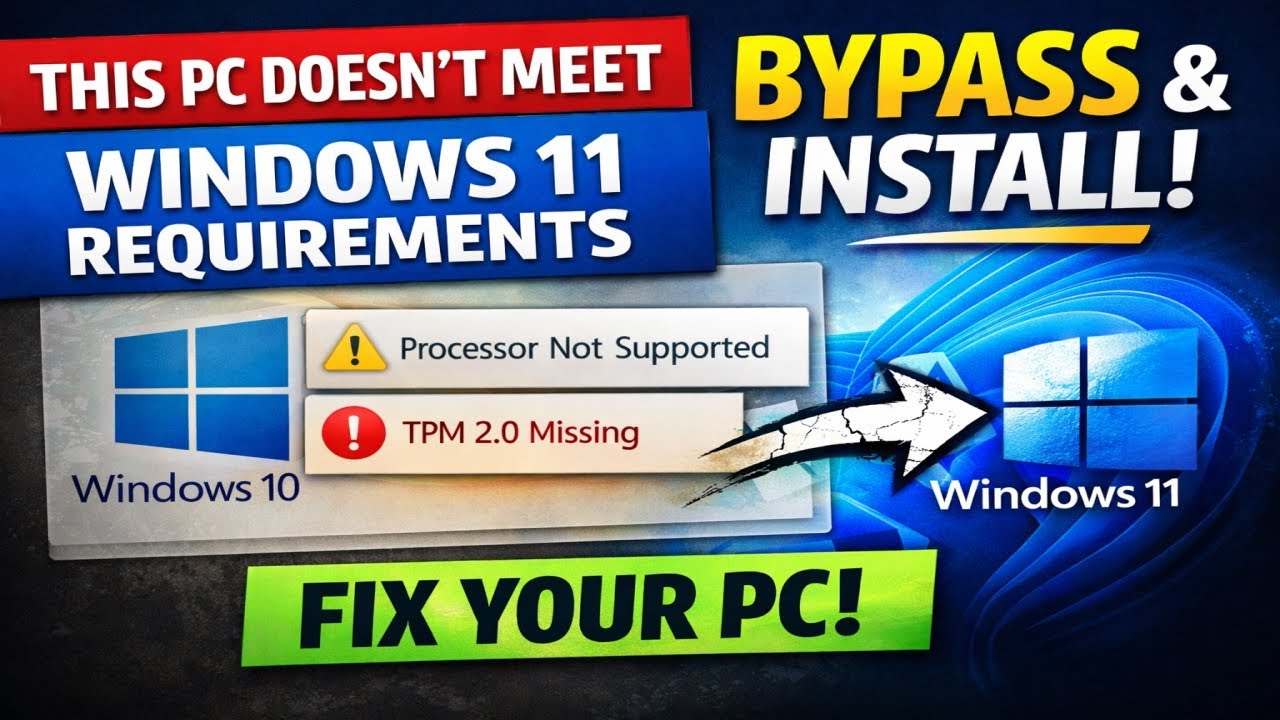
Trying to upgrade from Windows 10 to Windows 11 but getting the error “This PC doesn’t meet Windows 11 system requirements”?
Processor unsupported? TPM 2.0 missing?
In this video, I show how to bypass the Windows 11 PC compatibility check and install Windows 11—no new hardware required.
⚠️ Works for unsupported CPUs and TPM errors
✅ Tested on older PCs & laptops
📌 Use at your own risk
Like, subscribe ▶ https://bit.ly/424XMnw, and follow for more Windows fixes, upgrade tricks, and PC solutions.
Learn Digital Marketing | Social Media: https://startyourcourse.com With 50% OFF Everything! Use Code: BACKTOSCHOOL870
TWITTER ACCOUNT: / jrobertgabriel
BONUS: Click on this link to get this APP https://upside.app.link/JR234673 and get $0.15 cents per gallon cash back the first time you use it. Share your own link with your friends and family. You'll earn $0.15 cents per gallon the first time they use it as well. Also, you'll get an extra $0.01 cent for every gallon they buy in the future. #windows11 #windowsfix #tpm #windows10 #pcupgrade
Доступные форматы для скачивания:
Скачать видео mp4
-
Информация по загрузке: