How to Add and Reorder Custom Fields in WooCommerce Checkout
Автор: AcoWebs
Загружено: 2025-12-09
Просмотров: 10
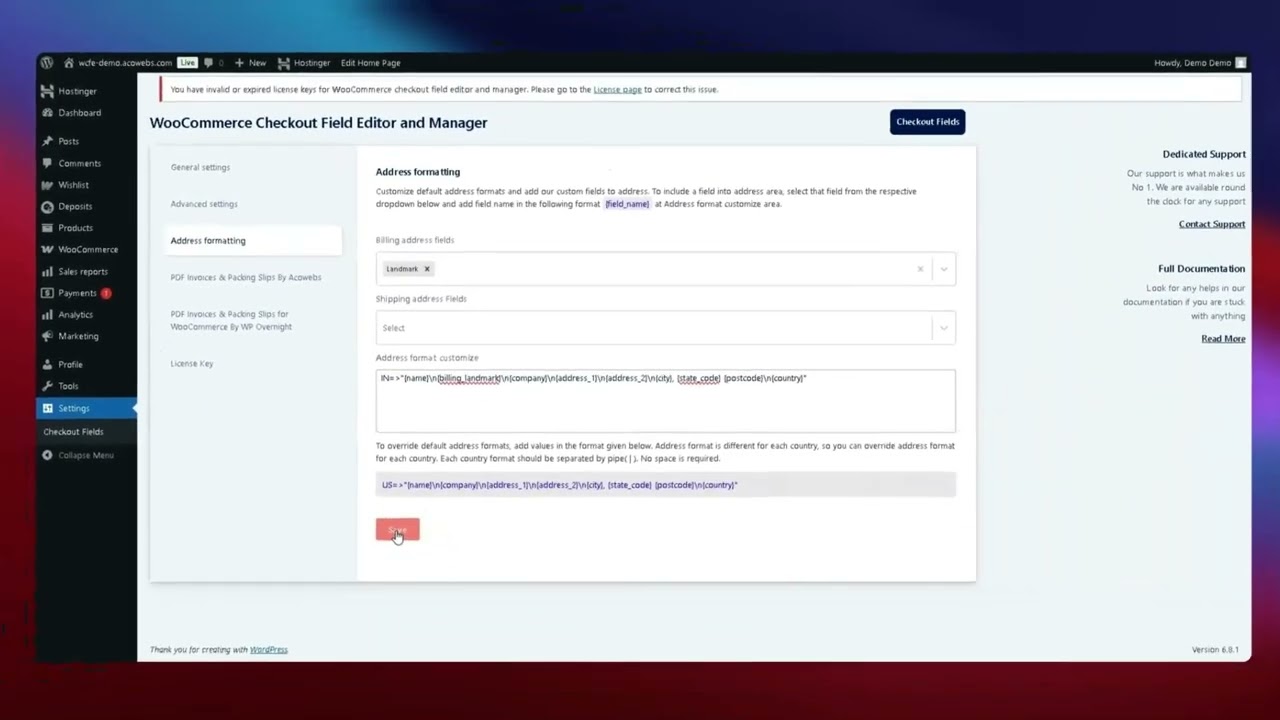
In this video, we'll show you how to easily manage and customize the fields that appear on your WooCommerce checkout page. You'll learn how to add a new custom field (like an additional address line or text input) and reorganize the layout of existing fields.
You’ll learn step-by-step how to:
✅ Access the Checkout Fields Editor settings within your WooCommerce dashboard.
✅ Add a new field to a desired section (Billing, Shipping, or Additional Fields).
✅ Customize the field by setting a unique Label for the frontend display.
✅ Drag and drop existing fields to reorder them in your preferred sequence.
✅ Save your changes and test the new field on the live checkout page.
Check out the plugin now : https://acowebs.com/woocommerce-check...
📌 Useful Links:
🔗 Official Documentation - https://acowebs.com/guideline/plugin-...
🔗 Official Support - https://support.acowebs.com/portal/en...
💬 Have questions? Drop them in the comments, and we’ll be happy to help!
Доступные форматы для скачивания:
Скачать видео mp4
-
Информация по загрузке:





![[4K FULL HD] Relaxing Water Background | 1 HOUR | Calm Water Wallpaper (No Sound)](https://image.4k-video.ru/id-video/y9PTNTSpGJs)


