Premiere Pro’s NEW Object Mask Tool — Faster Than Rotobrush?!
Автор: Media Magnet
Загружено: 2025-10-14
Просмотров: 74067
Struggling with masking or removing objects in Premiere Pro?
Adobe just dropped a game-changing feature — the Object Selection Tool, and it’s faster, smarter, and easier than ever before.
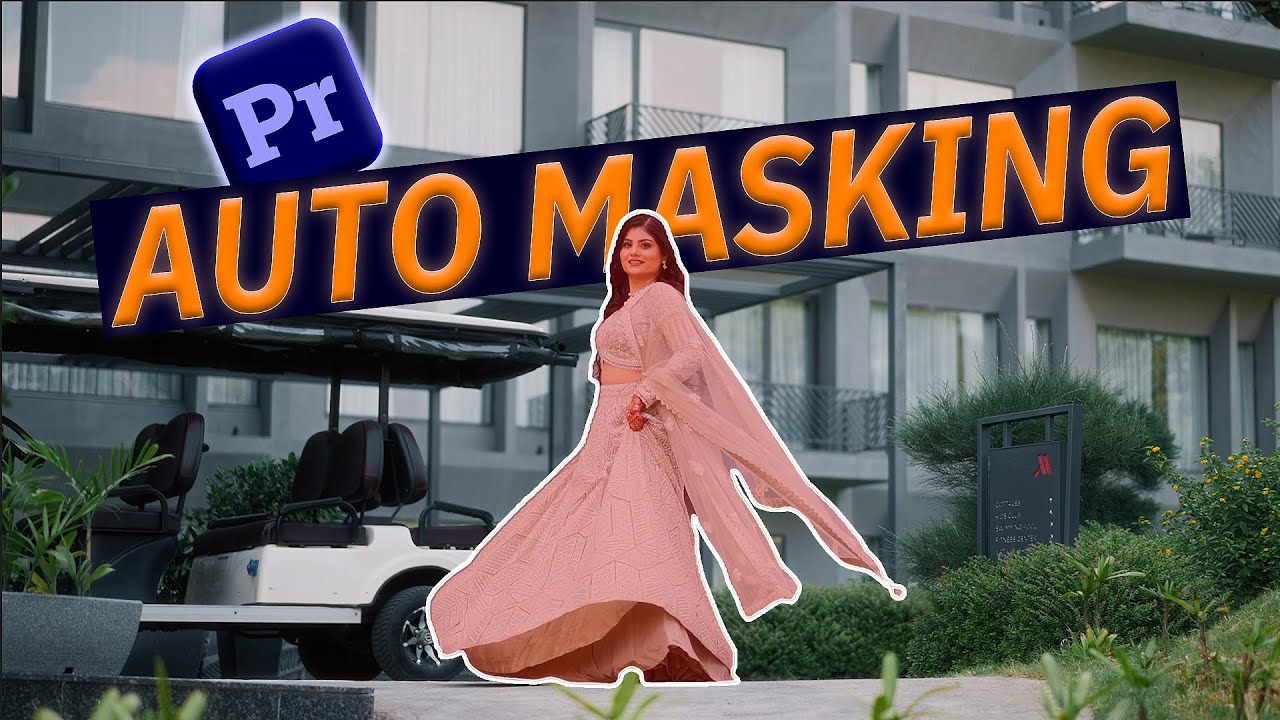
In this video, Deepak from Media Magnett shows you how to use the Object Mask Tool step-by-step — from selecting subjects to automatic tracking, background removal, and creative effects like text behind objects or cinematic blurs.
📸 What You’ll Learn:
How to use the Object Mask Tool in Premiere Pro
Automatic object tracking (forward & backward)
How to remove backgrounds using opacity masks
Adding effects like Gaussian blur inside or outside your mask
Placing text or graphics behind your subject
Real-time performance vs After Effects’ Rotobrush
Whether you’re a YouTuber, filmmaker, or editor looking to level up your workflow, this new feature will save you hours and make your edits look next-level cinematic.
🔖 Timestamps
0.00 - Intro
0.17 - What's The hype?
0.41 - How Object Selection Works?
1.36 - Add Text & Objects Behind Subject
2.01 - Add background Blur To Footage
2.26 - Use Object Selection In Color Grading
3.01 - Tools For Selection
3.32 - Final Thoughts
📸 Gear Used in This Video:
🎥 Camera: Sony A7S III
https://amzn.to/4hbDBul
📷 Sigma 24mm f1.4 art
https://amzn.to/4nNvjNE
📷 Lens: Sony 35mm f1.8
https://amzn.to/3DJ4nwq
💡 Lighting: Godox SL 150
https://amzn.to/4bD5c6y
Godox Octa Softbox 90cm
https://amzn.to/3XSeqpG
🎤 Microphone: Hollyland lark M2S
https://amzn.to/4iuWbyw
🎬 Gimbal/Tripod: DJI Ronin Rs3 Mini
https://amzn.to/4izvIQG
🔗 Some of these are affiliate links, which means I earn a small commission at no extra cost to you. Thank you for supporting the channel!
#PremierePro #VideoEditing #MediaMagnett
Доступные форматы для скачивания:
Скачать видео mp4
-
Информация по загрузке:


