Скачать
Hot End Cooling Fan Installation (UM3/UM3X)
Автор: fbrc8
Загружено: 2019-07-31
Просмотров: 7820
Описание:
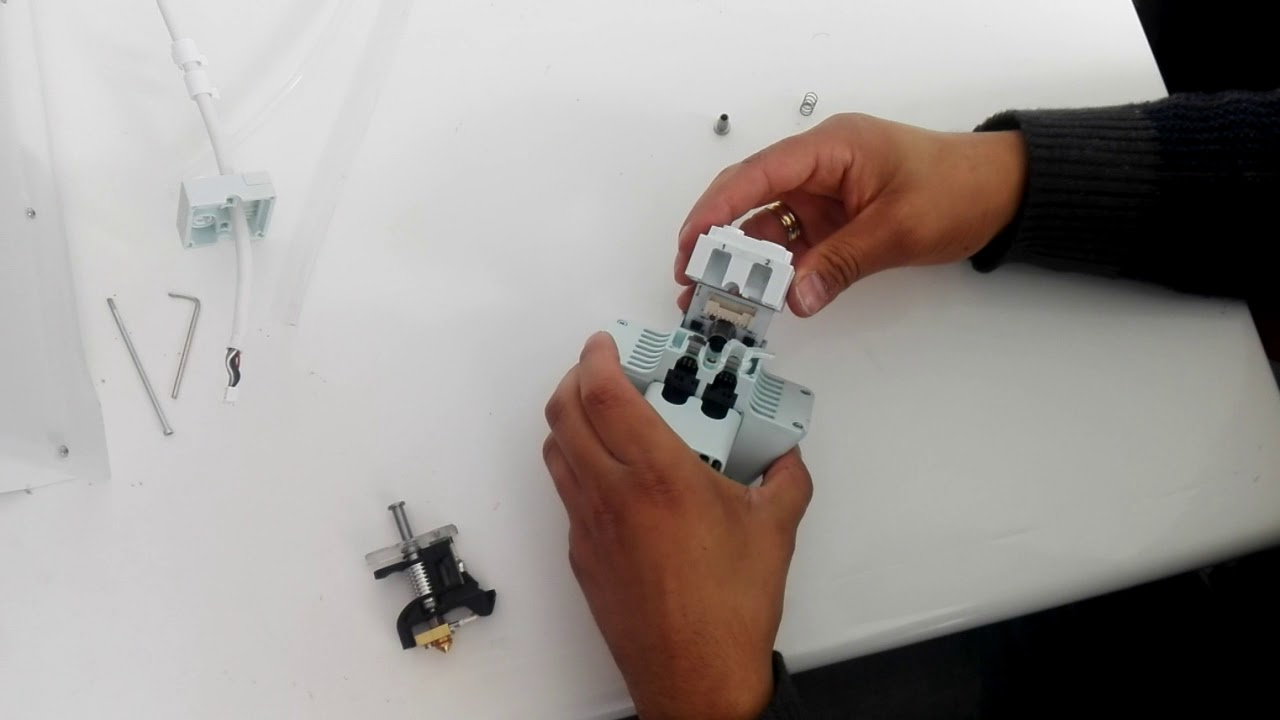
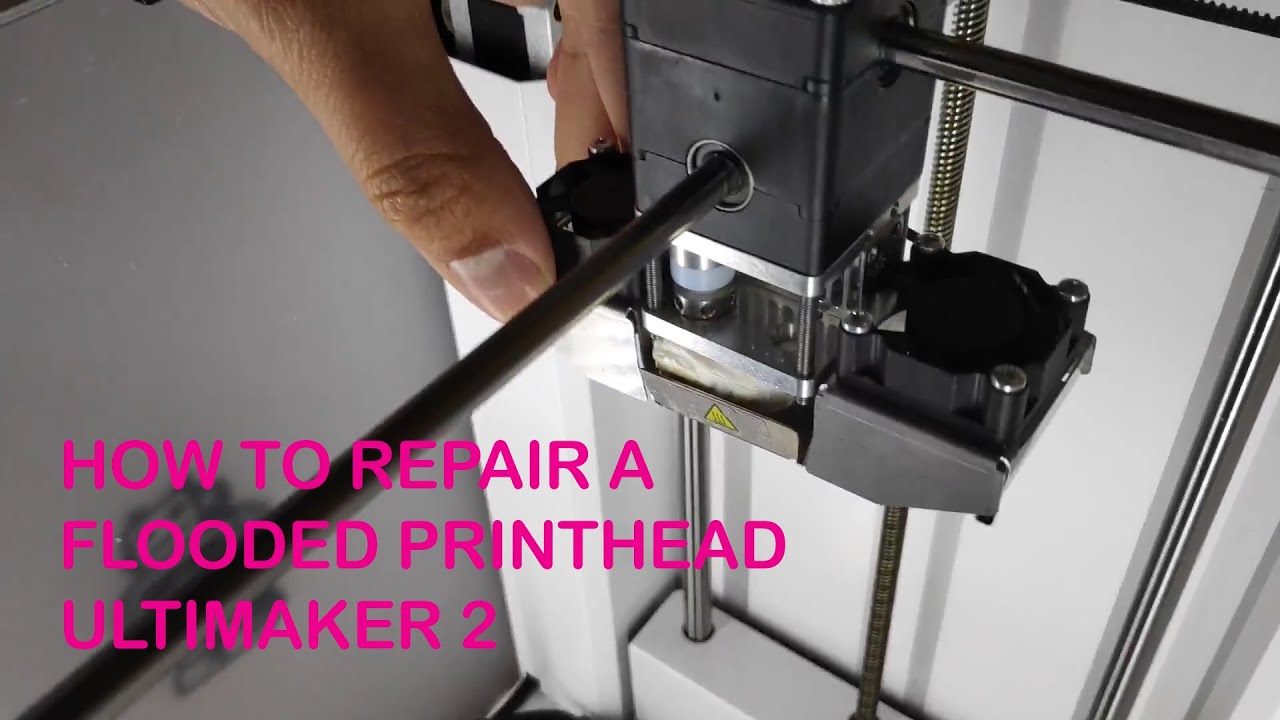
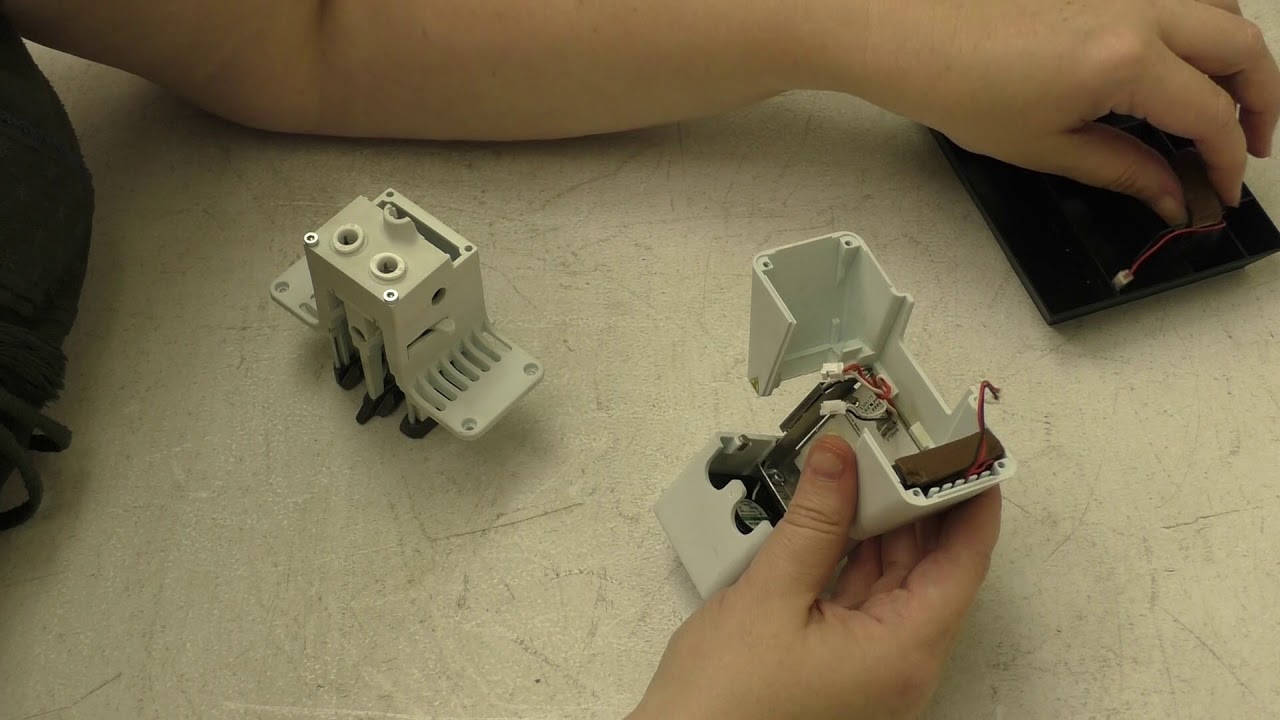
This video demonstrates how to remove and reinstall the front fan on your Ultimaker 3 or Ultimaker 3 Extended 3D printer. You might also hear this fan referred to as your axial fan or hot end cooling fan. Please unplug your printer prior to beginning this process; you will need a 2mm hex head screwdriver for this process.
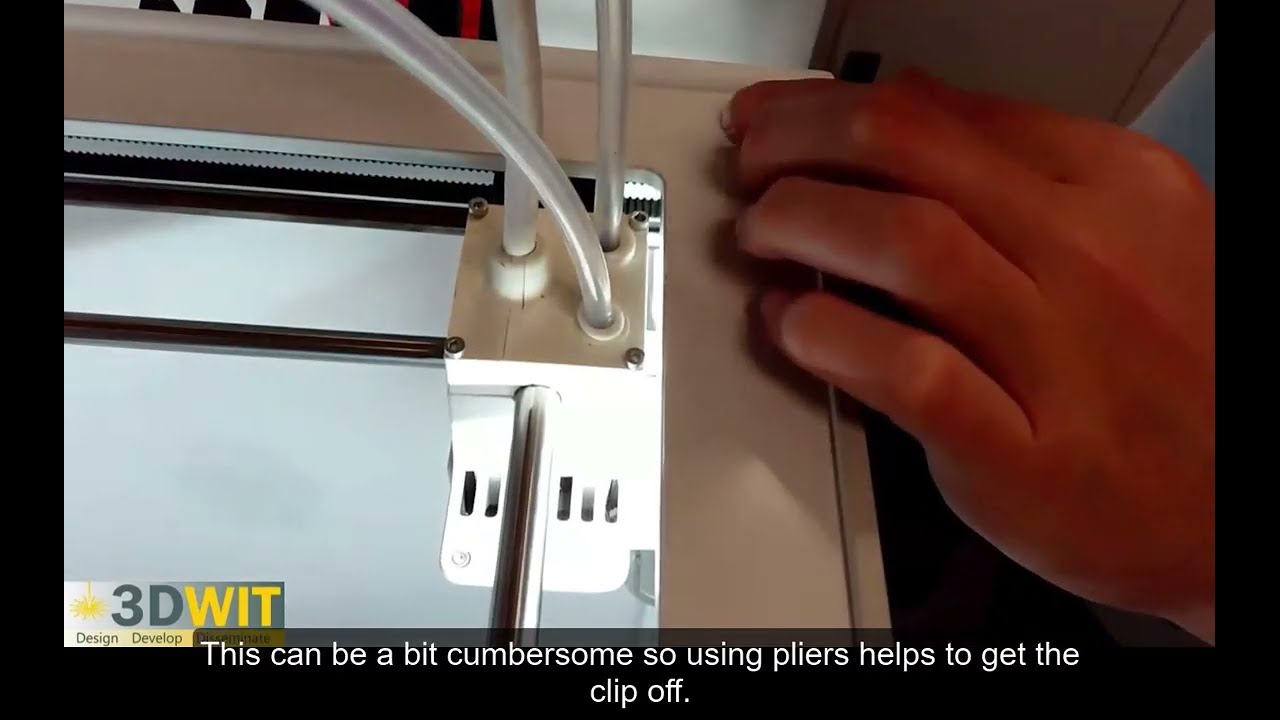
If you're looking for instructions on how to remove the bowden tube, go to 0:45.
If you've already removed your printhead from the printer skip ahead to 2:30.
Доступные форматы для скачивания:
Скачать видео mp4
-
Информация по загрузке: