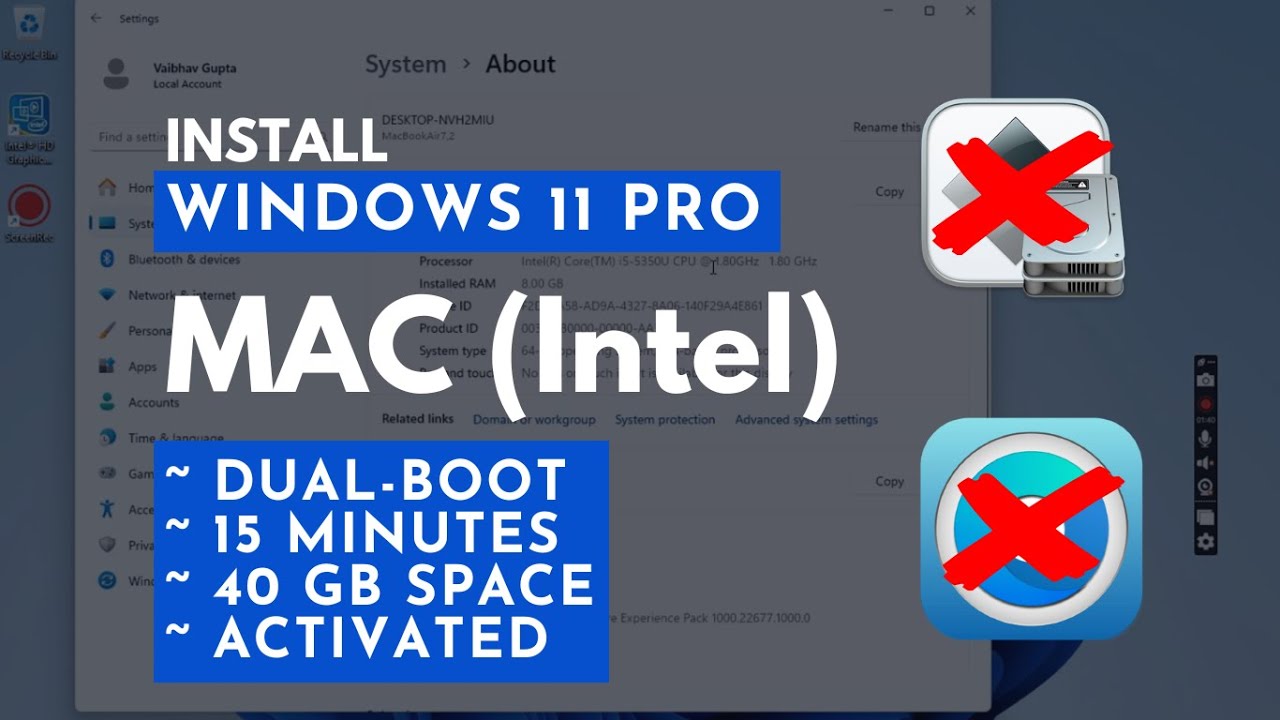
Install Windows 11 PRO on Intel MAC in 15 MINUTES (Dual-Boot | 40 GB | Activated | No Boot Camp)
Автор: Tech Rechard
Загружено: 2025-07-02
Просмотров: 4091
⌛ Skip 2-hour BootCamp installs! Learn to dual-boot Windows 11 PRO on your Intel Mac in just 15 minutes using only 40 GB of storage. Full driver support + activation guide included!
✅ Works on: MacBook Air/Pro, iMac (Intel)
✅ Storage Needed: 40 GB (vs BootCamp's 100GB!)
✅ No BootCamp/OpenCore Required
✅ 15 Minutes of your time
📁 DOWNLOAD LINKS:
• Windows Install Tool: https://sourceforge.net/projects/wind...
• Tiny11 ISO: https://www.techspot.com/downloads/75...
• Mac Drivers: https://www.123myit.com/boot-camp-dri...
• Activation File: http://techrechard.com/wp-content/upl...
📁 COMPLETE WRITEUP TUTORIAL:
https://techrechard.com/install-windo...
⏱️ TIMESTAMPS:
0:26 - Why avoid BootCamp
0:56 - Requirements
1:32 - Download Required Files (Windows Install tool | Tiny11 ISO | Windows 11 Drivers | Activation File)
3:49 - Partitioning your Mac
5:07 - Windows Install Tool setup
6:00 - Critical partition ID step
7:04 - 11-minute Windows install
8:10 - First Windows boot setup
9:34 - Installing Mac drivers
10:19 - Activation
11:24 - Essential updates
12:16 - Switch between macOS and Windows 11 Pro
⚠️ Troubleshooting:
• Driver issues? Comment your Mac model!
• Stuck at install? Check disk/S numbers
• Screen flicker during drivers? Normal!
Доступные форматы для скачивания:
Скачать видео mp4
-
Информация по загрузке:


