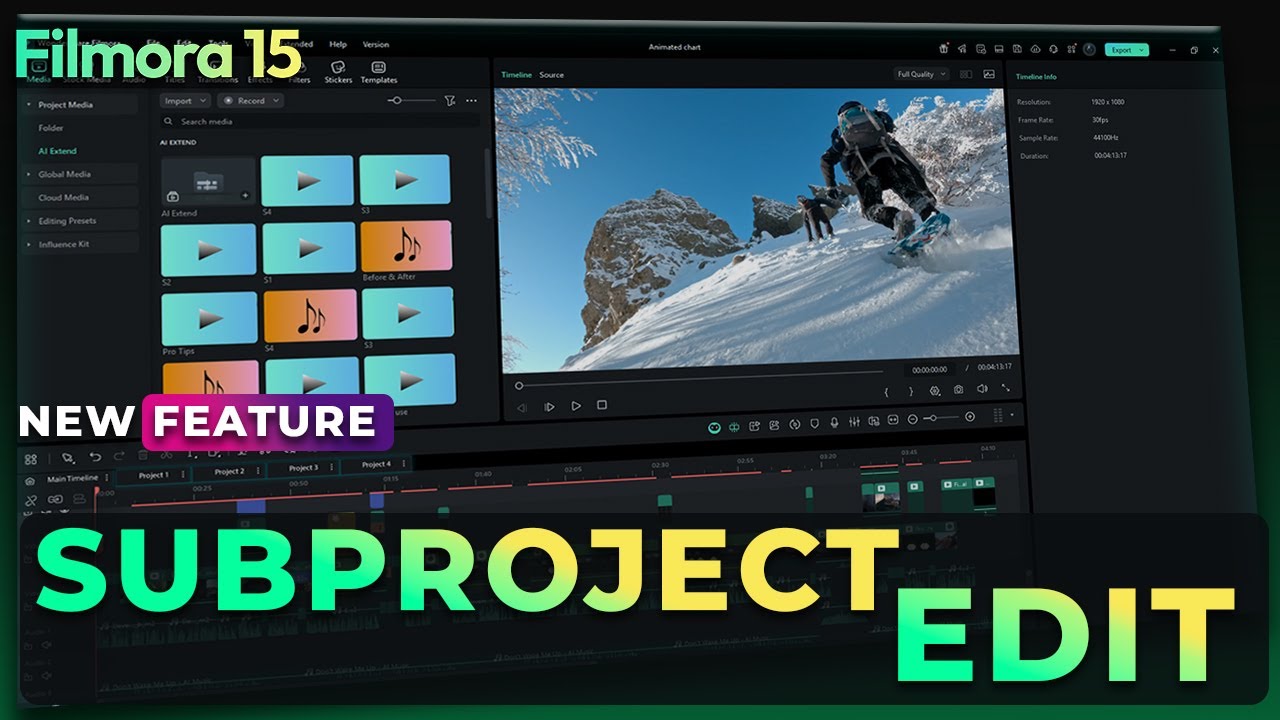
Filmora 15 NEW Subprojects Feature | Edit Multiple Timelines in One Project
Автор: Filmora for Creators
Загружено: 2025-11-20
Просмотров: 1199
Tired of importing project files one by one? Struggling to switch between multiple timelines while editing?
With Filmora V15’s Import Subprojects feature, you can now load multiple projects at once, streamline your workflow, and boost your editing speed instantly.
Try Fimora 15 Now: https://bit.ly/4nRneGo
Whether you're working on client batches, multi-part videos, or complex edits, Subprojects let you copy, paste, organize, and access multiple timelines all in one place — without opening new windows or disrupting your flow.
Timestamps
00:00 – Intro: Why You Need Import Subprojects
01:04 – Step 1: Launch Filmora & Open a Project
01:14 – Step 2: Importing a Subproject
01:29 – Step 3: Accessing Subprojects in the Timeline
01:53 – Step 4: Copy & Paste Between Main Project and Subproject
02:26 – Step 5: Accessing Subproject Footage in Project Media
02:48 – Example - Final Thoughts
CHECK IT HERE: https://bit.ly/4nRneGo
🚀Download Filmora 15 Now Master AI Editing Skill 🚀
🖥️Try Desktop: https://bit.ly/3TZodZa
📱Try Android: https://bit.ly/3PlCwF0
🍏Try iOS: https://bit.ly/3vdCzMk
#filmora #wondershare #filmoraMVP
Доступные форматы для скачивания:
Скачать видео mp4
-
Информация по загрузке: