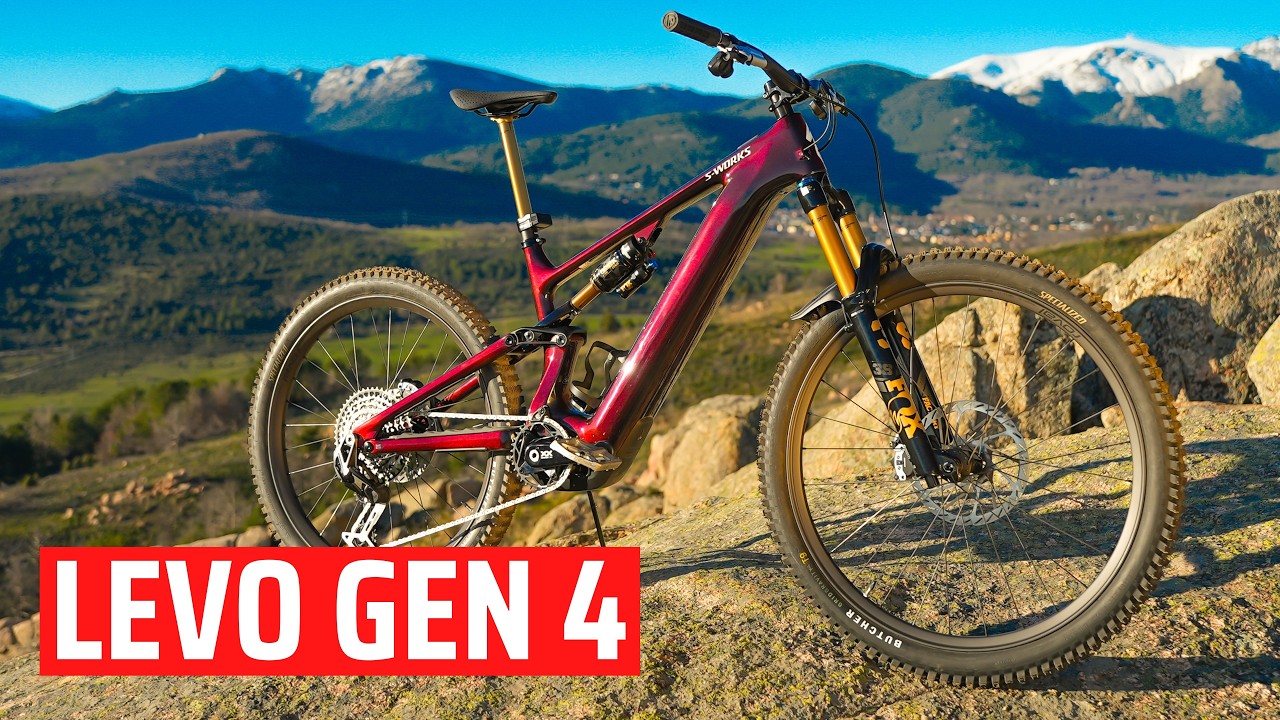
What are the default motor settings on a Gen 4 Levo - How to Reset to Default settings
Автор: E-MTB Review, Emtbr, Electric Mountain Bike Review
Загружено: 2025-06-30
Просмотров: 4310
Cycplus AS2 Pro - https://www.cycplus.com/products/tiny... 10% off code: Emtb Free shipping!
Levo Extender battery - https://bit.ly/4jKbowj
Other bike options:
Ari Timp Peak info and purchase - https://bit.ly/4ibjHjB
Santa Cruz Bullit and Vala at Competitive - https://alnk.to/6xM6Z4E
Santa Cruz Bullit and other at Jenson USA - https://alnk.to/biuzt4T
Pivot Shuttle LT - https://alnk.to/3cn7LWX
2025 Orbea Wild - https://alnk.to/e786AzC
Bosch CX5 bikes at Jenson - https://alnk.to/7qljjEv
Schwalbe Tires - https://alnk.to/hhBKfpo
Mtb Tire options - https://alnk.to/gzWIkaj
00:00 - Introduction
00:48 - Getting in the Settings screen
01:15 - Default is km per hour
01:48 - Motor tune
02:29 - Shuttle mode
03:11 - Responsiveness
03:38 - Backpedaling
04:48 - Auto mode
05:00 - Overrun
06:20 - How to reset to default settings
05:25 - Motor tune explanation
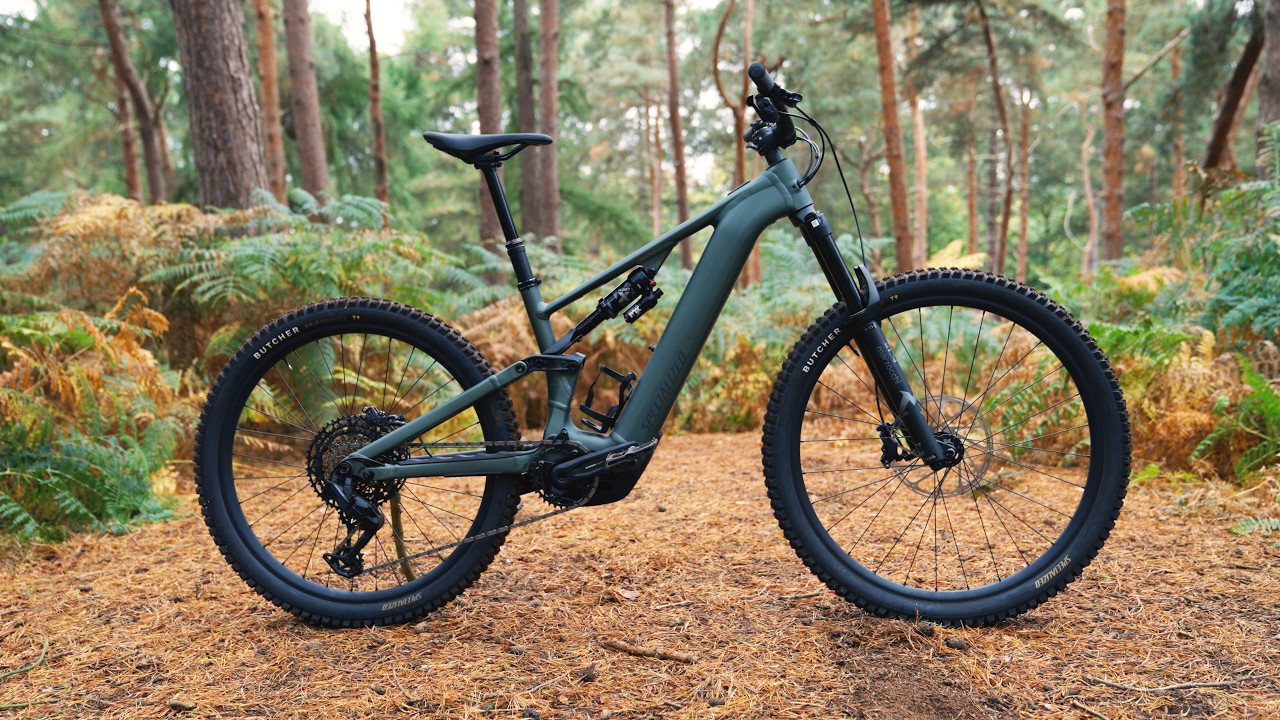
This video provides a comprehensive guide to the default motor settings on a Specialized Gen 4 Levo e-bike and how to reset them to their factory defaults.
Here's a breakdown of the key information:
Accessing Settings: The video explains how to access the settings on your Gen 4 Levo, primarily through the bike's display (0:23) and also mentions the phone app for more advanced options (0:40).
Default Unit: The default speed unit is kilometers per hour, which can be changed to miles per hour via the app (1:15).
Motor Tune: The default motor tune settings for Eco, Trail, and Turbo modes are discussed. Eco is 35/35, Trail is 50/100, and Turbo is 100/100, providing powerful assistance but potentially draining the battery faster (1:48). The video further explains the meaning of the two numbers in motor tune: the first is the assist level (how much it helps you), and the second is the motor's power cap (how much of the motor's wattage it uses) (5:25).
Shuttle Mode: The default shuttle mode is set to "medium," offering significant assistance based on your RPMs (2:29).
Responsiveness: The default responsiveness is "fast," providing an immediate power boost when you start pedaling, which is good for climbing but uses more battery (3:10).
Backpedaling: The backpedaling feature is enabled by default, meaning the motor assist does not shut off when you pedal backward, which can be helpful for technical sections (3:38).
Auto Mode: The default auto mode is "auto medium," which automatically adjusts assistance between Eco, Trail, and Boost based on your effort (4:09).
Overrun: The default overrun setting allows for a slight delay before the motor shuts off after you stop pedaling (5:00).
Resetting to Default: To reset all settings to their default values, press and hold the S button (power button) for approximately 40 seconds until "system restored to default" appears on the screen (6:20).

Доступные форматы для скачивания:
Скачать видео mp4
-
Информация по загрузке: