Популярное

Музыка Кино и Анимация Автомобили Животные Спорт Путешествия Игры Юмор

Интересные видео

2025 Сериалы Трейлеры Новости Как сделать Видеоуроки Diy своими руками

Топ запросов

смотреть а4 schoolboy runaway турецкий сериал смотреть мультфильмы эдисон
dTub
Скачать

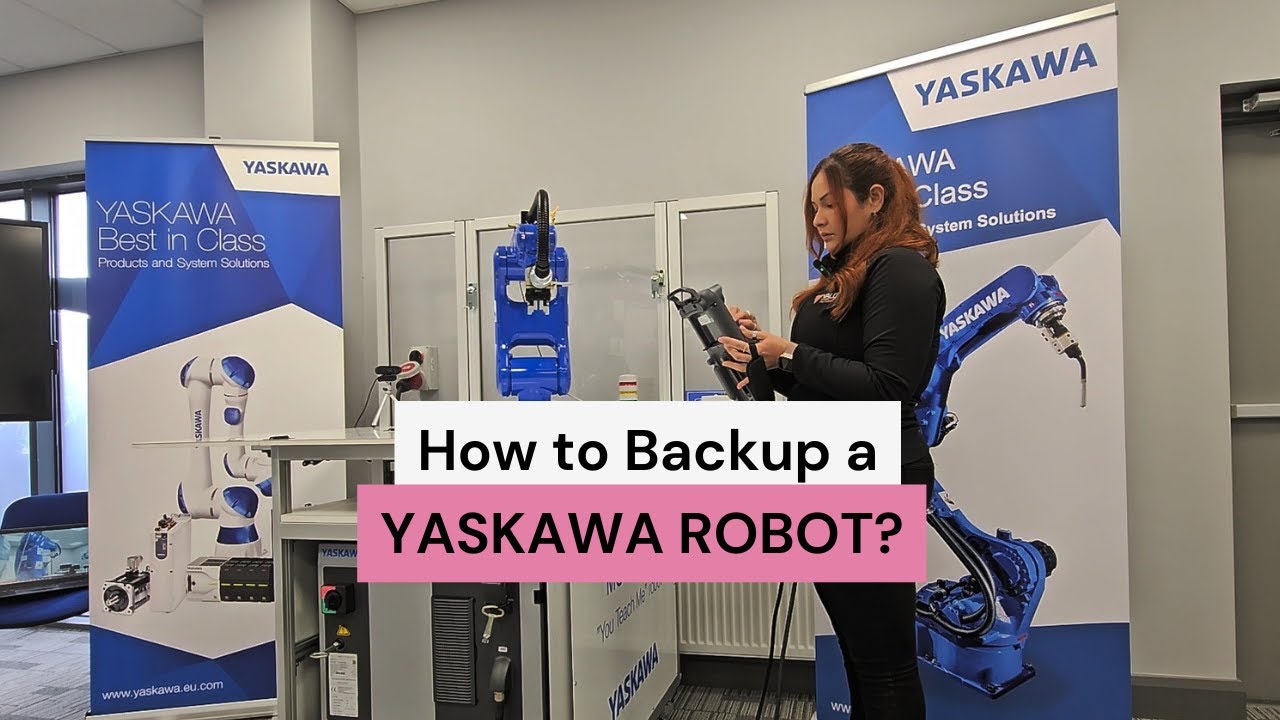
How to backup a YASKAWA robot?

Автор: The Robot Queen

Загружено: 2024-09-10

Просмотров: 761

Описание:

✅ Backup Steps:

1️⃣ Insert the USB stick into the USB port in the teach pendant.
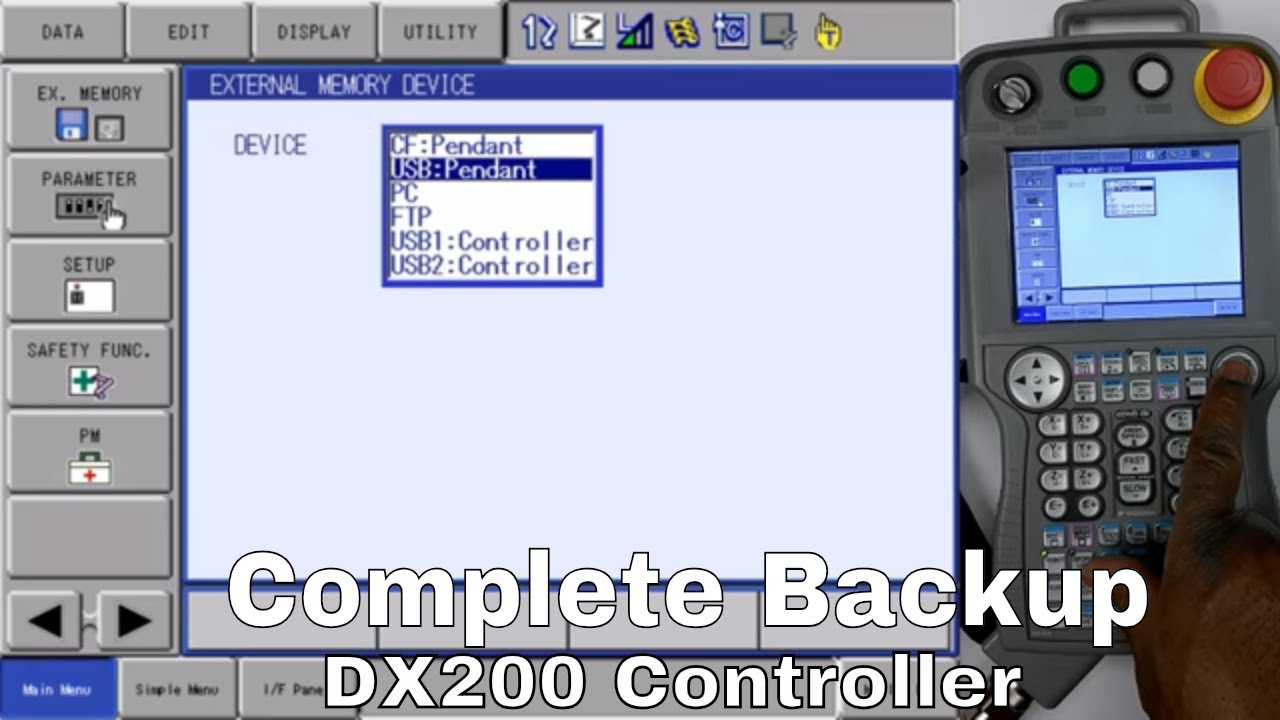
2️⃣ Go to "External Memory".
3️⃣ Select "Device".
4️⃣ Choose "USB Pendant".
5️⃣ Create a New Folder and name it.
6️⃣ Select the folder and go to "External Memory".
7️⃣ Select all the files.
8️⃣ Press enter.
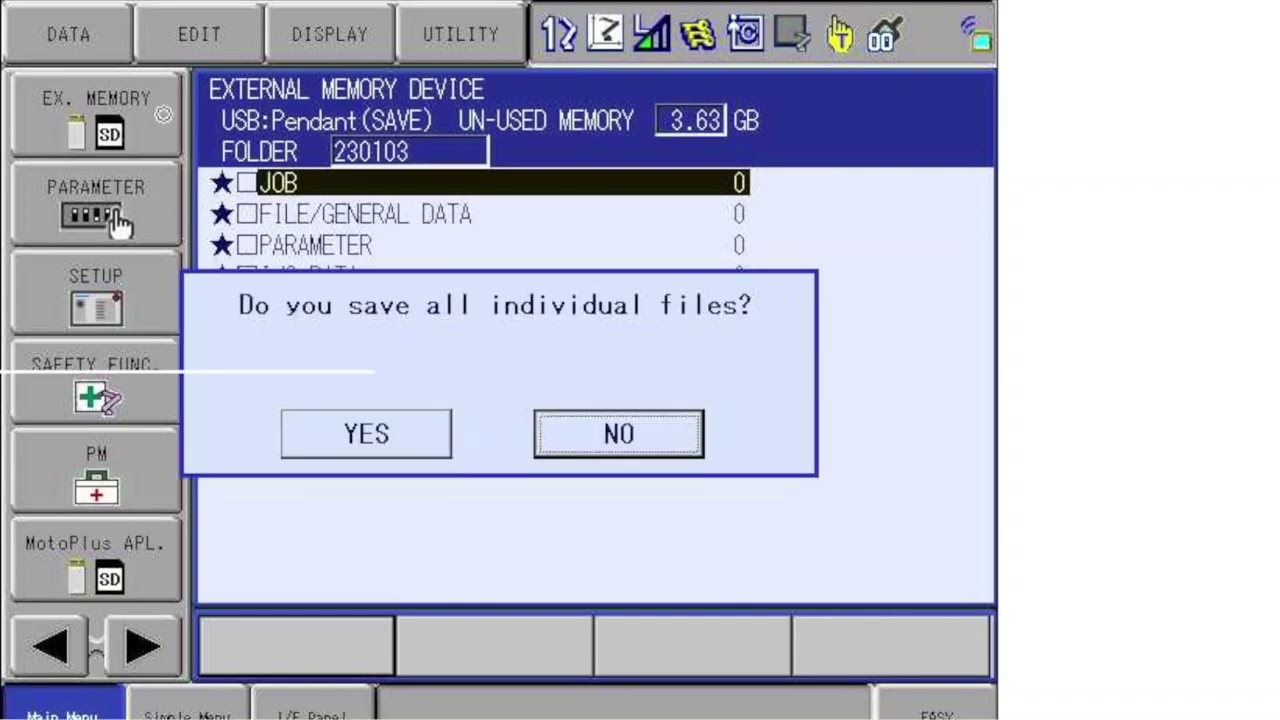
9️⃣ Confirm the action by selecting "Yes" and wait patiently until the backup process is complete before safely removing the USB stick.

----------------------------
🤖👑 #theRobotQueen, your reliable source on #robotics information!
How to backup a YASKAWA robot?

Поделиться в:

Доступные форматы для скачивания:

Скачать видео mp4

  • Информация по загрузке:

Скачать аудио mp3

Похожие видео

🔵✅REALIZAR BACKUP A ROBOT YASKAWA CONTROLADOR DX200

🔵✅REALIZAR BACKUP A ROBOT YASKAWA CONTROLADOR DX200

Backing up FANUC robot - How to make a robot backup ?

Backing up FANUC robot - How to make a robot backup ?

Flexxbotics Studio Overview | Building Factory Automation with Python, APIs & AI

Flexxbotics Studio Overview | Building Factory Automation with Python, APIs & AI

Basic Robot Programing || Robot Welding Program Playlist || Yaskawa Robot Tutorial || New Program Yaskawa | Teach Pendant Knowledge | Welding Program

Basic Robot Programing || Robot Welding Program Playlist || Yaskawa Robot Tutorial || New Program Yaskawa | Teach Pendant Knowledge | Welding Program

Passo a Passo: Backup do Robô Motoman Yaskawa DX200

Passo a Passo: Backup do Robô Motoman Yaskawa DX200

Backup YRC1000

Backup YRC1000

Yaskawa Robot Complete Backup.. CMOS Backup

Yaskawa Robot Complete Backup.. CMOS Backup

Vintage Floral Free Tv Art Wallpaper Screensaver Home Decor Samsung Oil Painting Digital Wildflower

Vintage Floral Free Tv Art Wallpaper Screensaver Home Decor Samsung Oil Painting Digital Wildflower

INDIVIDUAL FILE BACK-UP SAVE PROCEDURE

INDIVIDUAL FILE BACK-UP SAVE PROCEDURE

How to reset the Check Position Error

How to reset the Check Position Error

DX100 — резервное копирование CMOS

DX100 — резервное копирование CMOS

Robotic Welding Training - Performing A Dry Run

Robotic Welding Training - Performing A Dry Run

Vintage Floral Free Tv Art Wallpaper Screensaver Home Decor Samsung Oil Painting Digital Wildflower

Vintage Floral Free Tv Art Wallpaper Screensaver Home Decor Samsung Oil Painting Digital Wildflower

How to take Backup Of Yaskawa Robot|| Yaskawa Robot Programing|| Panasonic ABB Kuka Fanuc Robot

How to take Backup Of Yaskawa Robot|| Yaskawa Robot Programing|| Panasonic ABB Kuka Fanuc Robot

ОБЫЧНЫЙ VPN УМЕР: Чем обходить блокировки в 2026

ОБЫЧНЫЙ VPN УМЕР: Чем обходить блокировки в 2026

Yaskawa Robot YRC1000: What is the CMOS BIN File?

Yaskawa Robot YRC1000: What is the CMOS BIN File?

YASKAWA BASICS 101 Tutorial - Learn the basics, how to jog the robot and create a program 4k

YASKAWA BASICS 101 Tutorial - Learn the basics, how to jog the robot and create a program 4k

DX200 — Полное резервное копирование

DX200 — Полное резервное копирование

How to check output -input #yaskawa #robot #new

How to check output -input #yaskawa #robot #new

Moving all the axes of your Yaskawa Robot

Moving all the axes of your Yaskawa Robot

© 2025 dtub. Все права защищены.


  • Контакты
  • О нас
  • Политика конфиденциальности


Контакты для правообладателей: infodtube@gmail.com