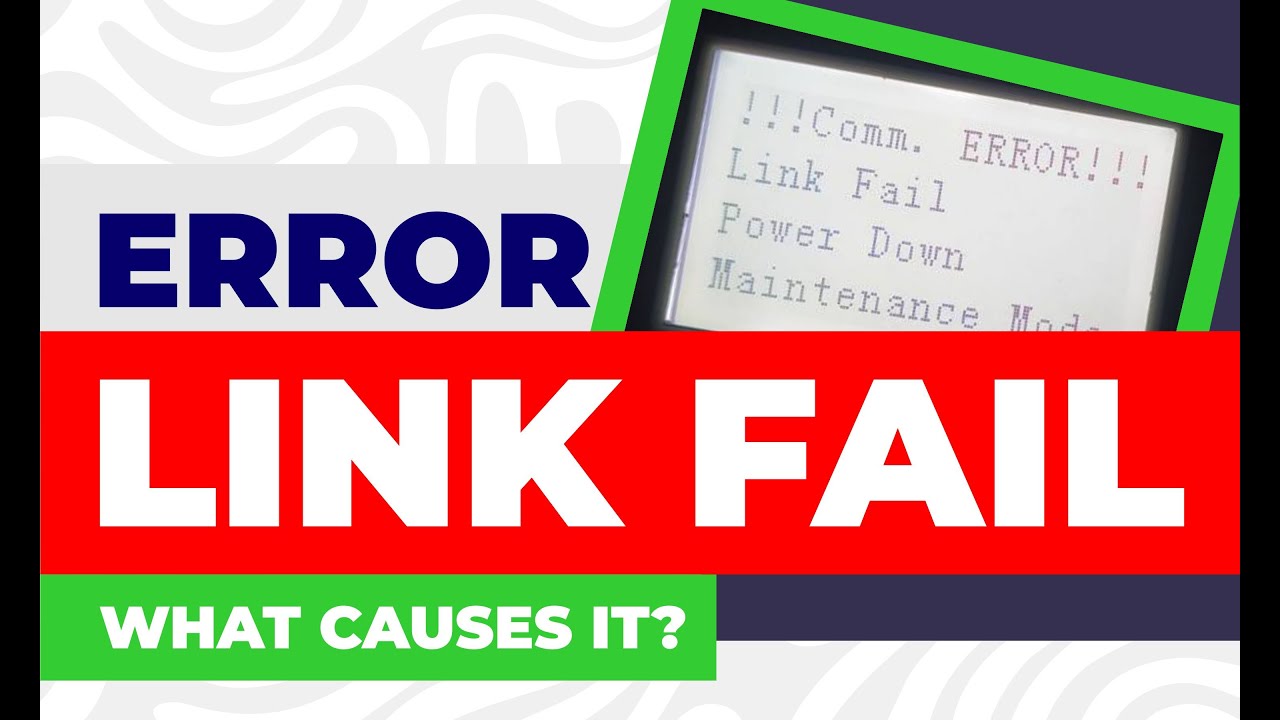
How to solve the link fail problem of Nocai flatbed uv printer(part 1)?
Автор: Nocai uv printer Kevin
Загружено: 2021-11-22
Просмотров: 15034
The situation is, “Link fail” problem reported by the printer, and there have no light working on the board.
The “Link Fail” problem usually caused by below spare parts:
1.Print head cable;
2.Print head;
3.Print head board;
4.Mainboard cable;
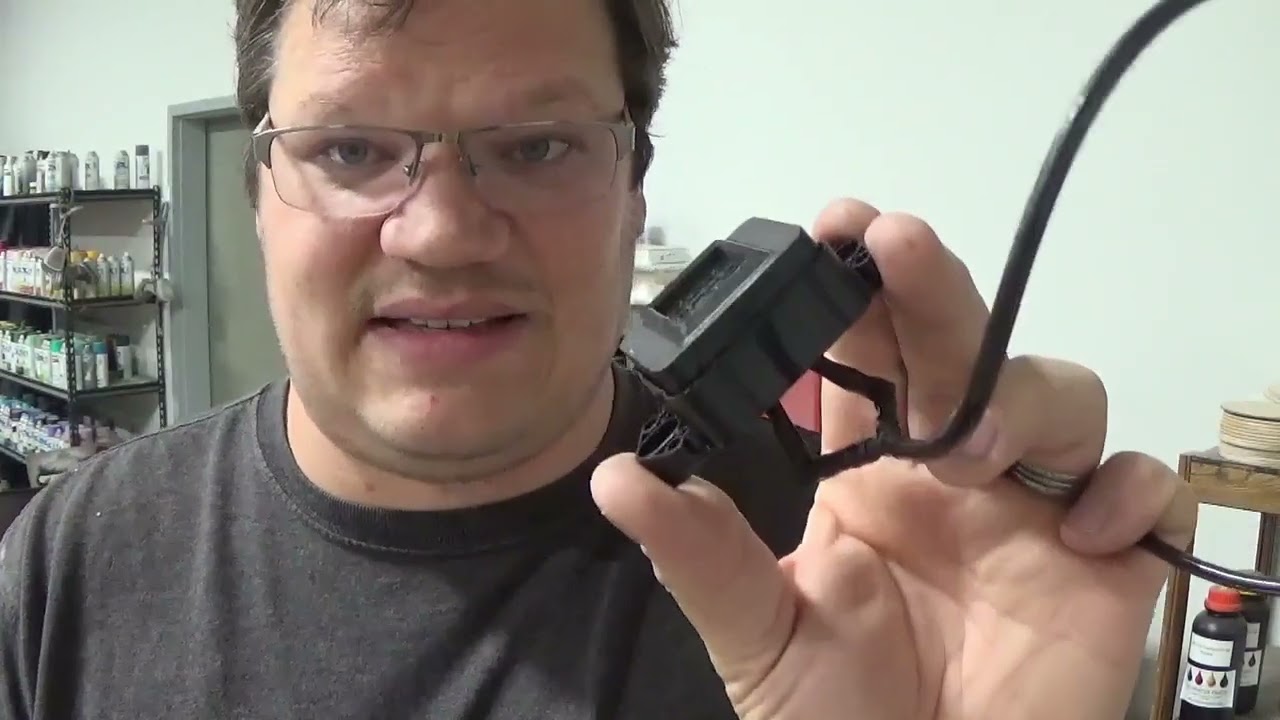
5.Five pin black cable;
6.Mainboard cable
(1). First, turn off the machine, disconnect and reconnect the mainboard cable, then turn on the machine to check if the print head boards has light working or not.
(2). If still no, then disconnect the mainboard cable, use an extra mainboard cable to connect the mainboard and print head board outside.
2.1 If this time working well, then replace the mainboard cable.
2.2 If this time still not working, then 99% is the problem of the print head board, 1% is the mainboard or five pin black cable problem.
So in that case, replace the print head board.
(3). Not only for sale, but service. Contact with Kevin @ Wechat & Whatsapp: 008618588541256 to get more info.
#digitaluvflatbedprintersupplierinchina #uvflatbedprintersupplierinchina #uvinkjetprintermanufacturers #chinauvflatbedprintermanufacturers #UVprintersuppliers

Доступные форматы для скачивания:
Скачать видео mp4
-
Информация по загрузке: