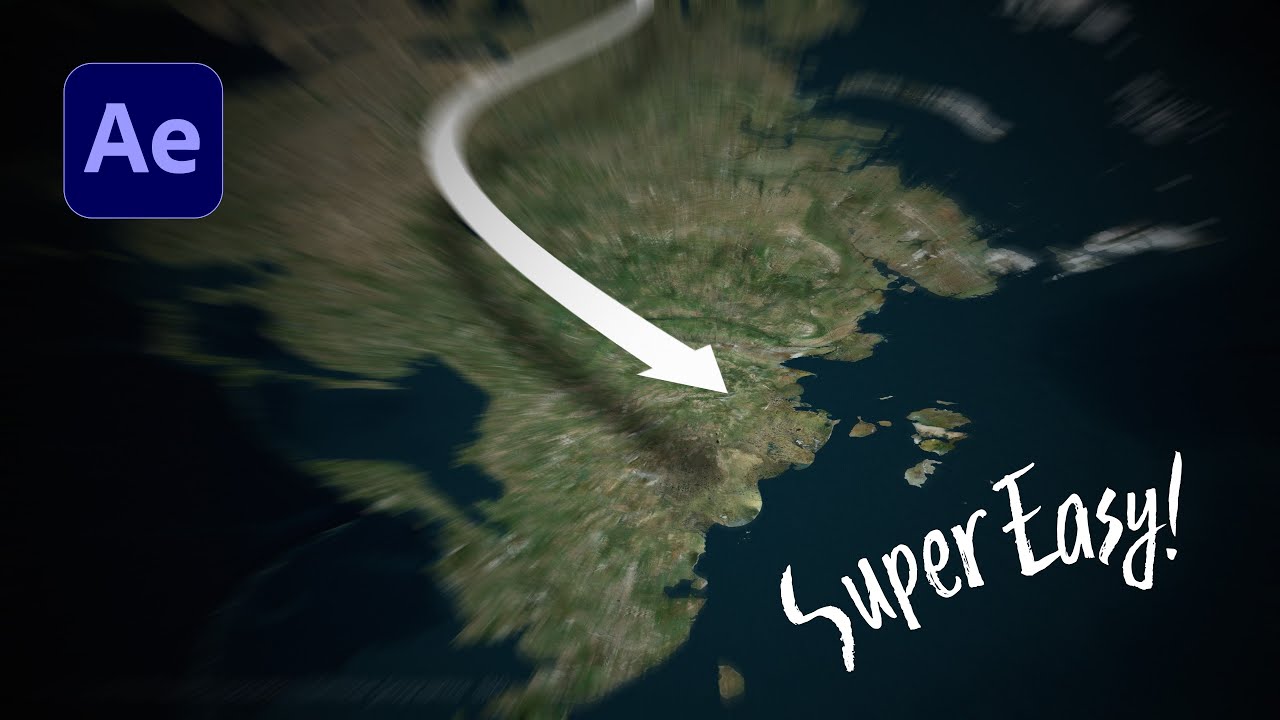
Swooping Arrow Animation in GeoLayers 3 | After Effects Tutorial in Just 5 Minutes!
Автор: Effect On Demand
Загружено: 2025-10-18
Просмотров: 505
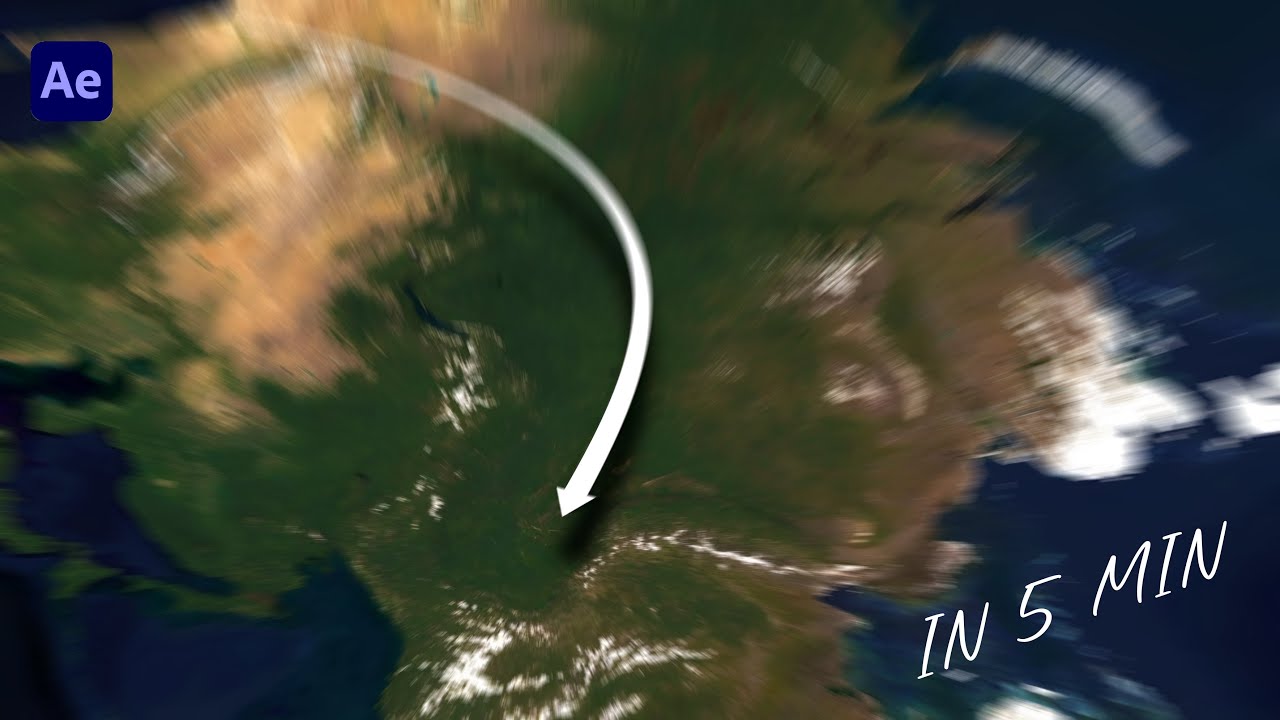
Learn how to create a swooping arrow animation across any map using GeoLayers 3 in After Effects — in just 5 minutes!
This quick and easy tutorial shows how to design dynamic, realistic arrow paths that move smoothly across your map for travel videos, documentaries, or news intros.
📍 What You’ll Learn:
How to draw an arrow path in GeoLayers 3
Animate the swooping motion
Adjust arrow timing, easing, and direction
Add 3D-like effects for cinematic map animation
🎞️ Perfect for:
Motion designers, editors, travel vloggers, and anyone learning After Effects map animation.
#AfterEffects #GeoLayers3 #MapAnimation #MotionGraphics #AfterEffectsTutorial #GeoLayersTutorial #QuickTutorial #MapDesign #AnimatedArrow #TravelAnimation #MotionDesign #AEMaps #5MinuteTutorial
00:00 Introduction
00:28 Step 1: Create Composition
00:46 Step 2: Draw Arrow on Map
01:32 Step 3: Adjust Arrow Motion
03:32 Step 4: Create Arrow Shadow Effect
04:24 Step 5: Adjust 3D Look
05:00 Final Preview
Доступные форматы для скачивания:
Скачать видео mp4
-
Информация по загрузке: