How to Change Username & Password in Parrot OS (Step-by-Step Guide)
Автор: Drawing with Code
Загружено: 2025-09-15
Просмотров: 830
00:00 Introduction
00:06 Changing the Current User Password
00:33 Creating a New User Account
00:42 Adding User to Sudo Group
01:30 Logging in as New User
02:05 Deleting the Old User Account
02:43 Troubleshooting Userdel Error
03:45 Conclusion
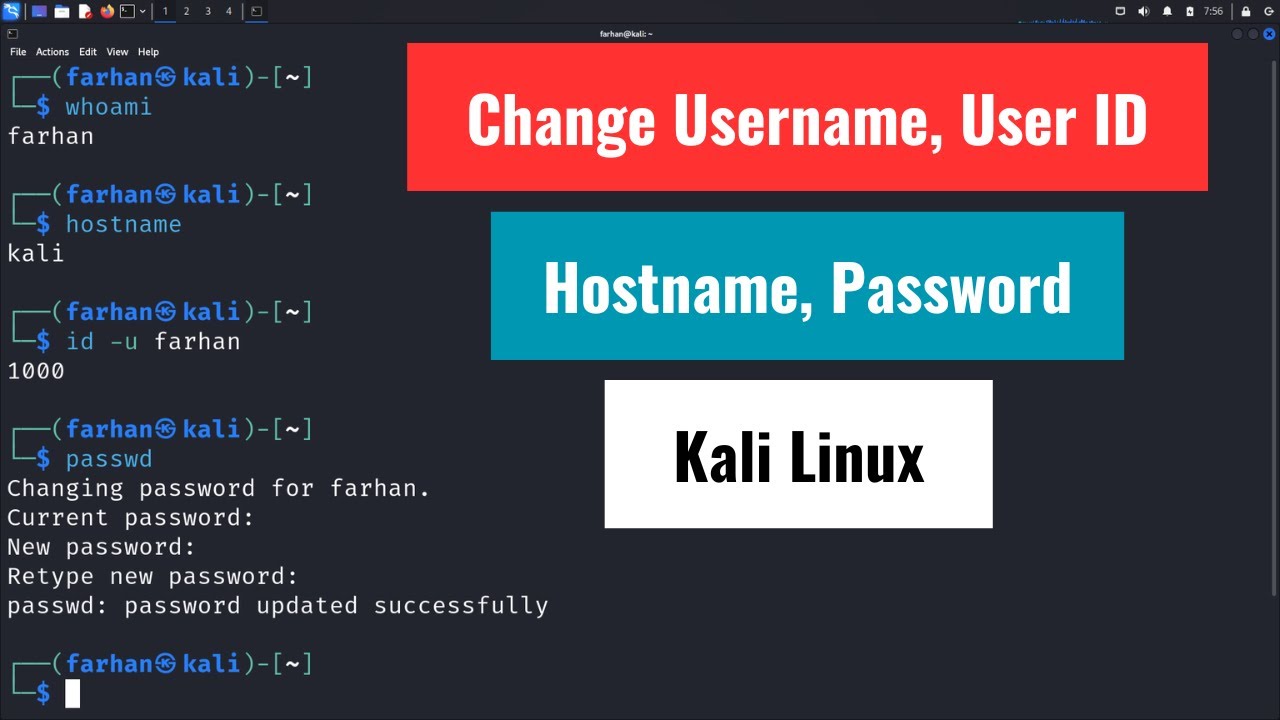
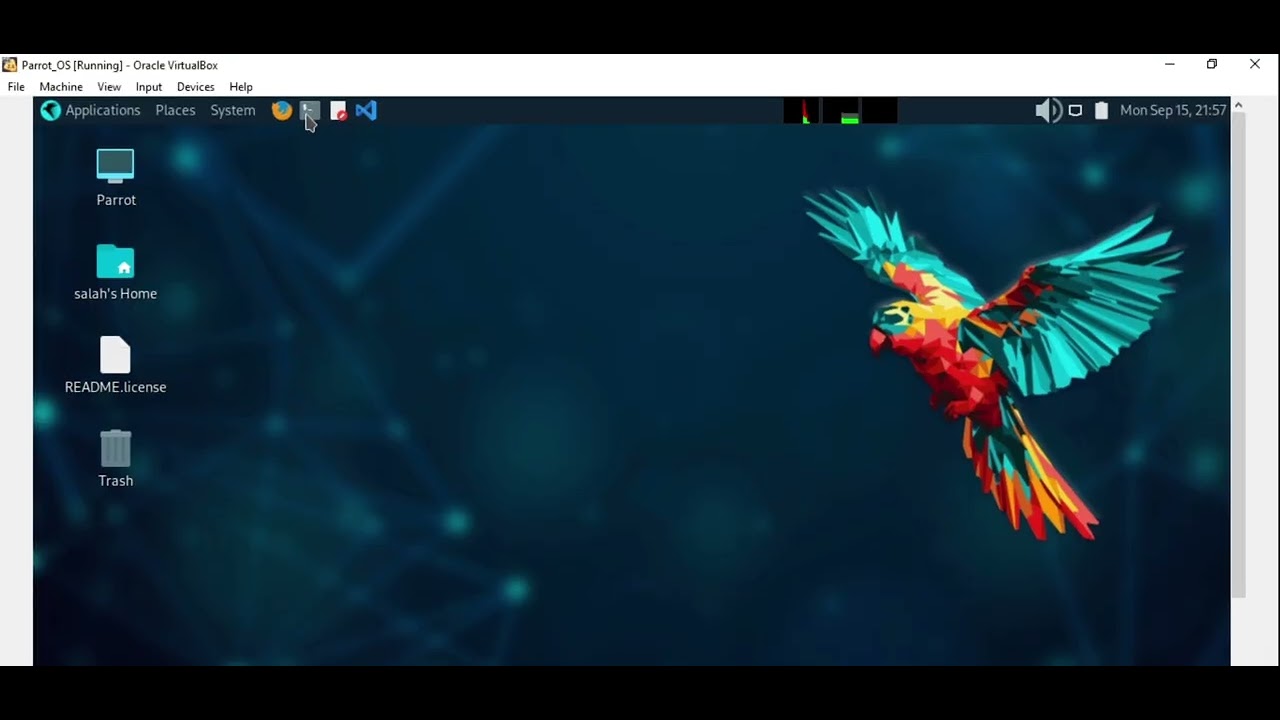
In this video, I'll show you exactly how to change the default "user" account and password in Parrot OS. This comprehensive, step-by-step tutorial is perfect for anyone new to Linux, virtual machines, or cybersecurity who wants to set up their system correctly from the start. We'll cover how to change the password, create a new user with sudo privileges, and safely delete the old 'user' account to avoid common errors like the userdel process error.
What you will learn in this tutorial:
How to change the current user's password using the passwd command.
The safest method to change the username by creating a new account.
How to add your new user to the sudo group for admin privileges.
A fix for the common userdel error that prevents you from deleting the old user.
Commands used:
passwd
sudo adduser new_username
sudo usermod -aG sudo new_username
sudo deluser --remove-home old_user
sudo pkill -u user
Connect with me:
My Channel: https://www.youtube.com/c/ILovePencil...
Blogger: https://ilpd-ms.blogspot.com/
Instagram: / m_salah2405
BuymeCoffee: https://www.buymeacoffee.com/Python_Cafe
Patreon: / msalah
--------------------------------------------------------------------------------------------------------
#parrotos
#kalilinux
#cybersecurity
Доступные форматы для скачивания:
Скачать видео mp4
-
Информация по загрузке: