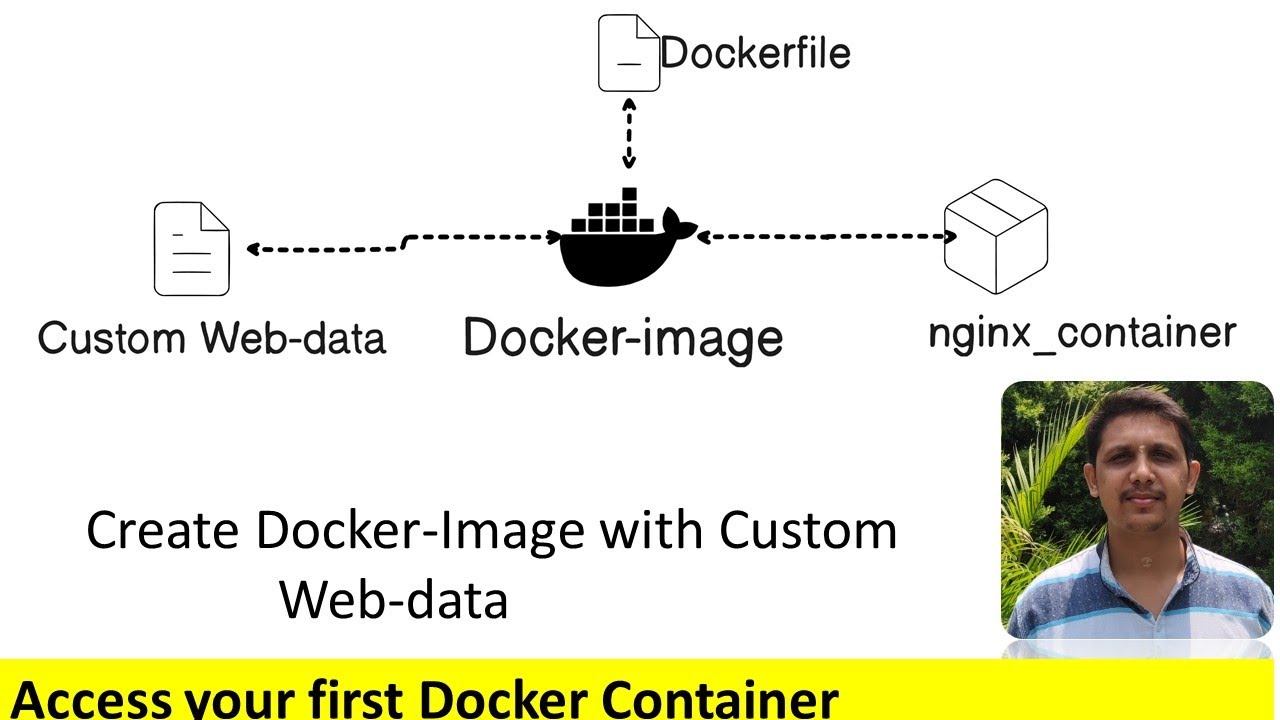
How to Build a Docker Image Using Dockerfile and Host Custom Web Data in Nginx
Автор: Harish N Shetty
Загружено: 2025-08-13
Просмотров: 94
#Docker #Nginx #Dockerfile #DockerImage #DockerTutorial #Containerization #DevOps #DockerBeginner #DockerNginx #CustomWebsiteHosting
🔗 Stay Connected:
🌐 Website: https://harishnshetty.github.io/
💼 LinkedIn: / harishnshetty
🐱 GitHub: https://github.com/harishnshetty
Steps to Create a Docker Image with Nginx and Custom Website
Install Docker – Make sure Docker is installed and running on your system.
Create a Project Folder – Add your custom HTML/CSS/JS files in it.
Write a Dockerfile – Use nginx:latest as the base image and copy your web files to /usr/share/nginx/html.
Build the Docker Image – Run: docker build -t my-nginx-site .
Run the Docker Container – Use: docker run -d -p 80:80 my-nginx-site
Access Your Website – Open http://localhost:80 in your browser.
(Optional) Push to Docker Hub – Share your image with others.
Docker,Dockerfile,Nginx,Custom Website Hosting,Docker Nginx,Docker Beginner Guide,Build Docker Image,Docker Custom HTML,Docker Containerization,Docker Tutorial for Beginners,DevOps,Docker Projects,Run Nginx in Docker,Create Docker Image with Nginx,Host Website in Docker,Custom Web Data Docker,Nginx Docker Container
Доступные форматы для скачивания:
Скачать видео mp4
-
Информация по загрузке: