Setting Up Raspberry Pi OS Lite: Headless SSH Setup on macOS
Автор: Duff Isberg
Загружено: 2025-11-12
Просмотров: 670
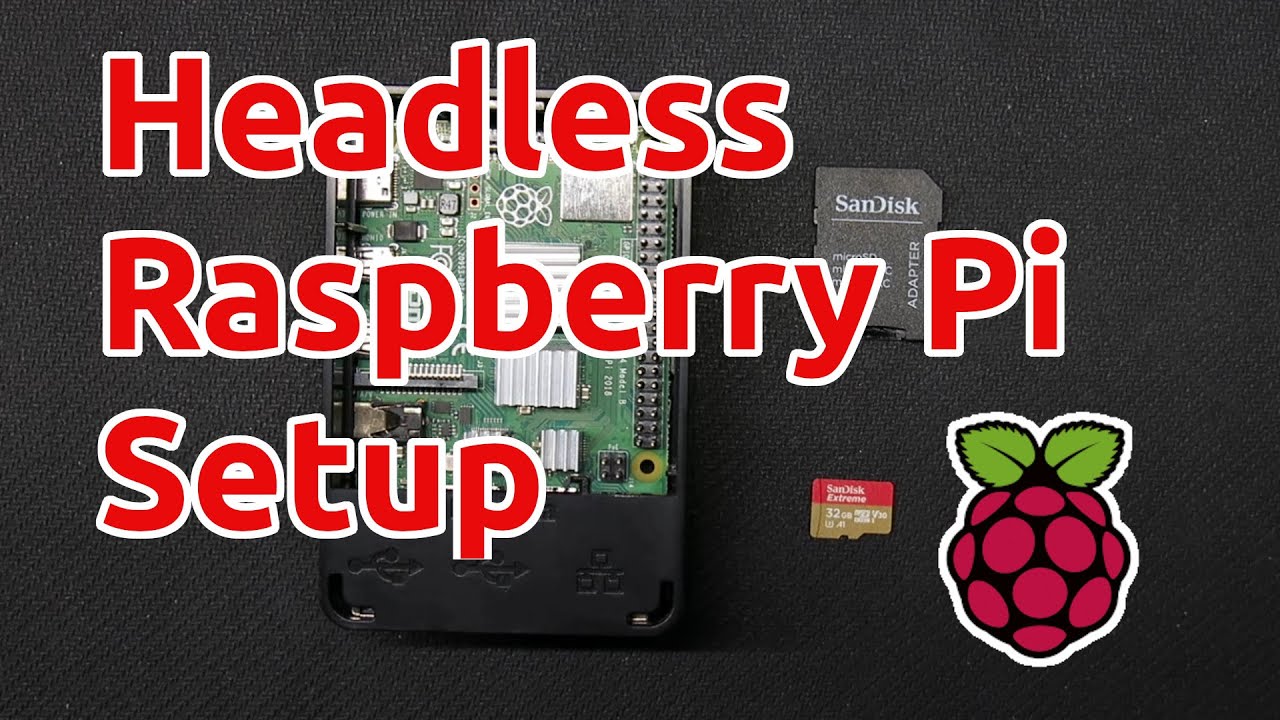
In this video, I walk through the full setup for a brand-new Raspberry Pi — flashing Raspberry Pi OS Lite, enabling SSH, and connecting from a Mac terminal with no monitor or keyboard needed. We’ll cover everything from imaging the SD card to updating your Pi for the first time.
What you’ll learn:
How to install Raspberry Pi OS Lite (64-bit)
How to configure Wi-Fi, SSH, and hostname in the Pi Imager
How to find your Pi’s IP address and connect via SSH
Basic Linux commands and updating your system
Perfect if you want to run your Pi headless for web servers, network projects, or future builds like Pi-hole or small home automation tools.
🌐 See more guides and projects at https://duffisberg.com
Affiliate Links For Products in this Video:
Card Reader: https://amzn.to/3LF9aCw
MicroSD: https://amzn.to/4p67zEk
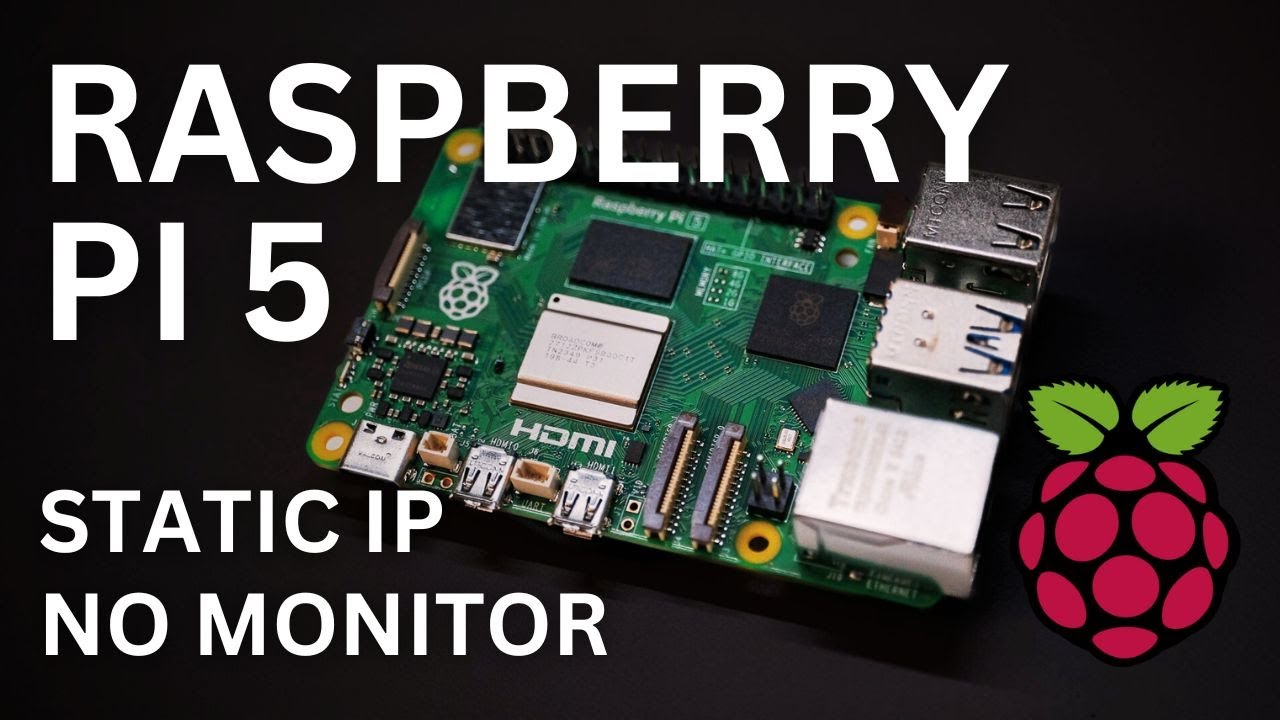
Raspberry Pi 5: https://amzn.to/43tCmmd
⏱ Timestamps:
0:00 – Intro
0:50 – Parts List
1:25 – Download the Pi Imager
1:51 – Pi Imager Settings
3:47 – OS Customization
5:36 – Pi Setup
6:12 – Pinging Your Pi
6:46 – Connecting via SSH
7:47 – Connected to Raspberry Pi
8:21 – Updating Your Pi
Доступные форматы для скачивания:
Скачать видео mp4
-
Информация по загрузке: