Seamless Patterns in Procreate, Finished in Photoshop with Smart Objects Trailer + BONUS FREE LESSON
Автор: Rebecca Flaherty
Загружено: 2023-04-05
Просмотров: 2423
This is more than just another class about how to make patterns in Procreate. It’s about creating a workflow that will make the most of your time, allowing you to enjoy the creative process and fast forward through some of the more tedious steps.
Take the full class here on Skillshare https://skl.sh/3FK9RF1
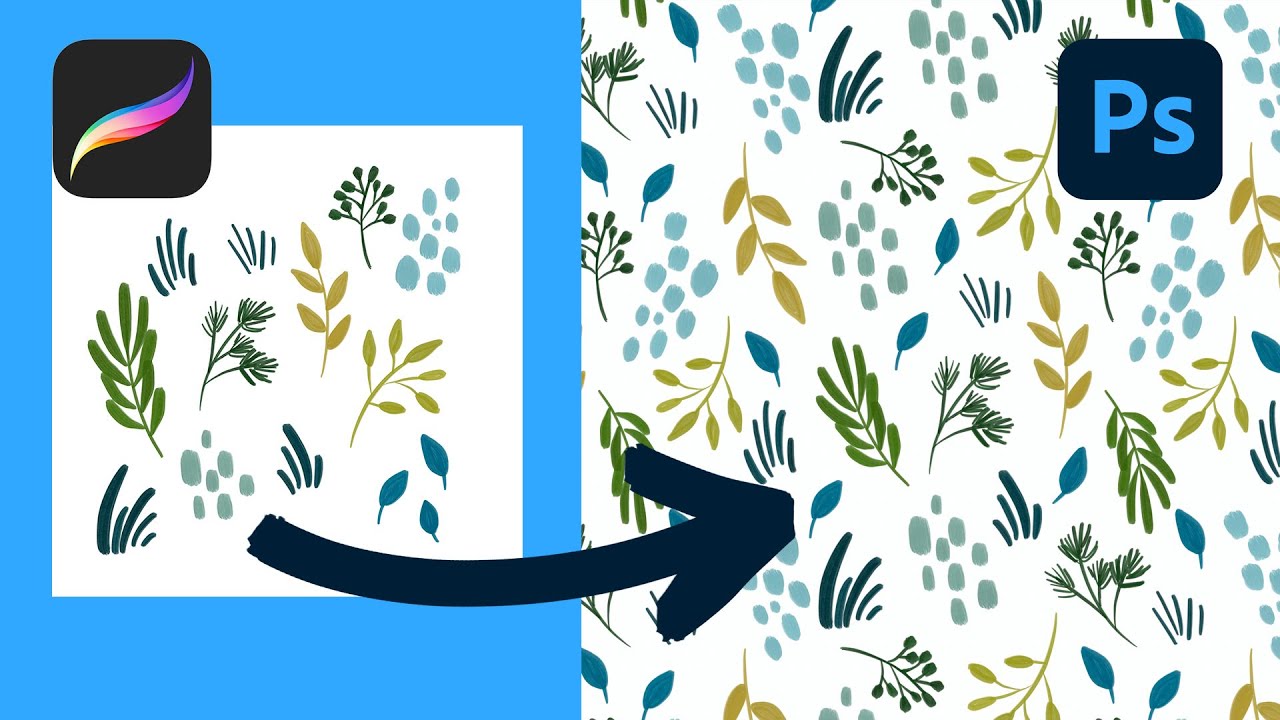
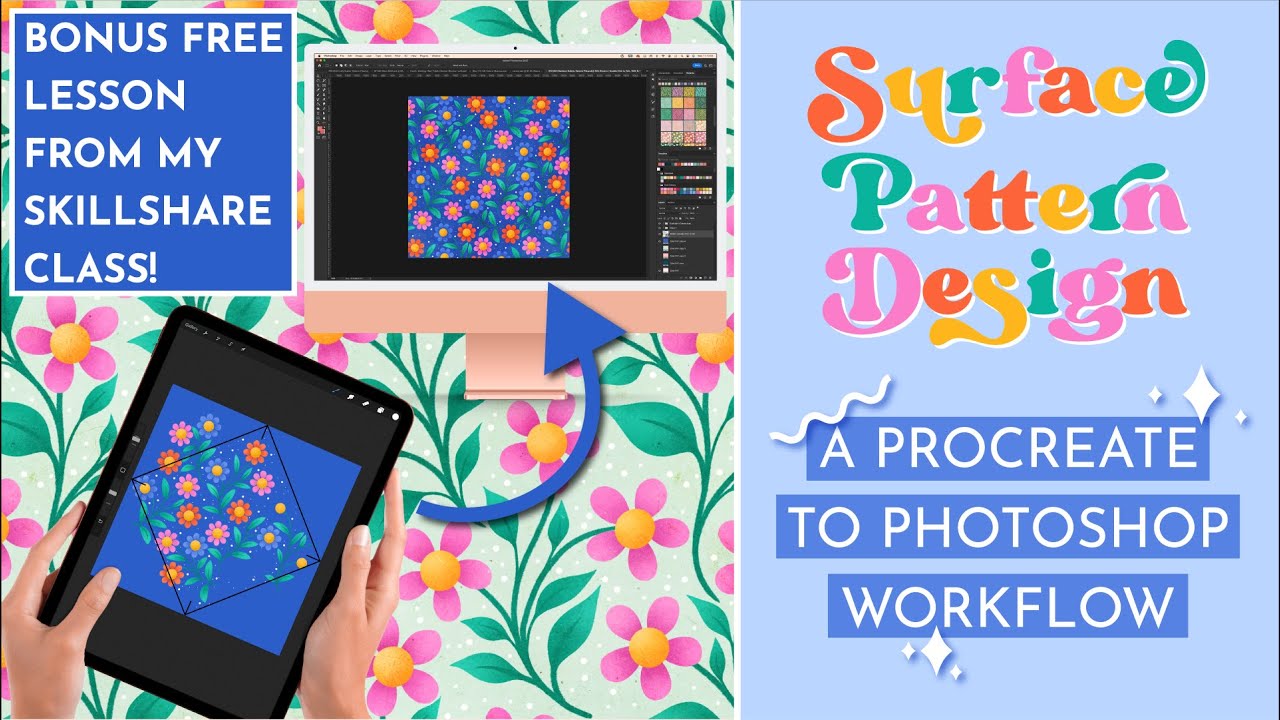
I’m going to take you through the whole life cycle of making a seamless pattern from the initial sketching in Procreate, right through to putting it together in Photoshop. You’ll have a completed design, ready to send to clients, share on social media and eventually archive so that you have all the different files together in one place.
In this class I’m going to teach you how to sketch and illustrate your patterns in Procreate, using non-destructive methods that preserve image quality, maintain an editable layer structure and therefore make this a viable method for commercial pattern making.
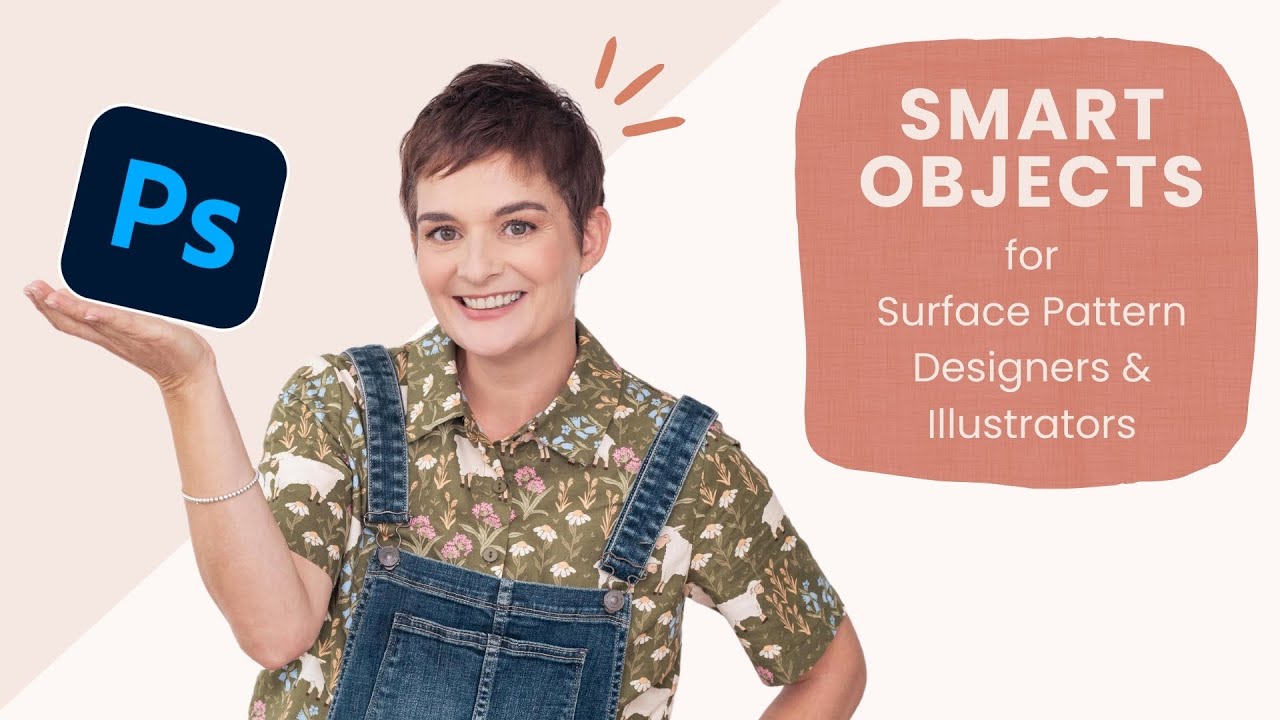
We’ll put the patterns together in Photoshop using smart objects. It’s a fun and fast method for making patterns and I use it every day for all my commercial designs.
You know I love a few shortcuts and tricks so we will be learning some Photoshop Actions that will allow you to build your pattern with just one click! It sounds like magic and frankly, it is; you’ll be able to AirDrop your file from Procreate to Photoshop and build out a repeat in seconds!
What You Will Learn:
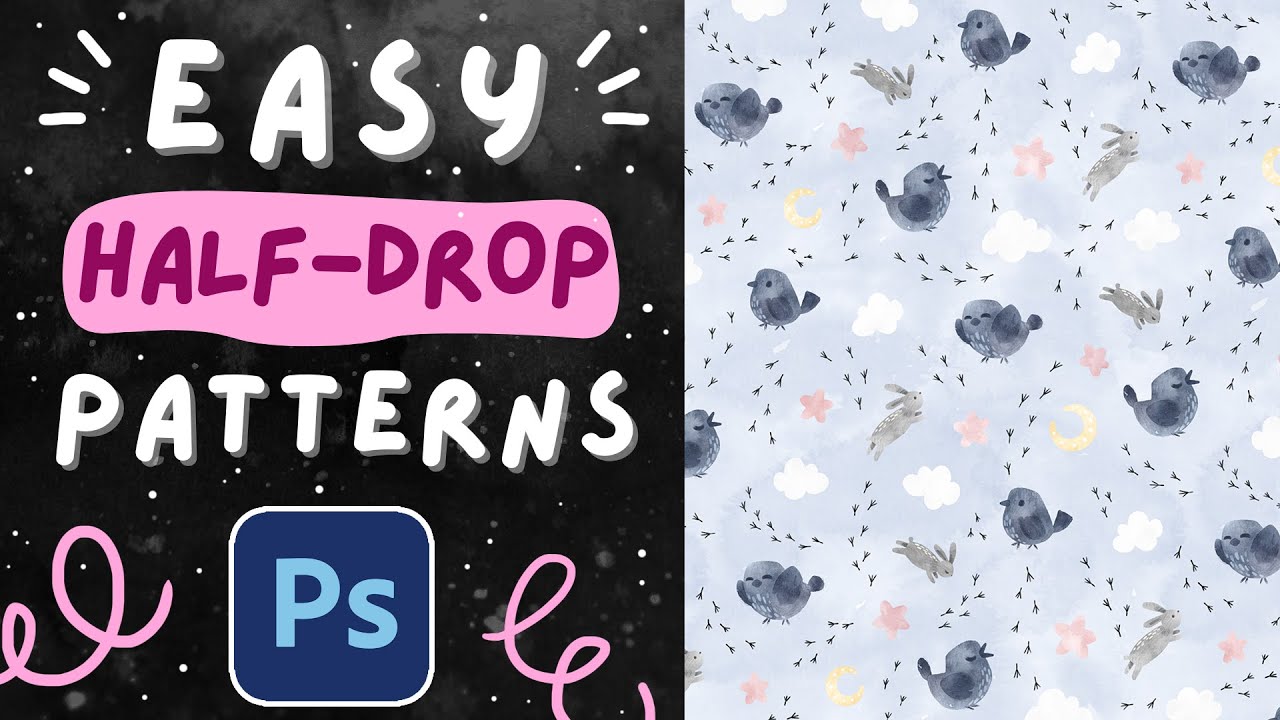
—— How to set up a master canvas for making a pattern with a built in half drop using the diamond method in Procreate.
—— Tips for adjusting the canvas to suit either the light or dark interface in Procreate.My advice for deciding what size canvas to use.
—— How to sketch out your pattern in Procreate, working out the layout and repeat for the pattern before you draw any final motifs.
—— Ways to save time by combining Procreate and Photoshop into your pattern workflow.
—— Best practices for exporting from Procreate to Photoshop.
—— How to make patterns with smart objects in Photoshop.
—— Creating Photoshop Actions to build perfect repeats every time with just one shortcut key.
—— How to skip tracing the gaps around textured shapes after filling with colour drop in Procreate and instead fill them in Photoshop with one click! —— Quick ways to test your pattern in Photoshop.
—— How to add your pattern as a swatch and easily apply it to mock-ups or templates
Why You Should Take This Class:
—— Creating patterns is Procreate is fun!
—— Using this built in half drop method is a really intuitive and hands on way to create patterns.
—— You get to see “off the edges” of your repeat in Procreate and use it almost like a pattern preview.
—— By working out your repeat as a sketch first, you can really work on filling the spaces and getting motifs to flow and interlock with each other.—— You save time because you only have to draw the motifs that you need.
—— By using Photoshop to put the pattern together, you can keep your layers intact which is preferable for commercial work.
The benefit of finishing the pattern in Photoshop is that it allows for more accurate adjustments, easier editing and no loss of quality when duplicating layers using smart objects. By completing some of the steps in Photoshop, you can use its more advanced selection tools to quickly perform tasks that would take a lot longer in Procreate. When you also combine them into Photoshop Actions, you can really speed up your workflow and efficiency!
I use this method for all of my commercial pattern designing, and I think you’re going to love it too!
Who This Class is For:
This is somewhere between a beginner and intermediate level class. It’s aimed at anyone who is somewhat familiar with the concept of surface pattern design, and has a very basic knowledge of how to open and create files in Procreate and Photoshop. I’ll be fully explaining everything as we go along so everyone can keep up. It’s also a great class for advanced designers who are looking to speed up their current workflow or learn a new way of making patterns.
Music from Uppbeat (free for Creators!):
https://uppbeat.io/t/soundroll/all-th...
License code: RZBW69ZPTWIZSKOJ
Music from Uppbeat (free for Creators!):
https://uppbeat.io/t/prigida/holding-you
License code: GEOMJQLYK7SIREW0
#surfacepatterndesign #procreatetutorials #photoshoptutorial #seamlesspattern
Доступные форматы для скачивания:
Скачать видео mp4
-
Информация по загрузке: