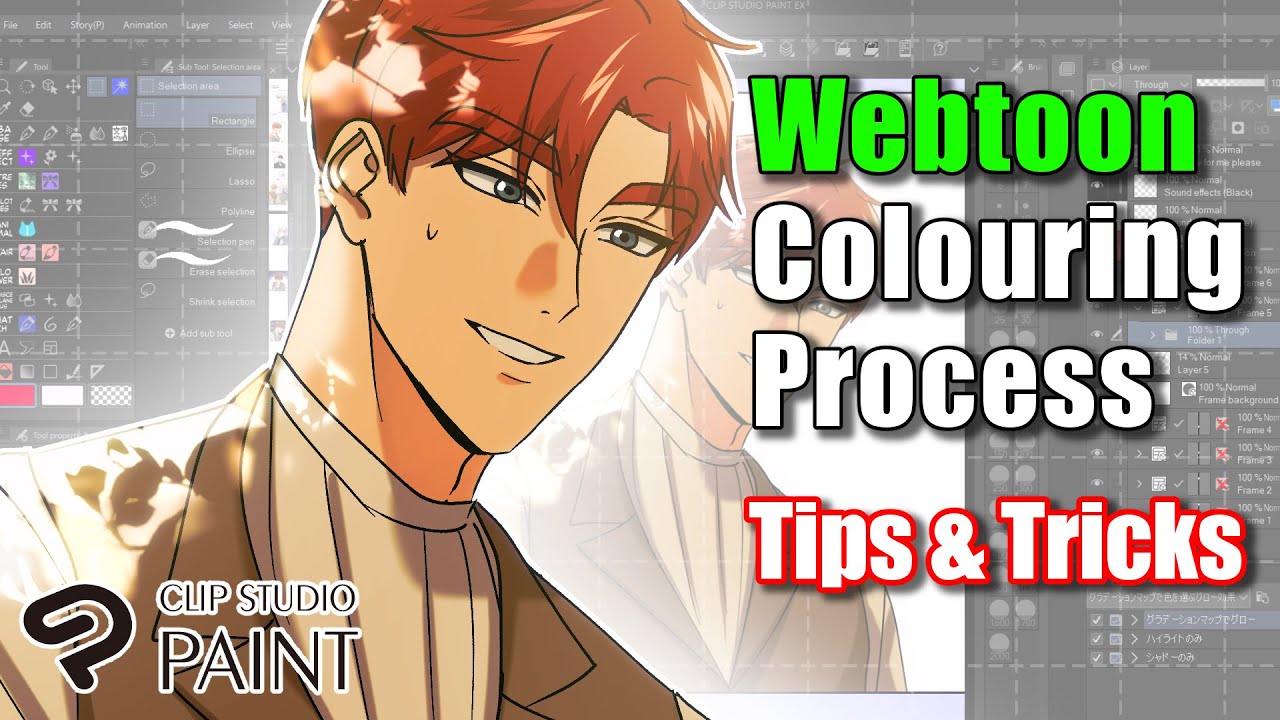
[Tutorial] How I Color Comics with CLIP STUDIO PAINT - Coloring Basics v3.0
Автор: Color with Kurt
Загружено: 2021-06-21
Просмотров: 92663
In this massive tutorial, I will show you my process for coloring sequential comic book pages with Clip Studio Paint Pro. All of the links mentioned can be found below:
🔥 Get my full CSP coloring course for $20 here: 🔥https://learn.comiccolor.com/courses/... or use coupon code csp20
• Get 70+ layered PSD files from my published work, the monthly live class, and member Discord access: / kmr
• Get my full YouTube stream archive (100+ streams), the monthly live class, member Discord access by joining this channel as a member: / @colorwithkurt
• https://learn.comiccolor.com --- 50% off any course with code: clipbasics
• My favorite Procreate brushes
https://gumroad.com/a/1064825971
I will receive a commission on all purchases via this link, so it's a great way to support my channel while getting some incredible brushes that I really like at the same time.
Links mentioned:
1. Artist Adam Gorham
/ adamtgorham
2. How to put your line art on a transparent layer with Photoshop or Procreate:
• How to color the lines in your line art in...
3. Edward Witt's CSP flatting options explained:
• Quick Flats in Manga Studio 5/Clip Studio ...
4. How I flat in Photoshop:
• How to Flat Comics Properly: A Flatting Tu...
5. Why I like Hard Light blending mode:
• 5 Ways HARD LIGHT is Great for Digital Col...
6: Rendering workflow trick:
• A Coloring Speed Hack That Actually Works
My key shortcuts:
C: Toggle between active color and transparency
F: Airbrush
E: Lasso
A: Polyline
G: Fill
W: Auto-select / “Magic Wand”
R: Rotate
Z: Zoom
S: Blend
B: Pen
Space bar: Pan
Ctrl + G: Hide selection border
Ctrl + H: Hue/Saturation/Luminosity
Ctrl + Shift + I: Invert selection
Time stamps:
0:00 Introduction
0:33 About me
0:56 Credits (Line art by @adamtgorham)
01:17 Put the line art on a transparent layer
02:03 Creating your PANELS layer
02:26 Quickly change tools with keyboard shortcuts
03:45 Using Polyline/Fill to separate the panels
05:10 Add or remove from a selection
05:54 “ELEMENTS” layer explained
06:55 Why I don’t use Clip’s “smart” flatting tools
07:50 How I flat major elements
12:14 Why I don’t put different elements on different layers
13:47 How to flat everything else
19:47 How to create Quick Access buttons
22:08 Creating the BASE colors layer
22:49 Auto-select / Wand settings for Reference layers
24:31 Adjust the base colors
25:57 Why I start with more neutral colors
26:49 Pro:tip: All colors are based on comparisons
31:58 Setting the AMBIENT light
33:55 How Hard Light blending mode works
37:56 Adding SHADOWS
41:19 Adding the primary lights
44:32 Adding secondary lights
45:47 Changing the color of the lines with a clipping mask
46:49 A tip regarding changing the line colors
48:07 How to do glows/special effects
49:38 Process overview
51:12 Conclusion
52:21 Clip Course sale (link in desc)
53:47 Thank you!
![[Tutorial] How I Color Comics with CLIP STUDIO PAINT - Coloring Basics v3.0](https://imager.clipsaver.ru/8GVCTFN1mRI/max.jpg)
Доступные форматы для скачивания:
Скачать видео mp4
-
Информация по загрузке: