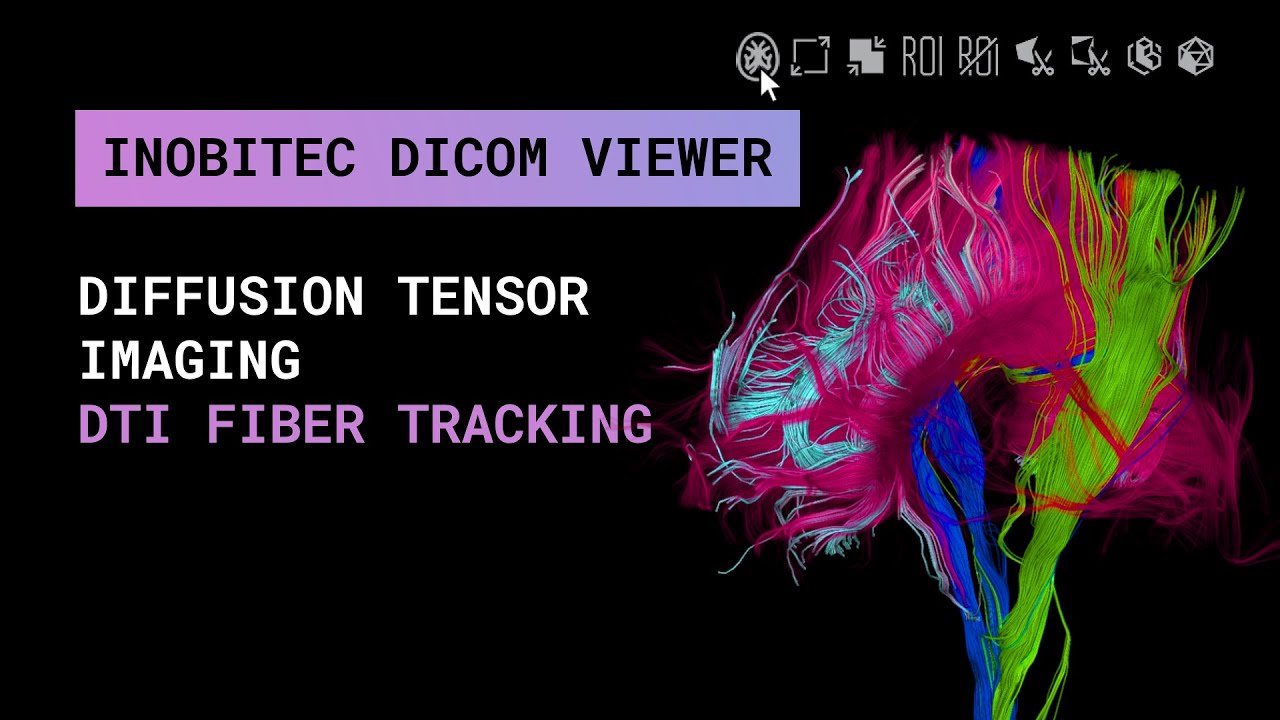
DTI fiber tracking in Inobitec DICOM Viewer Pro
Автор: Inobitec Company
Загружено: 2025-12-05
Просмотров: 171
This video demonstrates how to work with DTI functionality for visualizing brain fiber tracts using diffusion MRI. You will learn how to:
✅ Load a diffusion MRI series and activate DTI mode
✅ Create and manage fiber groups for different tracts
✅ Define tracts using ROI tools (Ellipse, Rectangle, Polygon)
✅ Refine fiber selection with multiple ROIs and ROI inversion
✅ Hide groups for clearer visualization
✅ Use Polygon Cut and Inverse Polygon Cut for fine-tuning fiber visibility
✅ Navigate directly to ROIs with the “Find ROI” tool
✅ Work with scalar maps (FA, MD, AD, RD) and adjust their value ranges and color tables
✅ Export processed tracts as surface meshes or voxelized structures
✅ Save segmentation projects with all DTI groups preserved
✅ Keep DTI fibers visible while switching between different series of the same study
Interested in testing the new features of Inobitec DICOM Viewer? Just send an email to market@inobitec.com and request a free trial!
⬇️ Download and try our products by clicking at https://inobitec.com/downloads/dicomv...
🤝Become our distribution partner: https://inobitec.com/distribution/
Follow us on:
✅ Telegram: https://t.me/inobitec
✅ Instagram: / inobitec
✅ LinkedIn: / inobitec
✅ Facebook: / inobitec
✅ X: / inobitec
📍Check our website for more details: inobitec.com
📩Send us a message at support@inobitec.com or use the knowledge base in case you have any questions. We update it regularly for you: https://help.inobitec.com/en/troubles...
👉Subscribe and stay tuned for further updates!👈
Доступные форматы для скачивания:
Скачать видео mp4
-
Информация по загрузке: