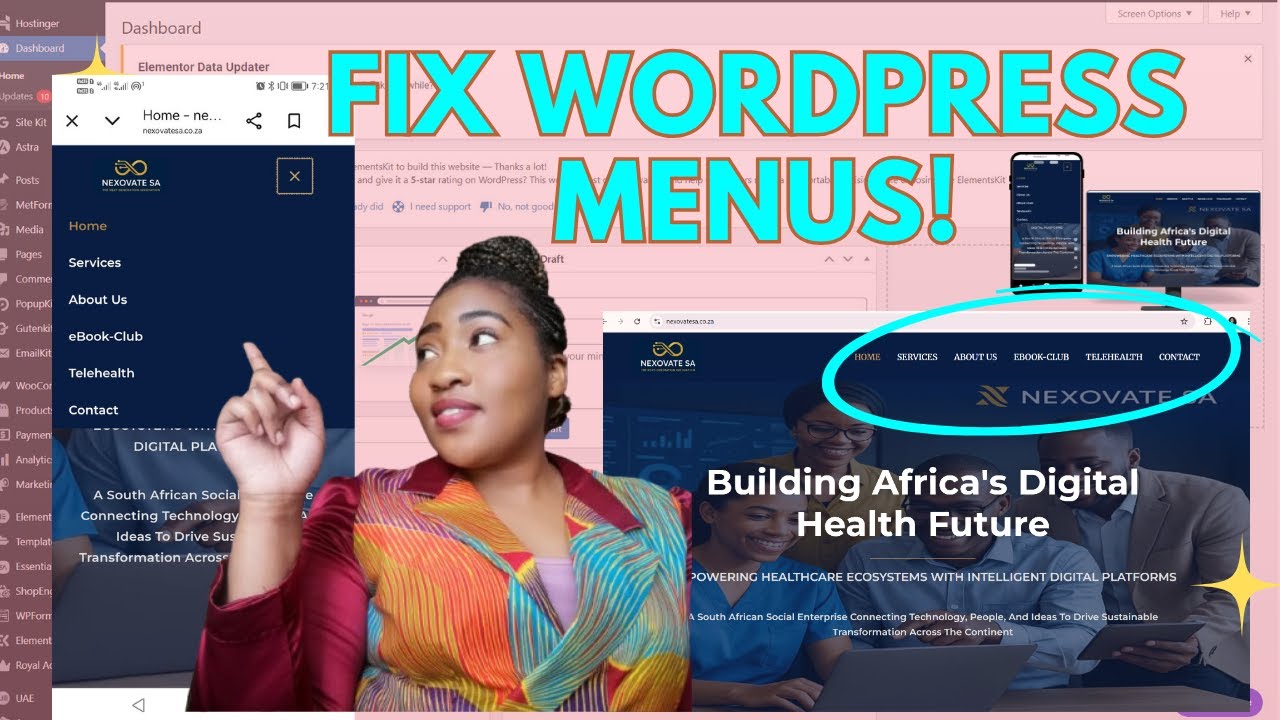
Update Team Members Instantly Using Elementor
Автор: Lablonde Kalalizi
Загружено: 2026-01-24
Просмотров: 14
How to Edit a Team Page in WordPress Using Elementor (Step-by-Step)
Struggling to update or customize your WordPress team page? In this step-by-step tutorial, I’ll show you exactly how to edit your team members page in WordPress using Elementor, even if you’re a complete beginner.
In this video, you’ll learn:
✔ How to edit a team page in WordPress
✔ How to update team members (names, roles, images, bios)
✔ How to use Elementor to customize your team section
✔ Beginner-friendly WordPress editing tips
✔ How to make your business website look professional
This tutorial is perfect for:
Small business owners
Students learning WordPress
Beginners using Elementor
Freelancers managing client websites
👉 Subscribe for more WordPress & digital skills tutorials
I post practical videos to help you build skills, grow online, and make better tech decisions.
🔔 Turn on notifications so you don’t miss future uploads!
📌 Related Videos You May Like:
Home Page - Part 1: • Customise Your Website Content Using WordP...
Service Page - Part 2: • How To Edit Website Pages In WordPress: Be...
How to Edit WordPress Pages with Elementor
Beginner WordPress Website Tutorials
Website Tips for Small Businesses
🔗 Connect With Me:
📺 Subscribe here: @lablondekalalizi9502
Website Hosting Link: https://hostinger.com?REFERRALCODE=1L...
🎁 Free digital resources for subscribers coming soon, don't miss it out.
@lablondekalalizi9502
Sound effects used:
e-Dreams
Royalty Free Music: Bensound.com
License code: RO1G9CZH7VSXXC1S
Artist: : Benjamin Tissot
Moonlight Coffee
Music by: https://www.bensound.com
License code: N4NPGIINLKC2ZVIR
Artist: : Yunior Arronte

Доступные форматы для скачивания:
Скачать видео mp4
-
Информация по загрузке: