Adding An Additional Domain Controller To An Existing Domain | Windows Server 2019
Автор: ittaster
Загружено: 2021-03-28
Просмотров: 62711
In this ittaster video we begin with a brief overview of the benefits of adding an additional domain controller to a Microsoft Windows Server 2019 domain, followed by a step by step installation and configuration in a learning lab environment.
You'll learn how to:
1. Join a Windows Server 2019 server to a domain
2. Install the Active Directory Domain Services (AD DS) role
3. Configure an additional Windows Server 2019 domain controller in a test lab environment
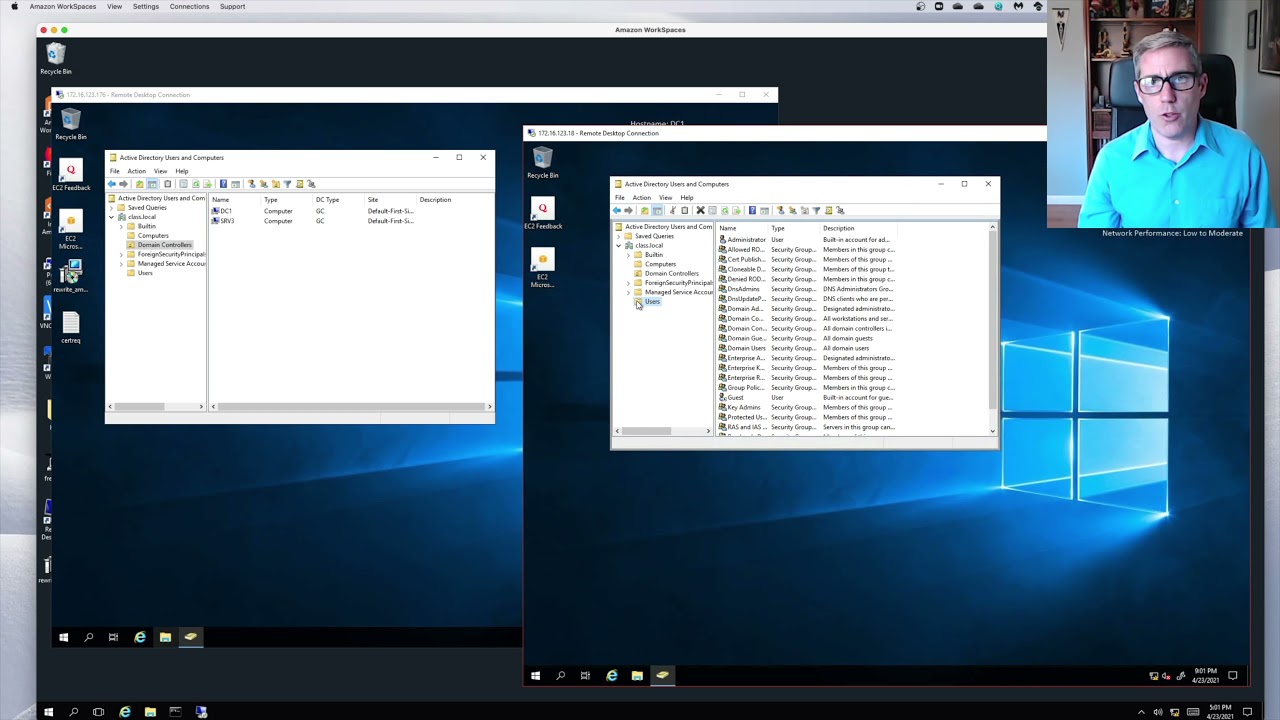
4. Check Active Directory objects have successfully replicated using the Active Directory Users & Computers tool
#WindowsServer #ActiveDirectory #ittaster @it_taster
Say hi on social media!
Twitter: / it_taster
Instagram: / it_taster
Facebook: / r
Related itTaster videos:
Active Directory Domain Services For Beginners - Windows Server 2019
• Active Directory Domain Services For Begin...

Доступные форматы для скачивания:
Скачать видео mp4
-
Информация по загрузке:


![[2026] Feeling Good Mix - English Deep House, Vocal House, Nu Disco | Emotional / Intimate Mood](https://imager.clipsaver.ru/cxLdtvzf2sI/max.jpg)